
Connect the Software Your Service Business Already Uses
Workflow automation integrations are operational infrastructure, not another productivity app or a generic AI experiment. A controlled integration connects the software a service business already depends on so routine information can move between systems through defined rules. The aim is practical: remove repetitive work and bottlenecks while improving the consistency of day-to-day operations.
That can mean connecting a website form to the CRM, the CRM to scheduling, scheduling to field-service or project work, and completed work to accounting and payment systems. A new inquiry should become a usable customer record rather than an email someone must retype; an appointment change should reach the people and systems responsible for delivery; a payment update should be visible without staff hunting across tabs. Integrating business software does not mean replacing every platform. It makes the handoffs between CRM, forms, calendars, dispatch, accounting, payments, and project tools intentional.
This work addresses the operational failures that quietly consume capacity: duplicate data entry, delayed lead follow-up, missed internal handoffs, inconsistent customer records, and teams chasing status updates. For owners, office managers, dispatch coordinators, and revenue leaders, workflow automation for small business creates clearer ownership of what happens next, and outcomes such as faster lead response, fewer missed handoffs, and lower administrative workload can be measured against the workflow being improved.
Start With the Workflows Where Delays and Errors Cost the Most
Priority should go to the handoffs that create visible operational loss when they fail: an inquiry left without a response, an approved estimate that waits to become a job, or completed work that sits unbilled. In business automation consulting, the first question is not which tool to connect, but which repeated task has enough volume, delay, rework, or revenue risk to justify a dependable workflow.
Strong candidates for business process automation have a clear trigger event, such as a form submission, status change, approval, or payment; stable rules that determine what happens next; trusted source data; and a named owner for exceptions. A workflow that routes every new lead by service area and availability is a strong candidate when those fields are consistently captured. A process remains weak when teams disagree on ownership, important details live in free-form notes, or each case requires a different judgment.
Before business workflow automation is built, a workflow audit maps the systems involved, each handoff, required data fields, approvals, exception paths, and the person responsible at every stage. It also defines a practical success measure: for example, whether every qualified inquiry reaches the right queue, whether approved work is created without rekeying, or whether invoices are issued promptly after completion. This separates work that is ready to automate from work that first needs clearer rules, cleaner inputs, or an agreed operating process.
Examples of High-Impact Workflow Integrations
The most useful workflow automation integrations follow a business event through to the next accountable action. The systems and rules are tailored to the way your team sells, schedules, delivers, and supports work, not forced into a generic template.

- Lead capture and routing: A website form submission creates or updates a CRM contact, carries over service type, location, and inquiry details, then assigns the lead to the correct salesperson or queue. This prevents inbox-bound inquiries, duplicate records, and leads waiting for someone to notice them.
- Client onboarding: A signed agreement or accepted intake form moves client details from the CRM into a project workspace, file system, and onboarding task list. The resulting tasks give each owner a defined next step rather than relying on an informal email handoff.
- Estimate to job: When an estimate is approved in the quoting or CRM system, customer, scope, address, and approved line items create a job in scheduling or field-service software. This can eliminate manual data entry and prevent approved work from being rekeyed incorrectly or left uncreated.
- Scheduling and work orders: A booked or changed appointment sends the assigned technician, time window, service details, and customer contact information to the work-order system, while a confirmation is sent to the client. It prevents dispatchers from maintaining conflicting calendars.
- Project or field-status updates: A technician’s completed, delayed, or follow-up-needed status updates the CRM or project record and alerts the office only when action is required. This replaces status-chasing calls with a visible operational signal.
- Invoicing and payment follow-up: Completed work sends approved job and customer data to accounting, creates a draft invoice, and uses payment status to trigger a reminder or internal follow-up. The failure avoided is completed work sitting unbilled or overdue balances receiving inconsistent attention.
- Help desk and client communication: A support form, email, or portal request creates a ticket, links it to the client record, and routes it by issue type or urgency. Automated workflow integrations keep requests from disappearing in personal inboxes while preserving a clear owner.
A Structured Process From Workflow Design to Implementation
Each build begins by turning the selected workflow into an approved implementation plan. The goal of these workflow integration services is not to replace every platform your business uses; it is to make the existing stack work together with clearer ownership and fewer avoidable handoffs.
- Set data ownership: Every important field has one source of truth, the system allowed to create or control that value. For an approved estimate becoming a job, the CRM may own customer contact details and approved scope, while the scheduling system owns appointment time and assigned technician. This prevents two systems from overwriting each other with conflicting information.
- Design the workflow logic: The plan identifies the trigger event, the action that follows, the fields that move, and the rule that governs the outcome. An “estimate accepted” status can create a job only when required address and scope fields are present; a discount above an agreed threshold can pause for manager approval rather than proceeding automatically.
- Choose the connection method: Where systems provide an API, it can exchange data directly. Where a suitable integration platform provides the required connection and controls, it can reduce custom build work. The practical choice depends on the systems, permissions, available data, and workflow requirements, not on forcing a preferred tool into every process.
- Define exceptions before launch: Missing fields, duplicate contacts, failed record creation, and approval holds need a named destination and owner. The workflow can stop, notify the responsible person, and preserve the information for resolution instead of silently creating incomplete records.
Scope and delivery timing vary with workflow complexity, access to connected systems, data quality, and the number of integrations involved. A focused handoff with stable fields can move from design to build more directly; workflows spanning several systems, approvals, and inconsistent records require more design work to produce a dependable result.
Build Automations That Can Be Tested, Understood, and Supported
An automation is not ready merely because it completes a successful run once. Before launch, it should be tested against the expected path and the conditions that cause operational trouble: a complete inquiry creating one CRM record, a submission missing a phone number stopping for review, a repeat submission matching rather than duplicating a contact, and a system or connection failure producing a visible alert.

- Test records end to end: Run representative records through the connected systems and compare the result at each destination. For an accepted estimate, that means confirming the correct customer, scope, address, and status arrive on the new job, not simply confirming that a job record exists.
- Reconcile before expanding: A controlled launch begins with a limited workflow, defined review period, and comparison between source and destination records. This catches missing fields, unintended updates, and duplicate creation while the team can correct issues without disrupting every handoff.
- Document the operating model: Each workflow receives a plain-language record of its trigger, field mappings, expected outcome, approval points, exception path, alert destination, and named business owner. The owner is responsible for the process outcome; the technical contact handles changes or connection issues.
- Prepare staff for exceptions: An alert is useful only when someone knows what to do next. Guidance should tell staff how to find the failed record, correct the missing or conflicting information, rerun or escalate the workflow, and record the resolution where appropriate.
Dependable automated business operations are tested, documented, monitored, and recoverable. They do not promise error-free or fully autonomous work. They give the team visibility into what the workflow did, what did not complete, and who is accountable for the next action, supporting fewer missed handoffs and more consistent execution.
Monitor, Maintain, and Improve Workflows After Launch
Launch marks the beginning of operational ownership, not the end of the work. A monitoring plan watches for failed runs, delayed synchronizations, and records that never reach their destination. It also flags changed API behavior or software updates that alter a field, permission, or response without warning. A failed estimate-to-job handoff needs a different response from a slow sync: one requires recovery of a specific record, while the other may indicate a connection or platform-performance issue.
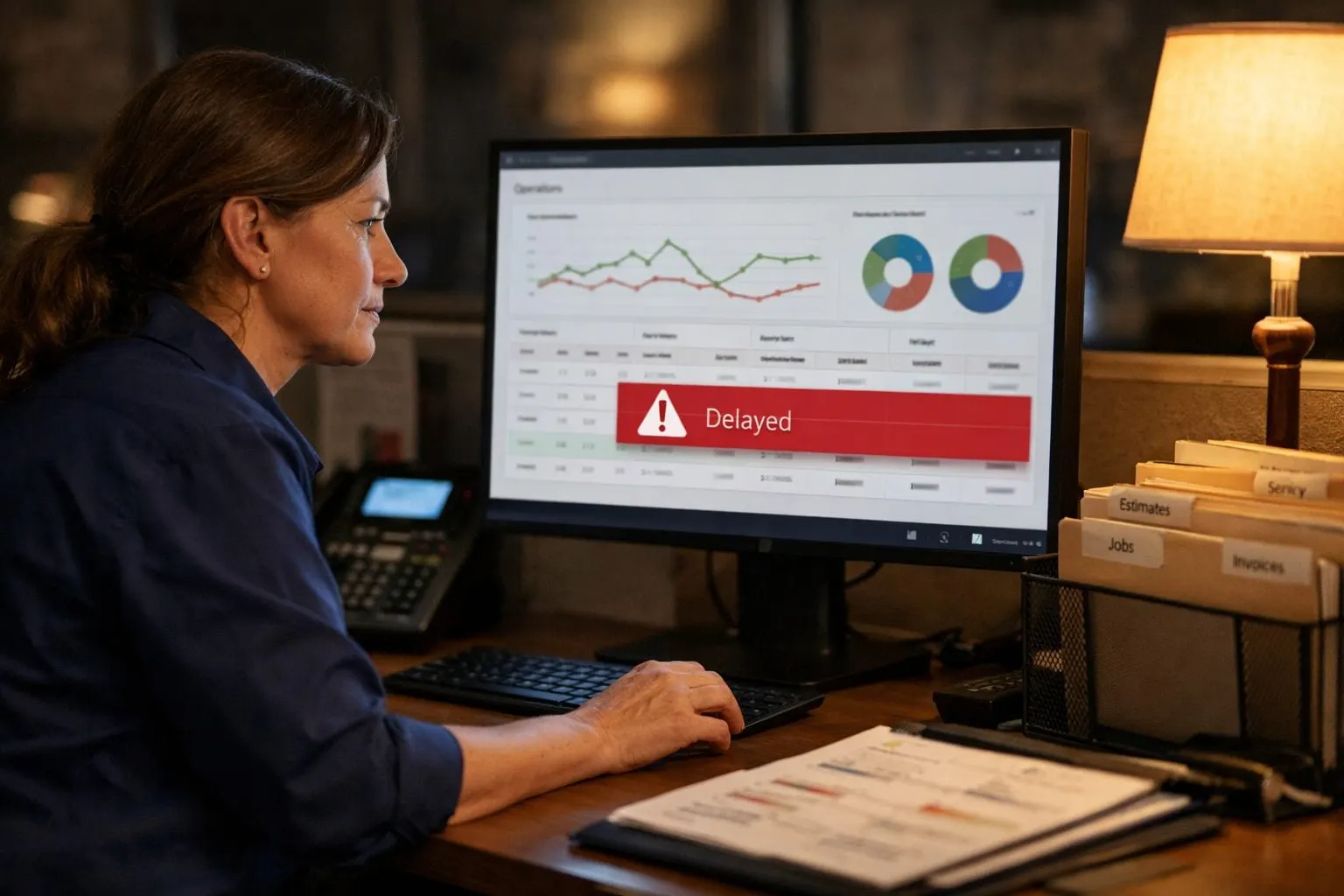
- Review workflow health on a schedule: Examine run failures, processing delays, exception volume, and source-to-destination record mismatches. These reviews show whether an exception is isolated or whether a rule is creating recurring manual work.
- Manage change before it disrupts the handoff: When a platform adds a service, changes a field, revises access permissions, or the team assigns a new owner, update the workflow design, test the changed path, and revise the operating record. This keeps responsibilities and data rules aligned with the business as it evolves.
- Improve proven processes deliberately: Refinement can mean adjusting lead-routing criteria, adding an approval step before an invoice is created, or removing a common missing-data exception. Once a workflow performs reliably, its pattern can extend into an adjacent handoff without treating every process as identical.
Ongoing workflow automation services keep attention on practical operational outcomes: fewer missed handoffs, lower administrative workload, and more consistent throughput. Performance measures remain client-specific, so improvement work is tied to the delays, exceptions, and responsibilities that matter most to the business.
Make Every Important Handoff More Visible and Accountable
The value is visible in the daily work: fewer details re-entered between systems, faster follow-up on new opportunities, cleaner records for the team, and fewer handoffs that disappear into an inbox or spreadsheet. When an appointment change triggers the right client message and an approved estimate reaches the job queue with complete information, staff spend less time chasing status and more time serving customers.
These are measurable, client-specific improvements, not blanket promises. A practical scorecard can track handoff time, incomplete or duplicate records, response delays, exception volume, and the percentage of workflow items with a named next owner. Those measures make accountability concrete: a workflow either reaches the right person or queue with the required data, or it is visible for resolution.
Results depend on a process that has clear rules, usable access to each system, reliable input data, and continued ownership after launch. A strong candidate has a defined trigger and decision path; a weak candidate still relies on undocumented judgment, changing inputs, or unresolved responsibility.
Before building, inventory the current software, identify the highest-friction handoffs, assess implementation readiness, and define measurable success conditions. If that scope is unclear, review the AI Workflow Audit service and contact SuncoastOps to discuss whether it fits.
Frequently Asked Questions
What is workflow automation integration for a service business?
Workflow automation integration connects the systems a service business already uses so information moves between them through defined rules. It can link forms, CRM, scheduling, field-service, project, accounting, and payment systems to reduce manual handoffs.
What business systems can be connected with workflow automation?
Workflow automation can connect website forms, CRM platforms, calendars, scheduling tools, dispatch or field-service software, project workspaces, accounting systems, payment platforms, help desks, and file systems. A common sequence is form submission to CRM, CRM to scheduling, completed work to accounting, and payment status to follow-up.
How can workflow automation eliminate manual data entry?
A workflow can create or update a CRM contact from a website form, then transfer service type, location, customer details, approved scope, and line items into the next system. For example, an accepted estimate can create a scheduling or field-service job without staff rekeying customer, address, and scope information.
How do you test and monitor automated business workflows?
Test representative records end to end, including complete submissions, missing required fields, repeat submissions, and connection failures. Monitor failed runs, synchronization delays, exception volume, and source-to-destination mismatches, with alerts sent to a named owner for resolution.
Is workflow automation worth it for a small service business?
Workflow automation is worth prioritizing when a repeated handoff has enough volume, delay, rework, or revenue risk to justify a dependable process. Strong candidates have a clear trigger, stable rules, trusted data, and a named owner for exceptions, such as routing new leads or turning approved estimates into jobs.