
Turn Document-Driven Work Into Usable Operational Data
A customer form in an inbox, a technician’s service report, or a scanned invoice can hold up the next task until someone reads it, retypes key details, spots what is missing, follows up, and hands it to the right person. Those repeated touchpoints raise administrative workload and create opportunities for work to stall or be missed.

AI-powered document processing turns intake into a controlled document-to-data workflow. It identifies document types, captures defined fields such as customer name, job number, date, amount, address, or service notes, and places the information in a consistent structure. The objective is not to eliminate manual data entry in every case; it is to reduce repetitive rekeying while preserving deliberate review when a record is unclear or consequential.
A recurring invoice with consistent vendor and amount fields is a strong candidate for structured handling. A handwritten service note with an ambiguous recommendation is different: it may be captured for review, but a qualified person should interpret that judgment before it drives billing, dispatch, or customer communication. This distinction keeps automation useful without treating every document as equally reliable.
A controlled document workflow should serve the owners, operations and office managers, dispatch coordinators, and revenue teams responsible for the next action. Each record can move through defined checkpoints, capture, validation, exception review, and handoff, so the resulting operational data is usable and its path remains reviewable.
How AI-Powered Document Processing Works in Practice
The workflow is designed around the action a record must support, not around reading text alone. AI-powered document processing begins by mapping who receives a document, which information they need, which conditions must be met before it can move forward, and who owns an exception. That approach turns document handling into an operational sequence rather than a standalone OCR task.
- Documents enter through approved channels such as a dedicated inbox, upload portal, or shared folder. Each channel can identify the originating process: for example, an accounts-payable inbox, a technician’s completed-work upload, or a customer-submitted request form.
- The workflow classifies the incoming record so the appropriate field set and next steps apply. An invoice may require vendor name, invoice number, due date, line amounts, and total; a service report may require customer, property address, job number, work completed, and recommended follow-up.
- Document data extraction automation captures those defined fields and normalizes them into usable values. Normalization makes equivalent information consistent, for instance, placing dates in one format, separating a full address into components, or matching a customer name to the naming convention used by the receiving system.
- Business rules then determine whether the record is ready to proceed. Required fields can be checked for completeness, job or purchase-order numbers can be compared with expected records, and duplicates or conflicting values can be held rather than passed onward.
- Approved records move to the designated team or operational destination, while exceptions enter a review queue with the original document and the captured data together. This preserves a deliberate handoff and helps reduce the missed transitions that create administrative bottlenecks.
A processing history ties the result back to its source: intake channel, document type, extracted values, validation outcome, review action, and routing status. That trail gives managers a practical way to trace why a record was accepted, corrected, or held, and to improve the workflow when recurring exceptions appear.
Automate More Than Invoices: Documents and Workflows We Support
The highest-value inventory is broader than accounts payable. Evaluate recurring document workflows for service-based and operations-heavy businesses using four practical factors: volume, layout repetition, the consequence of a bad or delayed entry, and the team or system that needs the result next.
- Finance and purchasing workflows can include invoices, purchase orders, delivery records, and PDF attachments. Defined fields such as supplier, reference number, dates, quantities, and totals can be captured for an accounting or purchasing queue; matching references can determine whether an item is ready for the next step or needs attention.
- Field-service workflows can include work orders, technician service reports, inspection forms, and delivery confirmations. Job numbers, customer details, completed work, materials used, and follow-up notes can be organized for dispatch, billing, or a customer record, helping reduce handoffs between field and office teams.
- Customer operations can include emailed forms, web-submitted forms, applications, intake packets, and attachments. Contact details, request type, property information, or supporting records can be prepared for a response, intake, or review queue rather than remaining embedded in an inbox.
Strong candidates for automated document processing have repeated layouts, a stable set of required fields, and objective checks. For example, a recurring vendor invoice with a purchase-order number and expected total supports a clear pass-or-hold decision. A work order with a job number, service date, and completion status offers the same advantage even when the document is a PDF or mobile form.
Other records deserve a review-led workflow. Handwritten notes, incomplete applications, highly variable customer attachments, or reports that require someone to interpret damage, approve an exception, or resolve conflicting instructions should be routed to a qualified person. The practical goal is not to force every document through unattended processing; it is to automate invoice processing and other repeatable tasks while making judgment-heavy work visible, traceable, and owned.
Accuracy Safeguards: Validation Rules, Confidence Scoring, and Human Review
Dependable data starts with a record being allowed to stop. OCR may read printed or scanned text well, but a clear-looking document can still contain a misread character, an omitted field, or a value that does not belong in the workflow. AI data entry automation therefore uses confidence signals and business controls to decide whether information can proceed, should be held, or requires a person’s decision.
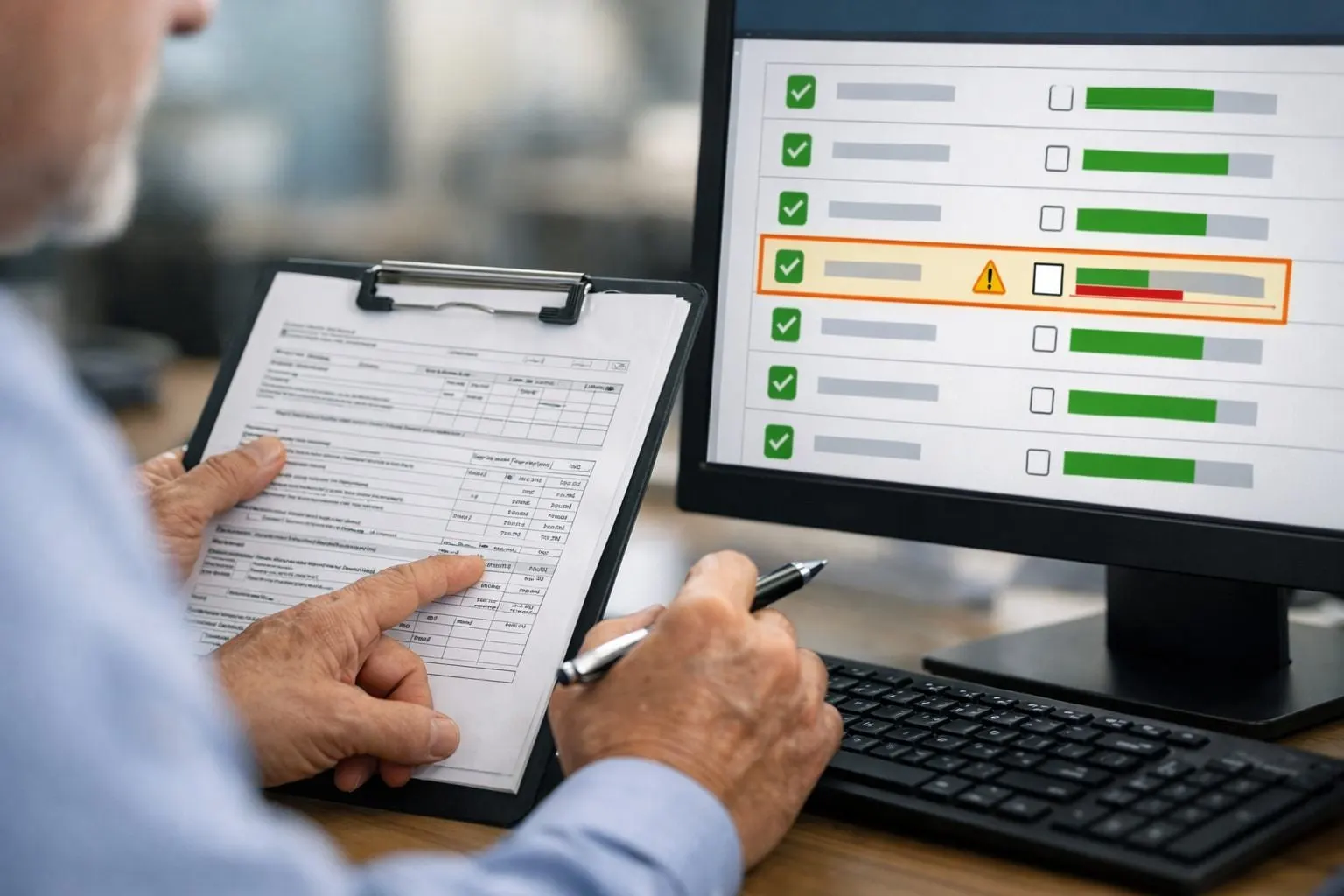
Confidence scoring measures how certain the extraction process is about a field, such as an invoice number, customer name, service date, or total. A workflow can set different thresholds by field: a low-confidence internal note may be retained for review, while a low-confidence payment amount or job number sends the entire record to an exception queue. Poor scan quality, handwriting, overlapping text, and conflicting values are signals to hold rather than guess.
- Required-field checks prevent a record from advancing without the information needed for its next action. A service report, for example, may require a job number, completion status, and service date before it reaches billing.
- Format checks test whether a value follows the expected structure, such as a valid date pattern, invoice-reference format, email address, or numeric total. They catch entries that may be readable but unusable.
- Duplicate detection looks for repeated document numbers, matching attachments, or records with the same vendor, date, and amount, helping prevent a document from being handled twice.
- Reference matching compares extracted data with known vendors, customers, purchase orders, job records, or approved reference lists. A mismatch can indicate a new record, a data-capture issue, or a situation requiring approval.
Exceptions are assigned to qualified reviewers with a defined responsibility: correct an obvious capture issue, request missing information, resolve a mismatch, or approve a policy exception. High-impact decisions, such as releasing an unmatched invoice, changing customer details, or accepting an ambiguous instruction, remain human approval steps. Review actions and corrections stay associated with the record, creating a practical feedback loop for refining validation rules and reducing repeat exceptions.
Route Approved Data Into the Systems Your Team Already Uses
Once a record meets its approval conditions, its data should arrive where the next team can use it, not in another inbox or a separate dashboard. Design delivery around the systems already used for accounting, customer management, operations, and follow-up, without forcing every team into a new way of working.

The destination depends on the operational action. An approved invoice can be delivered to an accounting platform; a completed service report can update a job or ERP record; a customer intake form can create or update a CRM contact; and a request needing action can enter a ticketing or workflow queue. Where a direct connection is not the right fit, approved records may be delivered through a structured export, shared database, monitored inbox, or secure file exchange.
- Document type separates invoices, work orders, applications, and customer forms so each follows its own destination and field mapping.
- Customer, location, amount, and status can determine the receiving account, branch, owner, approval queue, or priority.
- Exception outcome determines whether a record is delivered, returned for correction, or held in a reviewer’s queue rather than passed downstream.
Each processed record retains a reviewable history: the original document, extracted values, validation results, edits, reviewer actions, timestamps, and downstream delivery status. A delivery confirmation shows that the receiving system accepted the record; a failed or incomplete delivery remains visible for follow-up instead of being treated as complete. This creates operational clarity around both the data and the handoff it is meant to support.
Where Document Automation Delivers the Most Value
Value is clearest when a document queue is both repetitive and consequential: staff repeatedly key the same fields, a delay holds up the next team, and one accountable owner can define what “ready to proceed” means. This is where AI-powered workflow optimization can reduce administrative bottlenecks without removing operational control.
- A strong candidate has recurring volume, stable fields such as customer, date, amount, job number, or address, and objective decisions such as whether a required field is present or a reference number matches.
- A weak candidate is low-volume or depends on subjective interpretation, for example, judging damage from narrative notes or deciding whether an unusual request merits an exception. These records can still benefit from assisted capture and a reviewer-led queue.
Discovery begins by mapping the current handoffs: intake source, person who rekeys data, receiving system, approval point, and common reasons work stops. Establish a baseline for processing time, rework, exception rate, and queue age, then select one high-friction document flow rather than attempting a broad rollout.
For the pilot, define the fields to capture, the validation rules, the reviewer for each exception, and acceptance criteria for delivery. Test incomplete, duplicate, conflicting, and unusual records before expansion. Once the flow performs reliably, intelligent document processing can extend to related documents that share owners, fields, or downstream actions, building consistency while preserving human judgment where it matters.
Start With the Document Workflow Creating the Most Friction
Choose the queue that creates the most avoidable chasing, rekeying, or stalled handoffs. A useful starting point may be invoice intake, field-service report capture, purchase-order matching, or emailed forms; the right choice is the one with a clear owner, repeatable inputs, and a meaningful downstream action.
Share representative documents, the current steps from receipt to completion, the fields your team uses, common exceptions, and the destination system or queue. The initial design defines what to extract, which records can proceed, which conditions escalate to a reviewer, how approved data is routed, and what history must remain available for traceability.
Use the AI Workflow Audit to evaluate whether one practical pilot is appropriate, or contact SuncoastOps to discuss the workflow. The aim is not hands-off automation for every decision; it is a controlled process that reduces administrative friction while keeping people accountable for exceptions and business-critical judgment.
Frequently Asked Questions
What is AI-powered document processing?
AI-powered document processing converts incoming documents into structured operational data. It classifies records, extracts defined fields such as customer name, job number, date, amount, or address, validates the data, and routes approved records to the next team or system.
Can AI extract data from scanned PDFs and emailed forms?
Yes. Documents can enter through approved channels such as a dedicated inbox, upload portal, or shared folder, including scanned PDFs, emailed forms, service reports, and invoice attachments. The workflow captures defined fields and normalizes values, such as standardizing date formats or separating addresses into components.
What happens when AI cannot confidently read a document?
Low-confidence fields, poor scan quality, handwriting, missing required data, duplicate records, and conflicting values can send a document to an exception queue. A qualified reviewer receives the original document alongside extracted data to correct capture issues, request information, resolve mismatches, or approve an exception.
Can AI automate invoice processing with human approval?
Yes. AI can capture invoice fields including vendor name, invoice number, due date, line amounts, and total, then compare purchase-order numbers and expected values before routing the record onward. An unmatched invoice or low-confidence payment amount can be held for human approval instead of being released automatically.
Which documents are best suited for automated document processing?
The best candidates have recurring volume, repeated layouts, stable required fields, and objective pass-or-hold checks. Recurring vendor invoices, purchase orders, work orders, technician reports, delivery confirmations, and customer intake forms are strong choices, while handwritten notes and subjective damage assessments should use reviewer-led workflows.