
For workflow automation for small business, the useful starting point is operational clarity: identify the repeatable work, the person accountable for it, and the point where a handoff can fail. This glossary is written for owners, office managers, dispatch coordinators, and other operators who need practical language, not developer jargon.
Automation connects defined steps when a known event occurs. For example, a website inquiry can create a contact record in a CRM and notify the sales owner. That handles routine routing; it does not replace the owner’s decisions about lead quality, follow-up, pricing, or unusual circumstances.
People still design the process, set the rules, review exceptions, and approve work that needs judgment. Each entry in this workflow automation glossary explains what a term means in plain English, why it matters in daily operations, and where you are likely to see it, for example, an overdue invoice alert or an unusual refund paused for approval.
What Are the Core Parts of an Automated Workflow?
What is a workflow?
A workflow is the ordered path work follows from its starting point to completion, including the people, decisions, and handoffs involved. It matters because an owner can see where work stalls or gets lost. For example, a new lead may move from website form, to assignment, to a call, to an estimate, and then to a booked job.
What is workflow automation?
Workflow automation uses software to carry out defined steps in a workflow when a specified event occurs. It is useful for routine work that should happen consistently. For example, when a prospect submits a form, the system can create a lead record and send the assigned salesperson an alert.
How is business process automation different?
Business process automation is the broader effort to improve and automate an entire repeatable business process, often across several workflows. A single automated task might send an overdue-invoice reminder. Business process automation for invoicing can include invoice creation, reminder timing, payment-status updates, escalation, and staff follow-up. The practical distinction is scope: workflow automation handles a sequence of steps, while business process automation redesigns and connects the larger operation.
What is a trigger?
A trigger is the event that starts an automated workflow. It gives the system a clear starting signal. A trigger might be a new appointment being booked, an order status changing to “shipped,” or an invoice reaching its due date without payment.
What is an action?
An action is a task the workflow performs after its trigger. Actions can create a record, send a message, update a status, or assign work to a team member. For example, an overdue invoice can trigger an action that emails the customer and creates a follow-up task for the office.
What is an automation rule?
An automation rule combines the instruction for when something should happen with what should happen next. In plain English: “When this event occurs, do this.” A rule could be: when a customer cancels an appointment, notify dispatch and mark that opening available for rescheduling.
What is a condition?
A condition is a test inside an automation rule that determines whether an action should run. Conditions prevent the same response from being applied to every situation. For instance, a lead may receive an immediate follow-up only if its service area matches the company’s coverage area.
What is branching logic?
Branching logic directs a workflow down different paths depending on a condition’s result. If a customer’s order update shows “delivered,” the workflow can send a review request; if it shows “delayed,” it can send a service alert instead. This makes automated business workflows responsive to the situation rather than blindly repetitive.
How Do Business Apps Share Information in an Automated Workflow?
What is an integration?
An integration lets two business apps exchange information or coordinate work. It matters when the same customer, job, or payment information is needed in more than one place. For example, a website inquiry can create a contact in the CRM instead of requiring someone to retype the details. Well-designed integrations reduce duplicate entry and missed handoffs.

What is an API?
An API, or application programming interface, is a structured way for one app to ask another app for information or request that it perform a task. Think of it as a controlled service counter between systems: an accounting app might ask a CRM for a customer’s approved billing address before creating an invoice. APIs are commonly used when a workflow needs to look up, create, or update a record on demand.
What is a webhook?
A webhook is an automatic message an app sends when a specific event happens. Unlike an API request, which asks for information, a webhook announces that something has occurred. For example, an ecommerce system can immediately send an order-placed notice to another system, which then starts fulfillment steps. The practical distinction: use an API to request or change data; use a webhook to react promptly to an event.
What is data mapping?
Data mapping defines where each piece of information belongs as it moves between apps. It answers questions such as whether a form’s “mobile number” should fill the CRM’s phone field and whether “job address” belongs on the customer record or a separate service-location record. Good mapping preserves useful details; weak mapping can create incomplete or conflicting records.
What is a CRM workflow?
A CRM workflow is an automated sequence inside or connected to a customer relationship management system. A practical example is a new lead workflow that assigns an owner, creates a follow-up task, and records the activity on that lead’s timeline. This gives the team a shared record of who is responsible and what has already happened.
What does “source of truth” mean?
A source of truth is the designated system or record that the business treats as authoritative for a particular kind of data. A CRM may be the source of truth for customer contact details, while accounting software is the source of truth for invoice balances. If a customer changes their phone number, downstream tools should receive that approved CRM value rather than preserve competing versions.
What is workflow automation software?
Workflow automation software is the tool that applies rules, moves data, and coordinates actions across business apps. In small business operations automation, its value is not simply connecting more tools; it is making ownership and record updates consistent. Before building a connection, decide which system owns each important field and what should happen when a matching customer record already exists.
What Happens When an Automated Workflow Needs a Person?
What is an exception in an automated workflow?
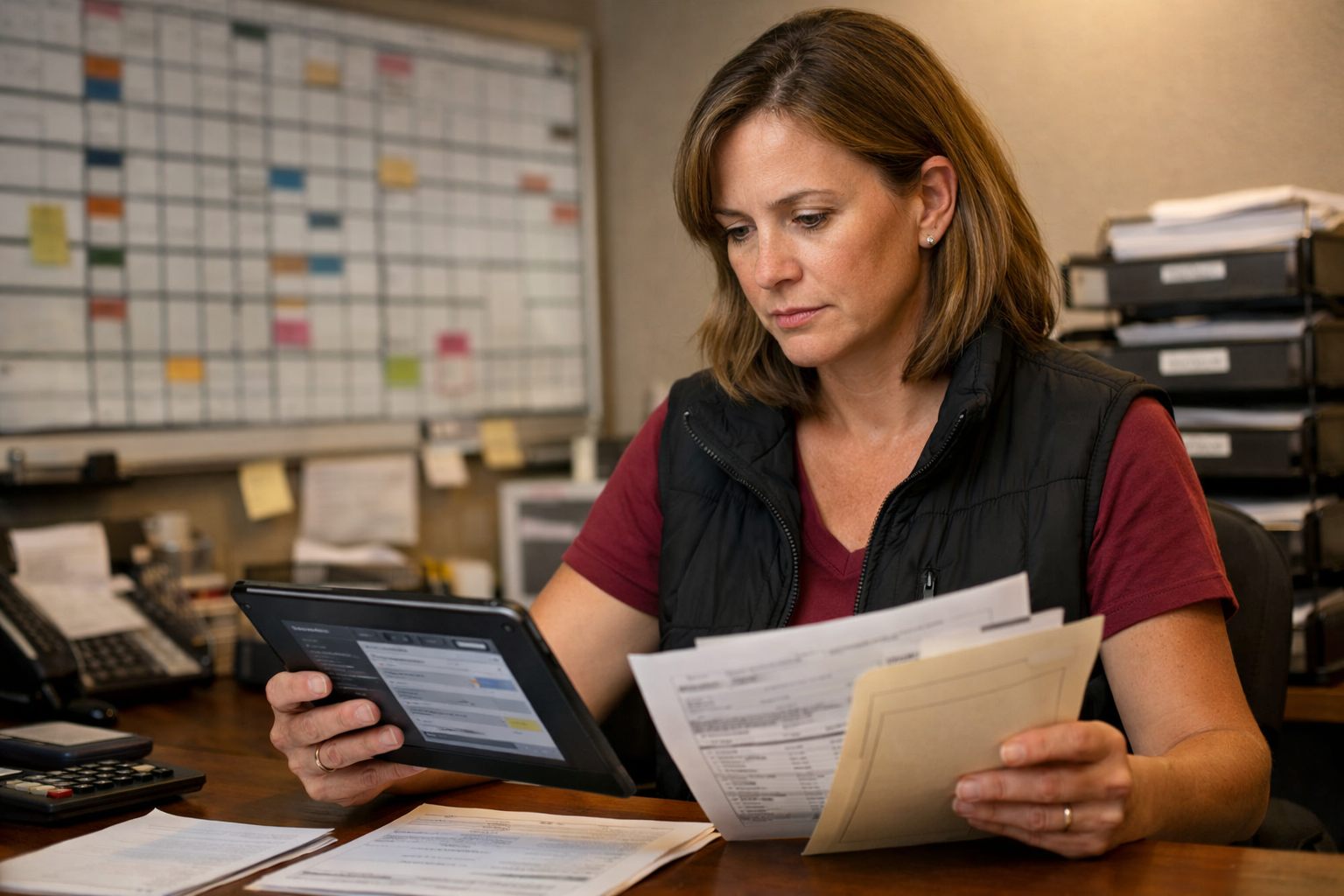
An exception is a situation that falls outside the workflow’s normal path and needs a different response. Exceptions are expected in real operations; they do not mean the automation failed. A form may arrive without a phone number, a payment may fail, a customer may submit the same request twice, or an order may exceed the usual value threshold. The useful outcome is for the workflow to stop, route the item to an owner, and preserve the details needed to resolve it.
What is error handling?
Error handling is the planned response when a workflow cannot complete a step. It might retry a temporary connection problem, mark an incomplete record for follow-up, or create a task when a payment system rejects a charge. Error handling prevents a silent failure from becoming lost work and gives the team a clear next action.
What is human approval?
Human approval is a formal checkpoint that requires a named person to approve, reject, or revise an item before the workflow continues. Use it where judgment, authority, or customer impact matters: approving an unusual refund, a nonstandard pricing change, an expense outside the normal limit, or a sensitive customer message. The decision and its owner should be visible rather than assumed.
What does “human in the loop” mean?
Human in the loop means a person remains part of a workflow at defined decision points. The workflow can collect information, prepare a draft, and route the request, while the employee makes the judgment call. This differs from asking someone to do every routine step manually; the person intervenes where context matters.
What is a notification?
A notification is an alert that tells someone an event needs attention, such as an overdue invoice or incomplete customer record. An alert does not necessarily pause the workflow. An approval does: it requires a recorded decision before the next step runs. That distinction prevents an important exception from being treated as an optional reminder.
What is an audit trail?
An audit trail is the chronological record of what the workflow did, what data it used, where it stopped, and who approved or changed an item. When a duplicate submission is processed or a customer asks why a message was sent, the trail supports troubleshooting and accountability. A useful trail makes the workflow’s handoffs and decisions understandable after the fact.
What Is a Workflow Audit and How Do You Know a Workflow Is Working?
A visible audit trail becomes useful when the team reviews it for results: faster lead response, fewer missed handoffs, and more consistent completion, not simply more automated steps.

What is a workflow audit?
A workflow audit is a review of how work actually moves, where it slows down, and whether the outcome is correct. For example, compare lead-response time and unassigned inquiries before and after routing web forms into the CRM. The audit should also reveal duplicate records, missed follow-ups, and rework.
What is a bottleneck?
A bottleneck is the step that restricts the flow of the whole process. A dispatcher waiting on incomplete job details can delay scheduling even when every other step is quick. Removing that delay matters more than automating a task that was never holding work up.
What is a handoff?
A handoff is the point where responsibility or information moves between people or systems. A strong handoff assigns an owner and supplies the needed details; a weak one leaves a lead sitting in a shared inbox with no clear next action.
What is a KPI?
A key performance indicator (KPI) is a measurable signal of whether a workflow is meeting its operational goal. Useful KPIs include response time, approval turnaround, record accuracy, missed-work rate, and customer impact. A fast workflow is still poor if it moves incomplete or incorrect data.
What are automation rate and monitoring?
Automation rate is the share of eligible workflow tasks completed without manual handling; it shows coverage, not quality. Monitoring is ongoing observation of workflow activity and outcomes. In small business workflow automation, monitoring can show that approvals are faster while also catching a rise in failed records or customer follow-ups that were not sent.
What Do AI Workflow Automation and AI-Powered Workflow Optimization Mean?
AI is most useful where incoming information is varied or unstructured, rather than where a simple rule already produces a dependable answer.
What is AI workflow automation?
AI workflow automation combines normal workflow steps with an AI model that can interpret text, documents, or other less predictable inputs. A rule-based workflow might route every inquiry containing “estimate” to sales. An AI-assisted workflow can read a free-form inquiry and classify it as an estimate request, an urgent service issue, or a billing question before routing it. The practical distinction is that rules follow instructions exactly, while AI produces a best-fit interpretation.
What is AI-powered workflow optimization?
AI-powered workflow optimization means using AI to improve how work is handled within an existing process, such as sorting requests, summarizing notes, or identifying information that needs attention. It should support a clear operational outcome, not add AI to steps that are already simple, stable, and well handled by rules.
What is an AI agent?
An AI agent is an AI-enabled component assigned a bounded task and allowed to take specified workflow steps based on its result. For example, it may read a new inquiry, assign a category, draft a short internal summary, and send the item to the appropriate queue. Its boundaries matter: it should not be treated as an independent decision-maker for sensitive customer, financial, or business matters.
What are classification and extraction?
Classification places information into a defined category, such as labeling an incoming message as scheduling, support, sales, or billing. Extraction pulls specific details from unstructured material into usable fields. An invoice workflow might extract the vendor name, invoice number, due date, and total, then place those details into an accounts-payable record. Classification answers “what kind of item is this?”; extraction answers “what details does it contain?”
What is a confidence threshold?
A confidence threshold is the minimum certainty score required before the workflow accepts an AI result automatically. An invoice detail extracted with a high score may proceed to a draft record; a low-score result can be routed for review. This creates a deliberate middle path between rejecting every AI result and trusting every result without scrutiny.
When should a person review AI output?
Human review remains appropriate when an AI result is uncertain or could affect money, compliance, customer trust, or a significant business decision. For example, a team member can approve an unusual refund, correct an ambiguous invoice total, or review an inquiry that may involve an urgent service problem. The useful design is not “AI or people”; it is clear rules for what can proceed, what must pause, and who owns the final judgment.
Using This Glossary to Discuss Automation With Confidence
Confidence comes from describing the work clearly, not from speaking like a developer. For any candidate workflow, be ready to name the trigger, the actions that follow, the source of truth for its records, the exceptions that should stop the normal path, the approval point for judgment-heavy items, and the person responsible for the outcome.
- Strong brief: “When a website inquiry arrives, create or update the CRM contact, alert the assigned salesperson, and measure response time. Route duplicates or incomplete inquiries to the office manager.”
- Weak brief: “Connect our forms to sales and make follow-up automatic.” It leaves ownership, data handling, exceptions, and success measures unclear.
Use these terms when comparing workflow automation for small business tools, reviewing a provider’s proposed design, or mapping a process with your team. The goal is repeatable handling for routine work, not removing people from decisions where context, customer care, or financial judgment matters. A useful workflow makes the normal path easier to run and makes responsibility unmistakable when the work is not normal.
Frequently Asked Questions
-
What is workflow automation for a small business?
Workflow automation uses software to complete defined, repeatable steps after a specified event occurs. For example, a website form submission can create a CRM lead record and alert the assigned salesperson.
-
What is the difference between workflow automation and business process automation?
Workflow automation handles a sequence of connected steps, such as sending an overdue invoice reminder. Business process automation covers the larger operation, including invoice creation, reminders, payment updates, escalations, and staff follow-up.
-
What is the difference between a trigger and an action in workflow automation?
A trigger is the event that starts the workflow, such as an appointment booking or an unpaid invoice reaching its due date. An action is what the workflow does next, such as sending an email, updating a status, or assigning a follow-up task.
-
What is a webhook and how is it different from an API?
A webhook automatically sends a message when a specific event happens, such as an ecommerce order being placed. An API lets one app request information or ask another app to create or update a record, such as retrieving an approved billing address before creating an invoice.
-
What should a small business look for when choosing a workflow to automate?
Start with repeatable work that has a clear trigger, defined actions, an accountable owner, and known handoff risks. Confirm the source of truth for important data, route exceptions for review, add approval points for financial or customer-sensitive decisions, and measure results such as response time, missed-work rate, and record accuracy.