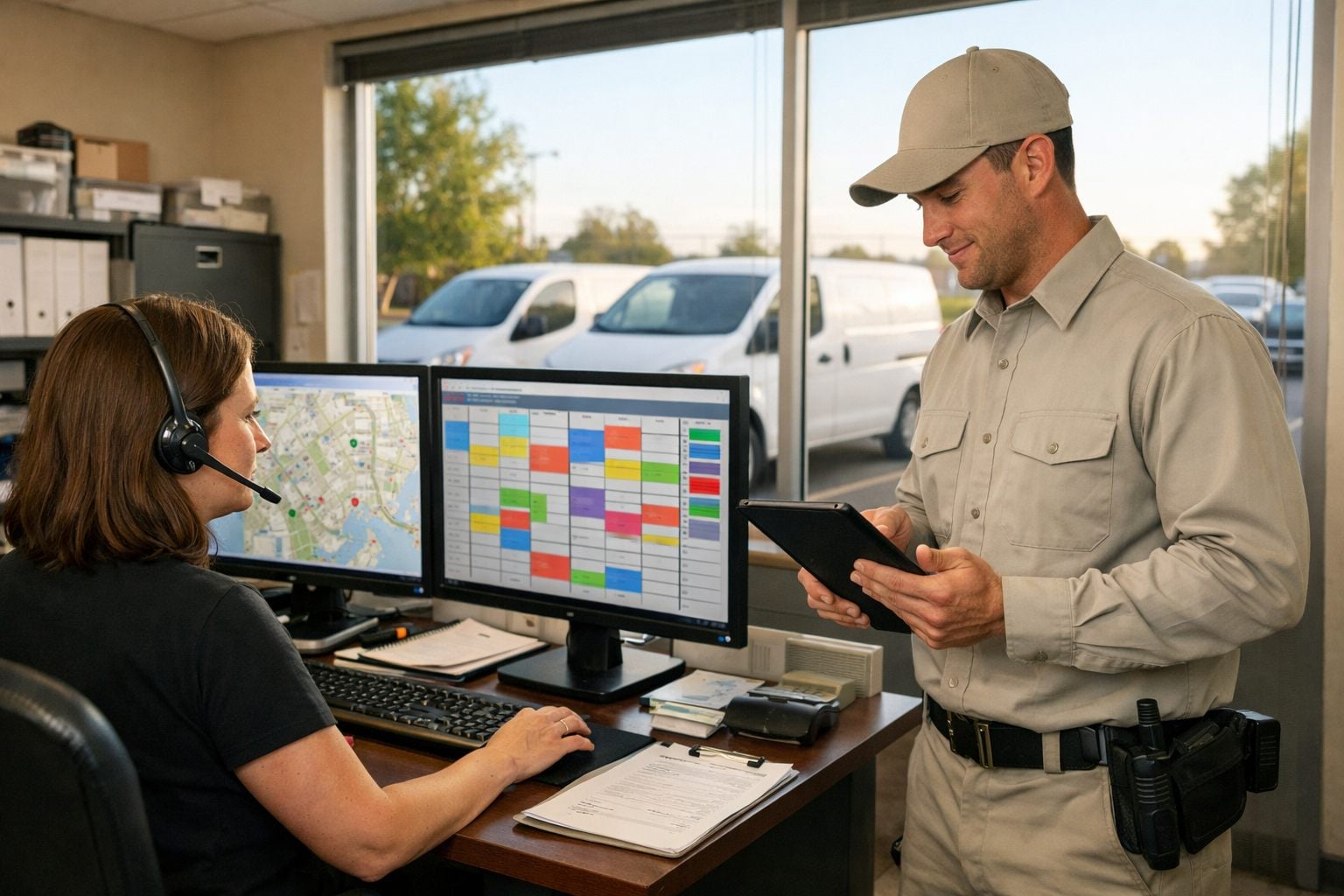
A booked visit that sits in an inbox, a route change relayed by text, or a completed report awaiting re-entry are the points where recurring service routes lose momentum. A defined workflow moves routine information to the next owner, reducing manual touches, missed handoffs, and delays while improving office and field visibility.
- Office to dispatcher: A booked visit or customer request creates a scheduling task with the relevant details. The dispatcher owns exceptions, such as an unavailable service window.
- Dispatcher to technician: A route change sends the updated stop, notes, and access instructions to the assigned technician. Conflicts or unusual property conditions return to dispatch for a decision.
- Technician to customer record: A completed service report prompts capture of notes, photos, and follow-up needs, building a usable record rather than leaving details in a text thread or paper form.
- Completed service to customer communication: A closed visit can trigger a service summary or next-step message; a failed service or unresolved issue instead creates an office task.
- Agreement timing to renewal follow-up: An approaching end date starts follow-up for the account owner, while nonresponses escalate to personal outreach.
These are rules-based, traceable office-to-field handoffs, not substitutes for technician judgment. Treatment choices, property-specific assessments, sensitive customer issues, and required compliance documentation remain human responsibilities; the workflow supports consistent execution around them.
How to Identify the First Pest Control Workflows to Automate
Choose the first workflow by looking for volume, consistency, and consequence: it happens often, follows a repeatable rule, crosses at least two people or systems, and creates customer or schedule friction when it is missed. A strong business process automation candidate also has a defined exception path, so the system can route uncertainty to a person instead of guessing.
Map each candidate in five fields: trigger (the event that starts it), automated action (the routine step), owner (who receives or completes the result), exception (what requires review), and outcome (the operational measure to improve, such as fewer manual touches, clearer schedule visibility, or fewer missed follow-ups).
- Upcoming recurring service: a visit entering its reminder window triggers a customer message; the customer receives it, while a failed delivery or reply requesting a change goes to dispatch. The outcome is more consistent pre-visit communication.
- Completed work order: closure triggers a request for required notes or a customer summary; the technician or office owns missing details, and unresolved findings create a follow-up task. The outcome is more complete service records.
- Rescheduling request: a customer request creates a dispatcher task with the account and appointment context; unavailable windows or route conflicts stay with the dispatcher. The outcome is faster response without automatic route decisions.
- Agreement nearing expiration: the date triggers a renewal sequence for the account owner; nonresponse escalates to personal outreach. The outcome is fewer overlooked renewal follow-ups.
- Skipped or incomplete stop: a status change alerts dispatch; the dispatcher decides whether to rebook, contact the customer, or investigate field conditions. The outcome is faster recovery from a visible service failure.
Leave treatment recommendations, unusual site conditions, and disputed customer situations in a human-review path. Workflow automation for small business works best when it moves known information and flags exceptions, not when it replaces judgment.
Automate Service Reminders, Confirmations, and Post-Service Communication
A recurring visit should produce a controlled communication sequence rather than a series of office reminders. When an appointment enters its notice window, the workflow sends service reminders with the service date, arrival window, property address, and a clear reply path. A confirmation can follow when the customer accepts; on the service day, a technician status change can send an arrival notification. This gives customers timely context while reducing repetitive outbound work for the office.
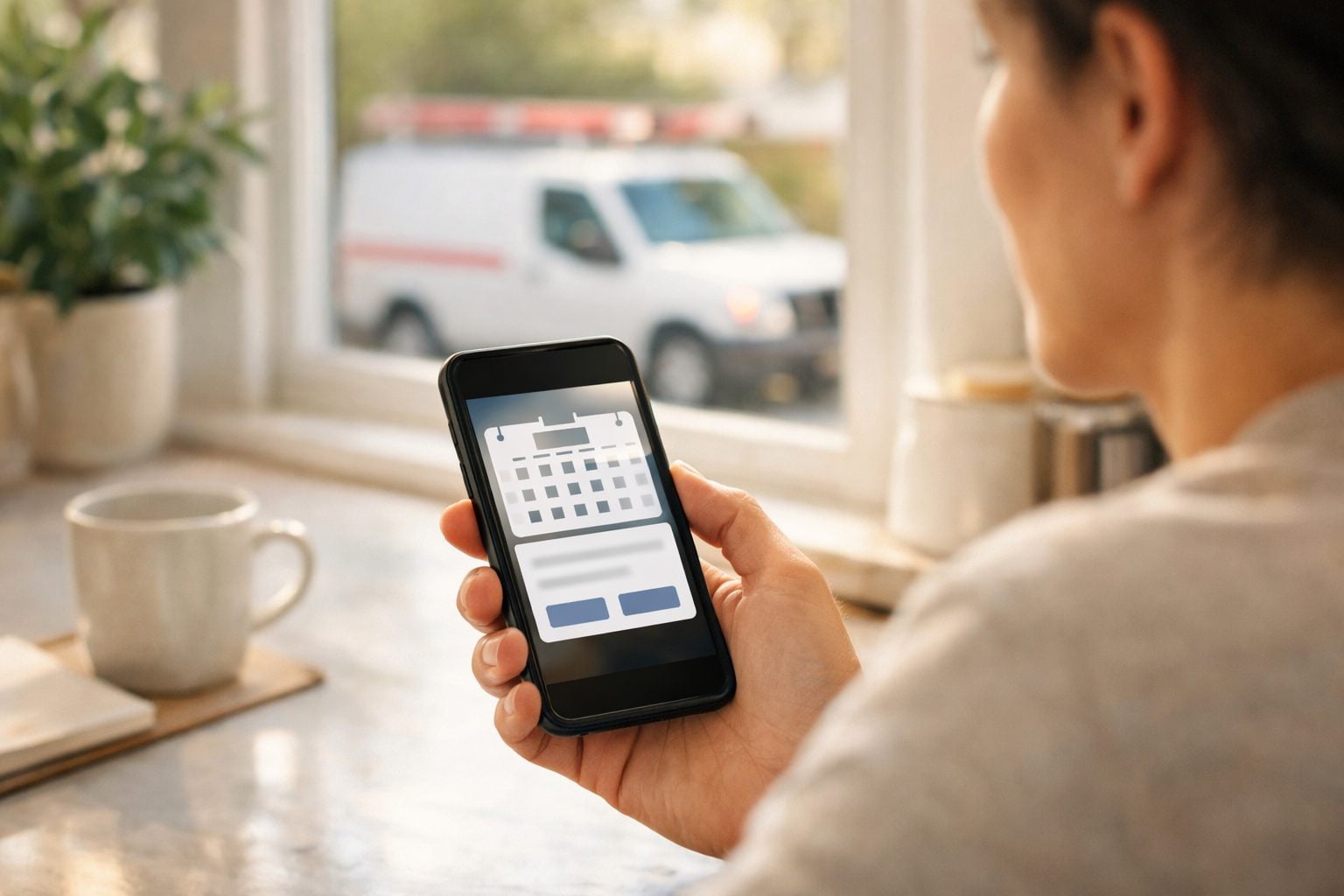
- Upcoming appointment: send the reminder from the scheduled appointment record, using approved contact details and visit information.
- Customer confirmation: record the response against the visit so dispatch can see which stops are acknowledged.
- Technician en route: issue an arrival notice only after the route status changes, rather than relying on a fixed-time message that may be inaccurate.
When the technician completes the work order, automated customer follow-ups can send a concise service summary built from approved fields: visit date, service location, completed-service status, and customer-ready notes. Keep the message separate from the technician’s full internal record. Missing required fields, unclear notes, or a completion status that does not support a summary should hold the message and create an office review task.
Replies, delivery failures, cancellations, and requests to change an appointment need an assigned owner. In particular, a rescheduling request should create a dispatch task with the customer, requested change, and current route context, not silently move the stop. Dispatch can then weigh technician availability and route impact, while appointment confirmations and routine updates continue without unnecessary manual touches.
Turn Technician Documentation Into Complete, Usable Service Records
The close-out screen is the point at which field observations become an operational record rather than a technician’s private notes. In a technician mobile app, configure required fields for every visit, such as service status, areas addressed, and customer-ready notes, and conditional fields that appear only when a technician records a treatment, recommendation, attachment, or signature. Conditional prompts keep a routine exterior visit from becoming an overly long form while ensuring an exception receives the detail it needs.
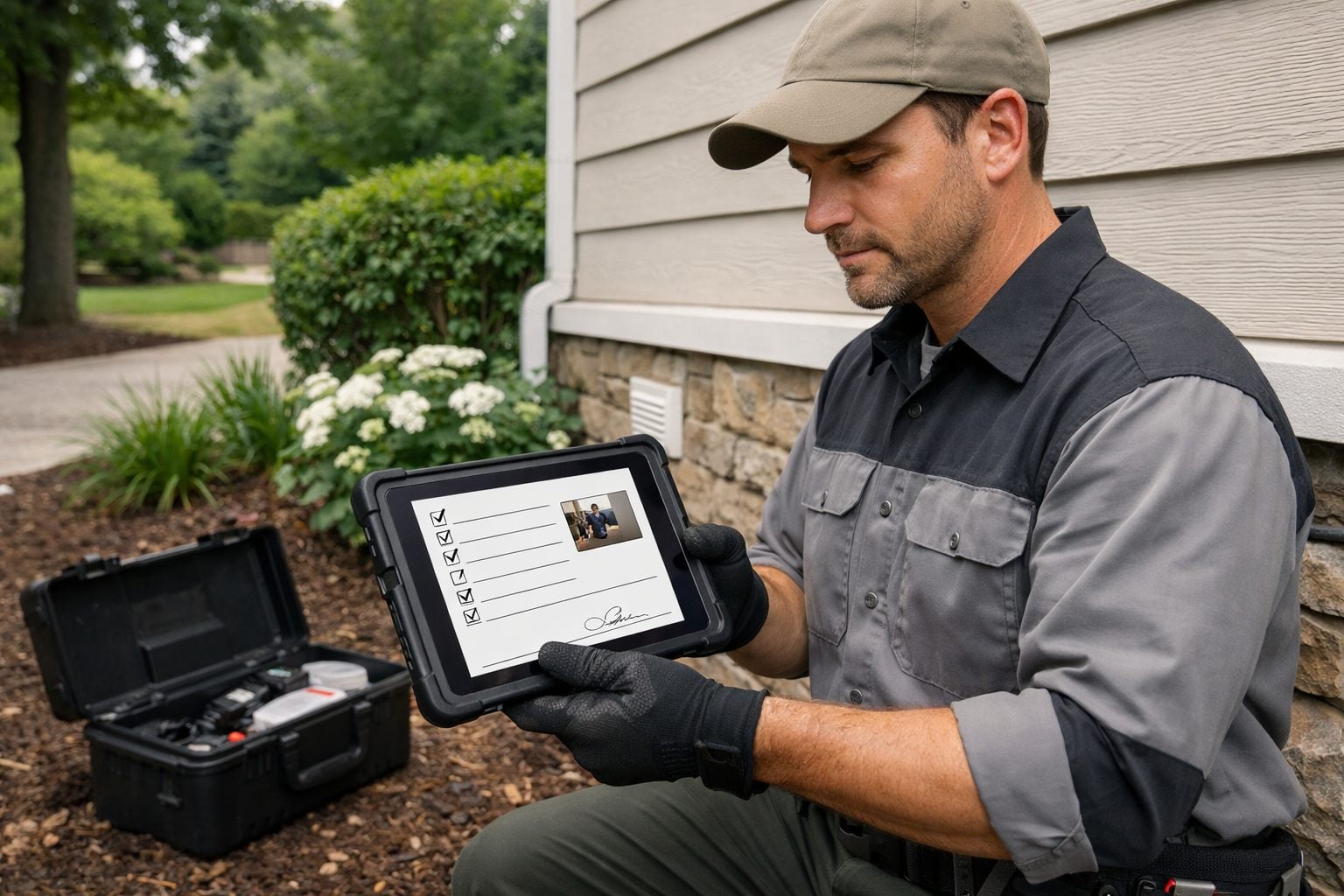
- Before close-out: prompt for treatment notes, photos, attachments, signatures, and recommended next steps when the work performed calls for them.
- At submission: test the record for blank required fields or missing conditional inputs. A complete record can post to the customer history; an incomplete one should be held and assigned to an office review queue.
- After approval: use approved customer-facing fields to populate the service summary, while an unresolved observation or recommendation creates a future follow-up task for the assigned owner.
This sequence replaces rekeying and record chasing with a visible handoff: technician mobile app to customer history, exception queue, customer communication, and follow-up activity. The practical outcome is fewer missed handoffs, lower administrative workload, and more consistent service reports.
Automation can identify an empty field, organize attachments, and route a record to the right person; it cannot decide whether the observation is accurate or whether the treatment detail is complete. Technicians remain responsible for recording what they found, what they did, and any required documentation. Office review should focus on records the rules flag, not become a substitute for field judgment.
Use Automation to Support Route Scheduling and Day-of-Service Changes
A route board needs a reliable exception lane as much as it needs a planned sequence of stops. Set the recurring-service cadence first, then let the system surface scheduling options using the customer’s preferred appointment window, territory, and the technician skills or account familiarity required for that stop. Those inputs produce recommendations; a dispatcher approves the move after weighing drive time, promised windows, workload, and the effect on the rest of the day.
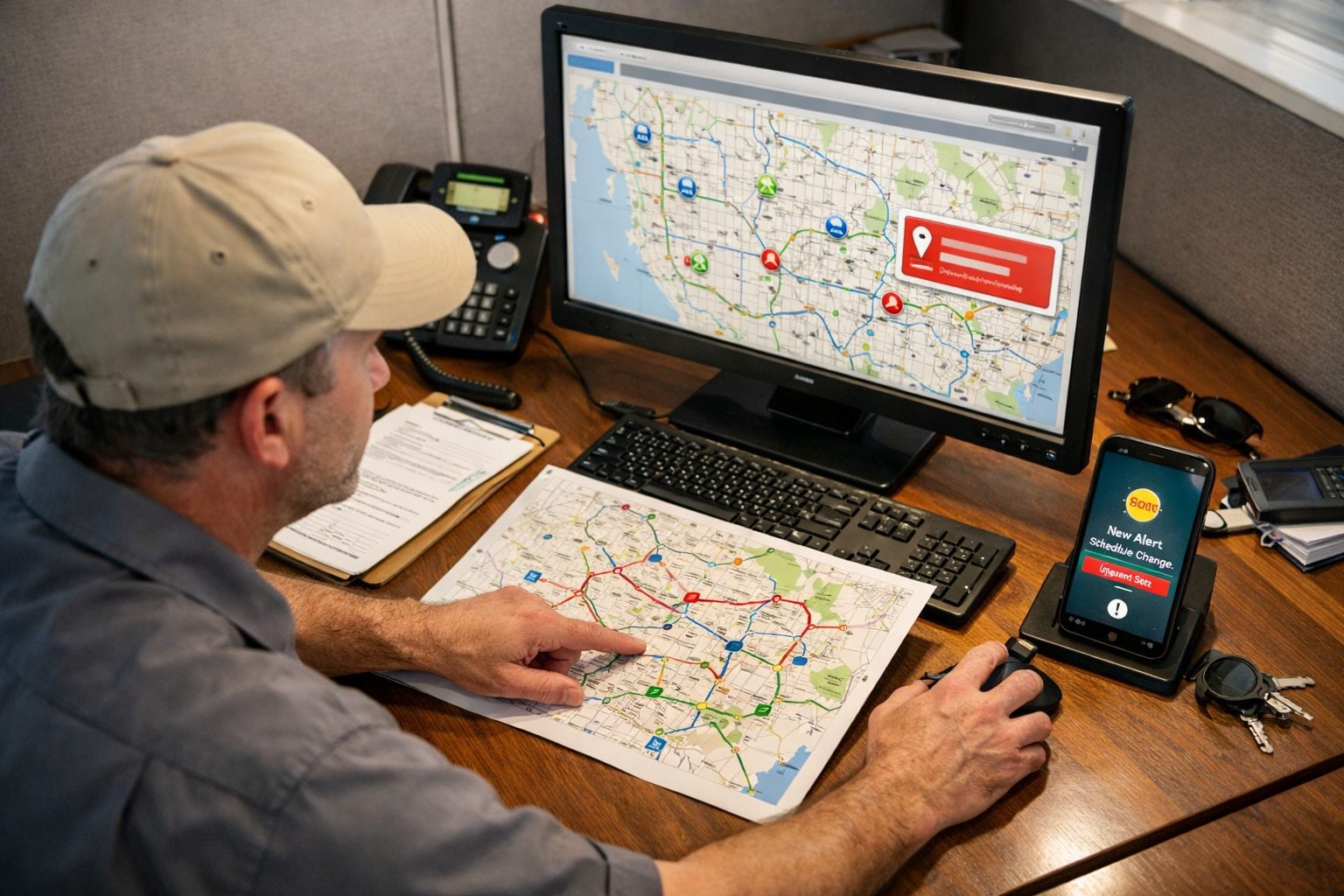
- Cancellation: when a customer cancels, release the slot and create a dispatcher task that shows nearby eligible stops, unconfirmed appointments, and the customer’s requested reschedule timing. The dispatcher decides whether to fill the opening, retain buffer time, or move the visit.
- Skipped stop: when a technician marks a visit skipped, alert the office immediately and create a recovery task with the reason, customer details, and next available service options. This keeps a missed visit from becoming an untracked gap in the route.
- Access issue: when a technician reports a locked gate, unavailable contact, or other access barrier, update the customer record and place the account in a follow-up queue. Office staff can resolve access instructions before assigning a return trip.
- Day-of disruption: technician absence, weather interruption, or an extended visit should notify dispatch and identify affected stops for review rather than silently reshuffling the route.
Track unconfirmed appointments, route-change response time, missed follow-ups, and unresolved exceptions to see where route changes still stall. The benefit is clearer schedule visibility and fewer manual handoffs, not autonomous dispatch. Technicians still judge property conditions and report field constraints; dispatch retains approval over changes that alter customer commitments or route capacity.
Connect Completed Service, Follow-Up Tasks, and Renewal Reminders
A completed visit should also determine the next owner and next action. When a technician records unresolved activity, a customer concern, or a recommended return visit, create follow-up tasks from the close-out fields rather than leaving the office to scan notes. Assign a routine callback to customer service, a return-visit request to dispatch, and a recurring concern or account-risk issue to an account manager. Each task should include the technician’s note, target date, account history, and a visible completion status, reducing missed handoffs and manual record chasing.
Agreement dates can start a separate renewal sequence. Use the plan type, end date, service history, and communication status to segment outreach: a residential recurring plan may receive an earlier reminder sequence, while a commercial account with multiple locations may be assigned directly to its account owner. Renewal reminders can send timely information and create an office follow-up task when a customer does not respond; they support consistent outreach, but do not guarantee a renewal.
- Clear account: send the planned renewal message and log delivery or response status.
- Open service concern: suppress routine renewal outreach and route the account for staff review, so resolution comes before a renewal request.
- No response: create a dated task for the assigned office employee or account manager instead of allowing the sequence to end without ownership.
Track overdue follow-ups, unresolved concerns at renewal time, and completed outreach by segment. The useful outcome is a more reliable customer handoff and fewer administrative gaps, while staff retain responsibility for resolving disputes and deciding the appropriate response.
Build Automated Workflows With Clear Owners, Exceptions, and Review
Adopt automation for pest control businesses one workflow at a time. Start with a high-volume process that has stable rules, such as an upcoming-service reminder or a completed-work-order handoff. Map the current path first: what event starts the work, which employee touches it, what data is passed forward, and where it commonly waits. That baseline makes it possible to judge whether the new process reduces manual touches and missed handoffs rather than merely moving them.
- Define the trigger data. A reliable trigger uses fields that are complete and unique: customer record, service address, scheduled date, work-order status, technician update, and communication permission. For example, “work order completed” is stronger than a vague note because it can consistently initiate the next approved action.
- Set an owner for every exception. Dispatch owns route conflicts and unassigned stops; office staff own undelivered messages, opt-outs, and routine customer replies; technicians own incomplete close-out records; management owns recurring failures or rules that need to change. An exception without a named owner is simply another untracked handoff.
- Build controls into the workflow. Use a single message-status field or event log to prevent duplicate reminders. Hold a customer summary when required technician fields are incomplete. Send a route conflict to dispatch rather than automatically changing the schedule. Suppress promotional or reminder sequences when a customer has opted out, and create a visible review task when connected systems fail to sync.
- Test before expanding. Run the workflow with a limited group of records, review message wording and timing, and confirm that notifications reach the intended person. Then review incomplete records, failed messages, unassigned exceptions, route conflicts, overdue tasks, and sync failures. These measures show whether pest control service automation is dependable enough to extend to another workflow.
Automated workflows for pest control should move known information and surface uncertainty, not decide it. Pest identification, treatment selection, safety decisions, the accuracy of required records, unusual property conditions, customer complaint resolution, and final dispatch judgment remain human responsibilities. The practical adoption path is deliberate: stabilize one workflow, correct its failure points, assign ongoing review, and only then connect the next office-to-field handoff.
Frequently Asked Questions
-
What workflows should a pest control company automate first?
Start with high-volume, rules-based processes that cross at least two people or systems, such as upcoming-service reminders, completed work-order handoffs, rescheduling requests, and renewal follow-ups. Each workflow should have a defined trigger, automated action, owner, exception path, and measurable outcome.
-
How can pest control companies automate recurring service reminders?
When an appointment enters its notice window, send a reminder using the scheduled date, arrival window, property address, and approved customer contact details. Record confirmations against the visit, send arrival notices only after the technician marks the route status as en route, and route change requests to dispatch.
-
What technician documentation can pest control businesses automate?
A technician mobile app can require service status, areas addressed, and customer-ready notes for every visit, while showing conditional fields for treatments, recommendations, photos, attachments, or signatures. Incomplete records should be held in an office review queue, while complete records post to customer history and can trigger approved service summaries.
-
Can workflow automation help automate route scheduling for pest control technicians?
Automation can surface scheduling options using preferred appointment windows, territory, technician skills, and account familiarity. Dispatch should approve route changes because cancellations, skipped stops, access issues, weather disruptions, and technician absences can affect drive time, route capacity, and customer commitments.
-
What should remain manual in a pest control workflow?
Technicians and staff should retain responsibility for pest identification, treatment selection, safety decisions, property-specific assessments, required compliance documentation, and customer dispute resolution. Automation should move known information, prevent duplicate messages, and assign exceptions, while humans make decisions involving uncertainty or customer commitments.