Workflow Automation for Garage Door Companies Starts With the Job Lifecycle
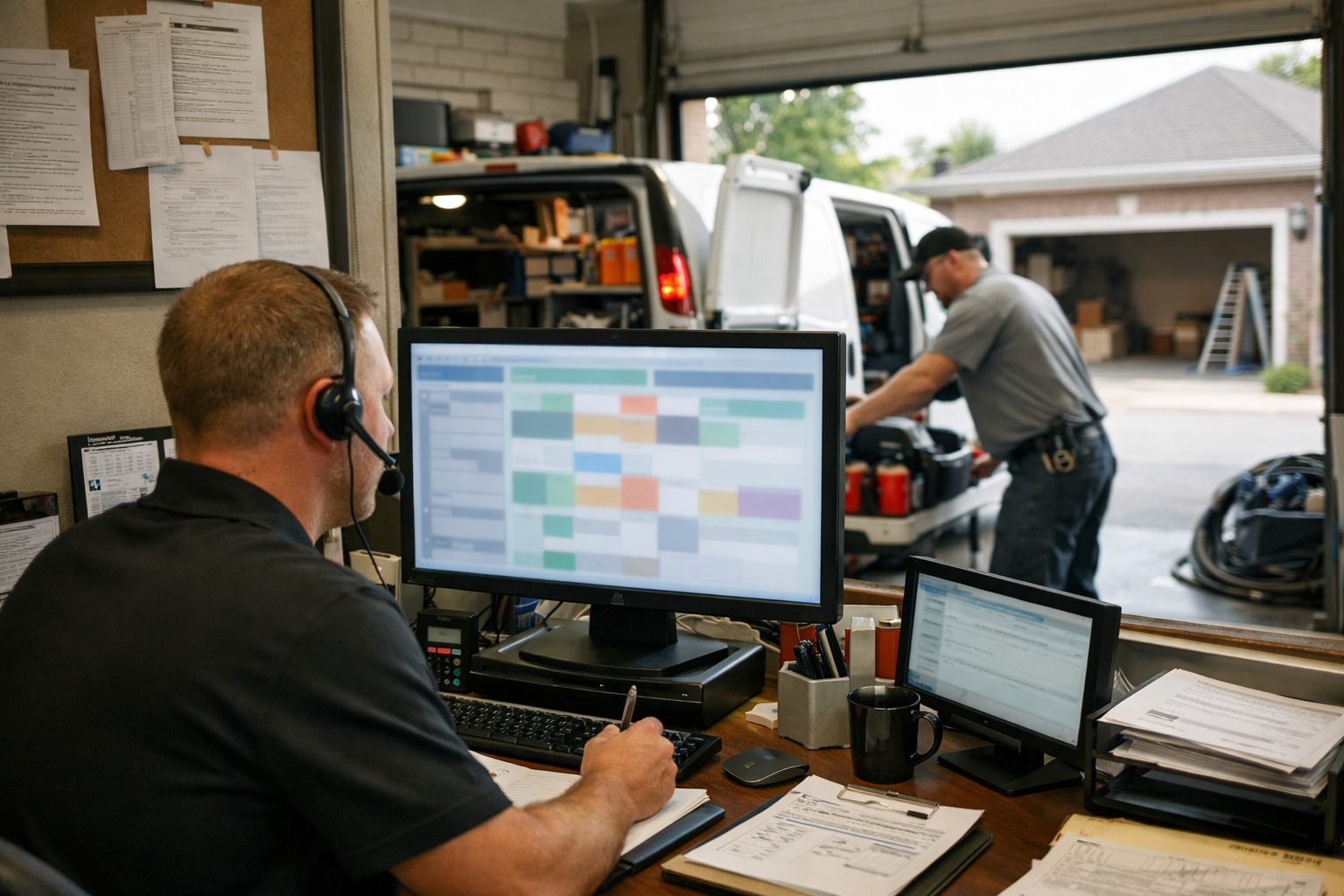
For a garage door company, automation works best as an operations system that keeps a job moving, not as a replacement for the dispatcher who reads urgency or the technician who diagnoses a dangerous failure. Garage door business automation connects the lifecycle from lead intake and urgency assessment through dispatch, customer updates, estimates, appointment attendance, completed-job billing, and payment collection. Its purpose is to reduce the gaps between those stages, where a missed handoff can turn a same-day repair or installation opportunity into a lost job.
The strongest workflows are repetitive and rules-based: a new inquiry creates a job record, a scheduled visit prompts a confirmation, an approved estimate starts a follow-up sequence, and a completed work order sends an invoice. Those triggers create consistent next actions without requiring someone to retype details or remember every callback. A broken-spring report, a door-off-track complaint, an unusual service-area request, final pricing exception, or upset customer should instead surface to a dispatcher, technician, or manager for judgment.
That division is the practical value of home services business automation: routine administrative movement becomes faster and more visible, while people retain ownership of safety-sensitive decisions, customer care, and technical work.
Capture Every Garage Door Lead, Including After-Hours Service Requests
An unanswered call is a workflow event, not a dead end. A 24/7 answering workflow can create a lead record from a call, web form, chat, or missed-call text-back, immediately acknowledge the customer, and give the office a complete callback queue rather than a list of unexplained phone numbers. This supports faster lead response and fewer missed handoffs without making an automated system responsible for diagnosis or dispatch promises.
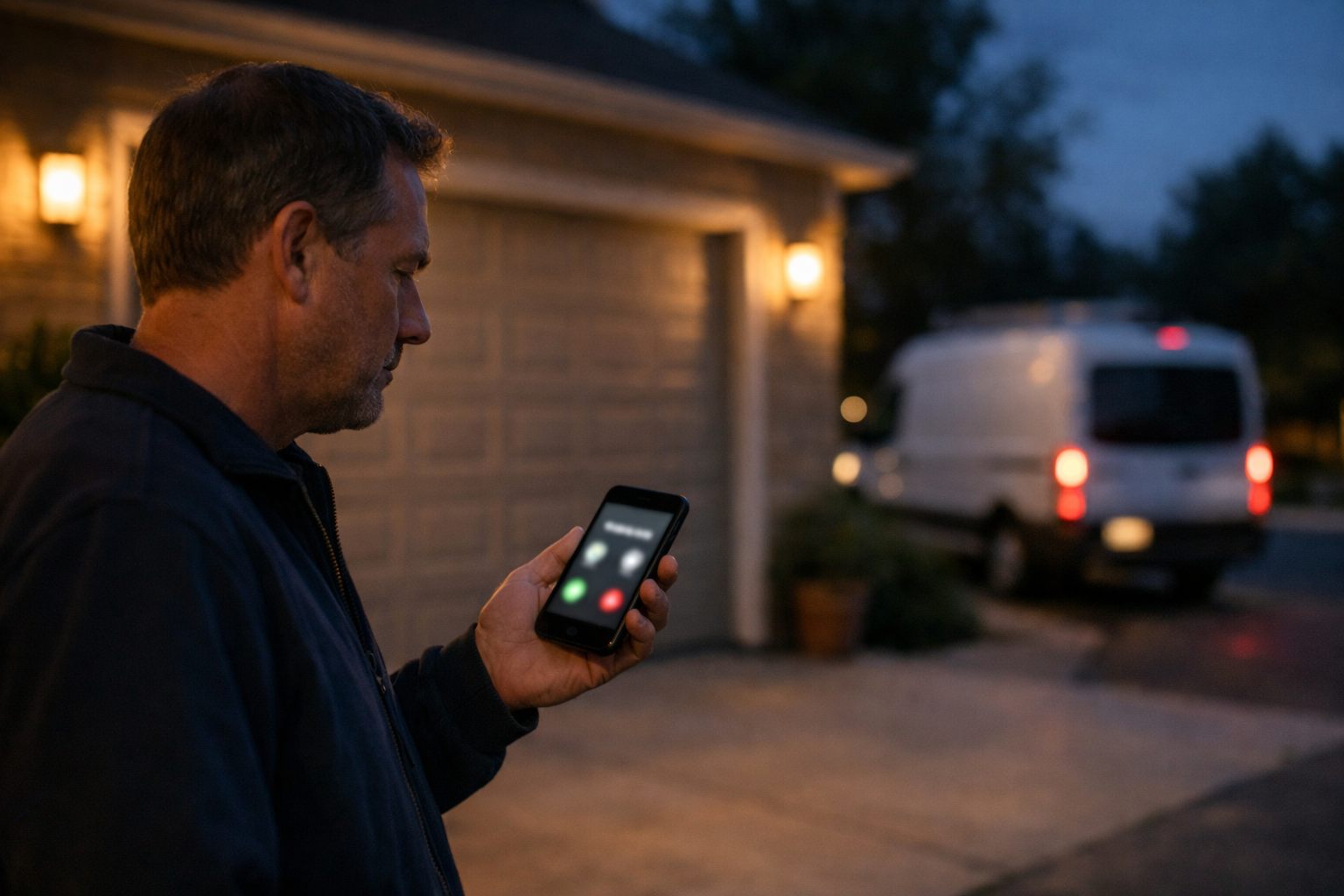
Build the intake around details a dispatcher can act on: issue type (broken spring, opener problem, tune-up, replacement inquiry), current door condition, whether the door is stuck open or off track, property address and service-area fit, reported safety concerns, preferred service time, and photos when a customer can safely provide them. A tune-up request can enter the normal scheduling queue; a report that a vehicle is trapped, a garage is unsecured, the door is off track, or the situation is unclear should create an immediate human on-call alert.
AI automation for service businesses is useful here as a guided collector: it can ask the next intake question, repeat back the address, and explain that the request has been received. It should not decide whether a damaged door is safe, promise an arrival time, or substitute for an emergency escalation process. A strong after-hours lead capture design records the source, time, response status, and outcome for every inquiry; missed-call reporting then shows which channels and time periods are producing unreturned opportunities.
- Trigger: a call is missed or a form/chat is submitted. Action: acknowledge receipt and collect structured job details. Handoff: send urgent or uncertain reports to the on-call human queue.
- Good signal: the dispatcher sees a usable address, issue description, urgency flag, callback number, and preferred time. Weak signal: a generic “needs repair” message that still requires several follow-up attempts.
Automate Triage and Dispatch Without Removing Dispatcher Judgment
A job should reach the dispatch board with a recommended lane, not merely a timestamp. Garage door dispatch automation can apply rules to the intake record: urgency determines whether a request needs same-day attention; service area narrows the geographic pool; scheduled capacity shows who has usable time; job type separates repair, maintenance, consultation, and installation work; and required capability identifies the appropriate technician or estimator. The practical result is a clearer queue with fewer handoffs before a dispatcher acts.
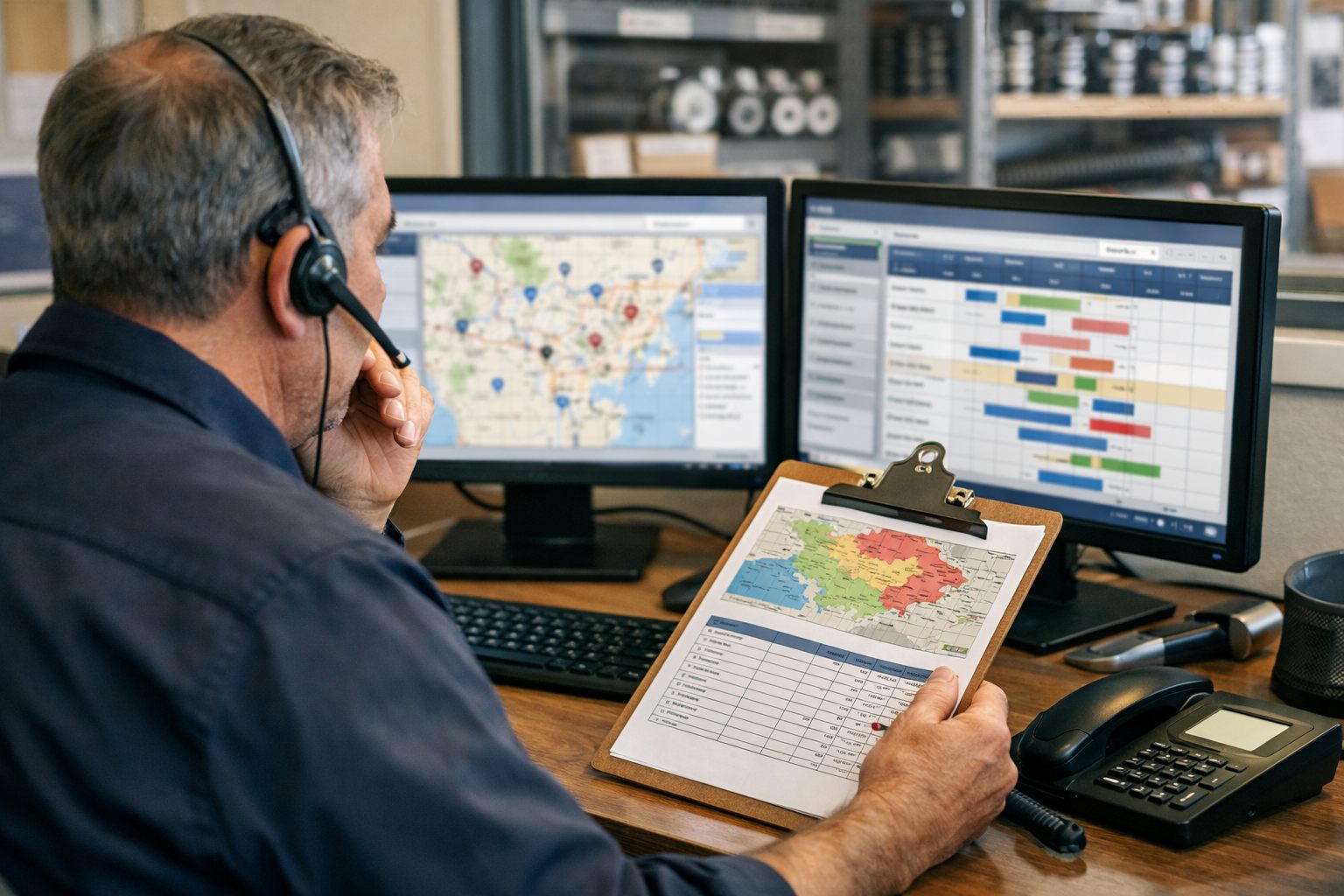
A report of a door stuck open, for example, can be flagged for same-day dispatcher review and placed ahead of a routine tune-up request. An installation consultation can be offered to an available estimator who serves that territory, while maintenance visits can be grouped by route to reduce unnecessary back-and-forth travel. Service-area routing is a starting filter, not a final assignment: proximity alone does not establish skill fit, travel feasibility, or whether changing the day’s sequence would disrupt higher-priority work.
- Trigger: a qualified lead enters the system. Action: score and label it by urgency, territory, job category, available capacity, and assigned-role requirements. Handoff: place it in a dispatcher review queue with the recommended assignee and reason.
- Dispatcher override: intervene when capacity conflicts, the scope is uncertain, an emergency report changes the schedule, or a repair-versus-replacement conversation needs judgment. These are decisions where a rule cannot reliably weigh customer circumstances, technician workload, and revenue opportunity together.
Measure the workflow by time from inquiry to first response, dispatch lag from qualification to assignment, and the number of jobs left unassigned at day’s end. Those measures expose whether rules are clearing routine work or simply moving unresolved decisions into another queue.
Keep Customers Informed From Booking Through Technician Arrival
Silence after a dispatch decision creates uncertainty for a customer waiting with a stuck door or an installation project in progress. Consistent customer communication gives the office fewer status requests to handle manually and makes each handoff visible.
- Booking acknowledgment: send immediately after the job is created. Include the customer’s name, service address, requested issue, and a clear statement that the request is awaiting or has received scheduling action, without promising an arrival time that has not been approved.
- Scheduled and en-route updates: once a dispatcher sets the visit, send the service window and office contact details. When the technician changes status to en route, send the technician’s first name and the current arrival window. If the route changes, replace the earlier expectation with a delay notice and route exceptions to a dispatcher.
- Post-visit status: after the work order is closed, acknowledge that the visit is complete and identify the next customer action, such as reviewing recommended work or awaiting a separate estimate.
Personalize automated customer follow-ups from job-record fields rather than generic blasts. Build controls that record appropriate consent where required, identify the sender, provide a workable text opt-out, and suppress future automated calls or texts promptly after an opt-out. Apply the consent, calling, and messaging rules that govern the company’s jurisdiction and communication practices.
Track inbound “where is the technician?” calls, reschedule rates, undeliverable messages, opt-outs, and communication complaints. Those measures show whether garage door service automation is setting useful expectations or merely sending more messages.
Recover More Estimate Opportunities With Timely, Relevant Follow-Up
An estimate that remains open without an assigned next step is a visible revenue-leakage risk. When a technician or estimator marks a proposal sent, the CRM or field service platform can immediately deliver the itemized estimate and start a timed follow-up sequence, so the office has a record of both the proposal and every customer touchpoint.
- Send the estimate immediately with the selected repair, opener, insulation, replacement, or new-door options and a clear approval link. For a straightforward spring-repair quote, a short reminder after a defined interval can ask whether the customer would like to proceed or has a question.
- Use a more considered sequence for a door replacement or installation: follow up after the customer has had time to review styles and options, then send a relevant reminder before quoted pricing or scheduling availability may change. Relevant estimate reminders reference the proposed job rather than sending a generic promotion.
- Route larger, custom, or multi-door projects to an office manager or estimator for final human review. That person can address measurements, scope changes, lead-time questions, and financing requests instead of allowing automated customer follow-ups to continue indefinitely.
A quote approval workflow should change status and alert the office when a customer accepts, requests revisions, or asks for financing information. Acceptance creates a scheduling handoff; a change request returns the estimate to its owner; a financing inquiry enters the appropriate office queue. Review estimate-aging reports, follow-up completion rates, approval-to-scheduling time, and open-estimate reasons to find proposals that need attention rather than more messages.
Use Confirmations and Reminders to Protect the Schedule
A scheduled slot is not secure until the customer has confirmed the service window and the job record is usable in the field. Trigger a confirmation when an appointment is booked, asking the customer to verify the address, best contact number, access instructions, and whether the proposed window works.
- For tune-ups and repairs, send a reminder before the visit with the service window and a simple confirm-or-reschedule action. A nonresponse should move the job into an unconfirmed-appointment queue for staff outreach, rather than remain silently on the board.
- For installation scheduling, send a preparation reminder that asks customers to clear vehicle access to the garage, provide gate codes, and confirm whether an adult decision-maker must be present. These details prevent avoidable arrival delays and scope conversations at the door.
Track confirmation rate, no-show reduction, reschedule rate, and the age of the unconfirmed queue. Automated reminders should support, not replace, staff handling of reschedules and high-value installation coordination. Configure automated text or voice reminders to honor applicable consent and opt-out requirements.
Move Completed Garage Door Work From Invoice to Payment
Billing should begin from a completed-work status, not from an office task that can sit until day’s end. When a technician closes a repair work order, garage door service automation can generate an itemized invoice and send a secure payment link with the job address, completed work, and a direct office contact. When an installation proposal is approved, the trigger should instead request the agreed deposit before ordering materials or releasing the job for scheduling.
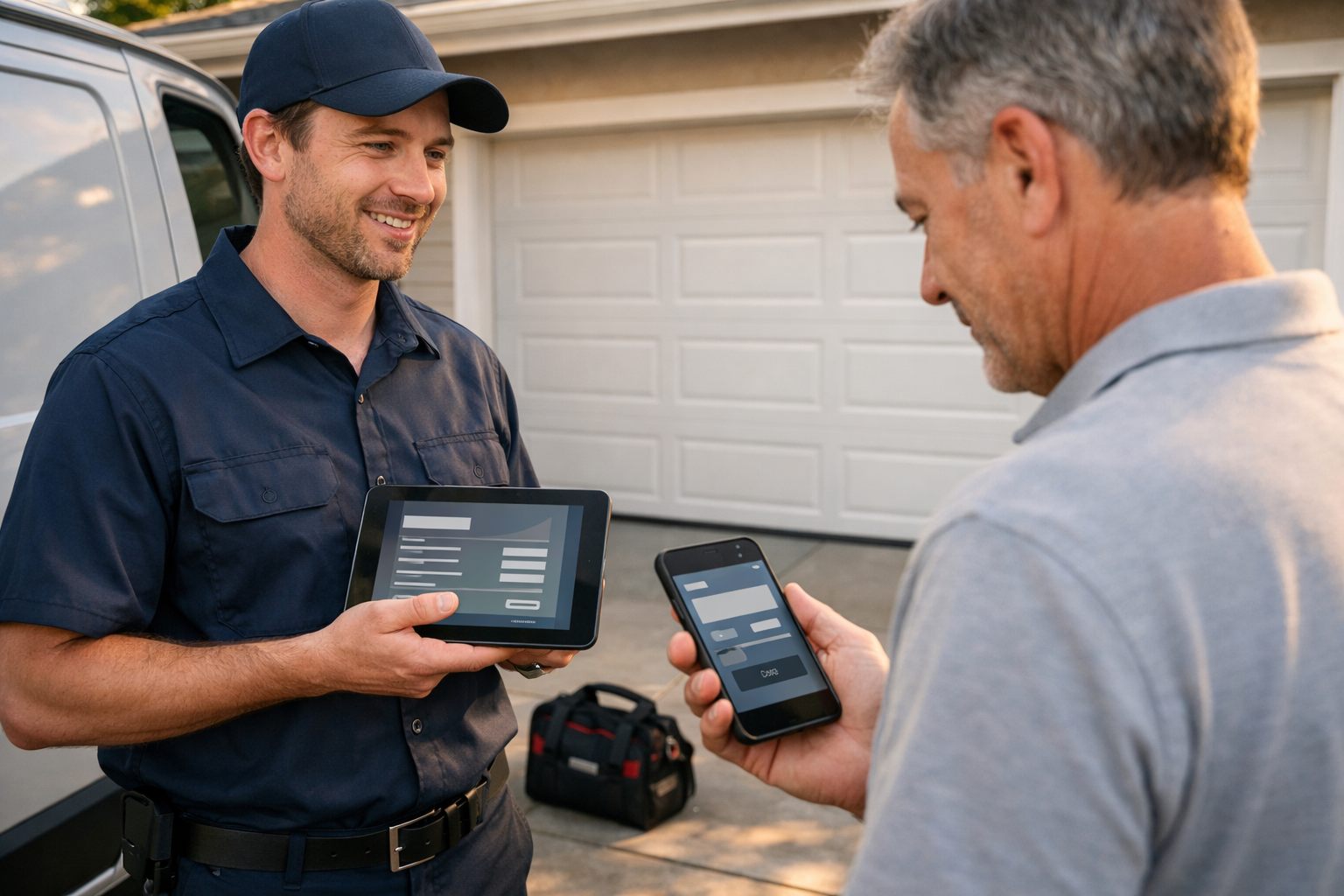
- Use a measured reminder sequence for unpaid balances: an initial invoice, a courteous reminder after the due date, and a final staff-review task rather than repeated messages. Track payment-link use, days to payment, and invoice-aging by job type to find where collection is stalling.
- Route failed payments, invoice disputes, insurance-related repairs needing photos or documentation, and large installation balances into an exception queue immediately. These are not routine payment collection events; an office owner should resolve the issue directly and record the next action.
This creates visibility without turning automated customer follow-ups into pressure: routine invoices move promptly, while customers with questions or unusual payment circumstances reach a person before the balance becomes an aging surprise.
What to Automate First, and What Should Stay Human
Roll out automation for garage door companies in the order that removes the most costly delays first. Establish a baseline before launch, then compare workflow results against it rather than assuming an improvement.
- Missed-call capture and acknowledgement: use caller details, contact preference, address, and reported issue; trigger it on an unanswered call; assign the callback to an office owner; measure first-response time and leads without a follow-up task.
- Dispatch notifications: use job priority, location, job type, and technician assignment; trigger on dispatcher assignment; notify the technician and dispatcher; measure dispatch lag and jobs left unassigned.
- Appointment confirmations: use the service window, address, access notes, and contact number; trigger when booked; route replies to dispatch; measure confirmation and no-show rates.
- Estimate follow-up: use proposal status, owner, and send date; trigger after an estimate is sent; return questions or revisions to the estimator; measure estimate aging and contacted open proposals.
- Invoice reminders: use invoice status, due date, and payment-link activity; trigger when a balance reaches its reminder point; hand disputes to the office; measure invoice aging and payment completion.
Business process automation should never make the final call on a safety assessment, emergency escalation, diagnosis, pricing exception, complex replacement recommendation, or difficult customer conversation. A technician owns the technical judgment; a dispatcher owns urgent routing; a manager owns exceptions that affect margin, trust, or reputation.
Review a single scorecard regularly: lead response, dispatch speed, estimate aging, confirmation rate, no-show rate, invoice aging, and message opt-outs or complaints. Automation is working when those handoffs become clearer without making customers feel processed instead of helped.
Frequently Asked Questions
-
What garage door business tasks should be automated first?
Start with missed-call capture, lead acknowledgments, dispatch notifications, appointment confirmations, estimate follow-ups, and invoice reminders. These workflows reduce delays at key handoffs and can be measured through first-response time, dispatch lag, confirmation rate, estimate aging, and invoice aging.
-
Can AI answer garage door repair leads after hours?
AI can collect structured details after hours, including the issue type, address, callback number, preferred service time, door condition, and safe customer-provided photos. It should acknowledge the request and alert an on-call human for urgent or unclear reports, but it should not diagnose safety, promise arrival times, or make dispatch decisions.
-
What appointment reminders work best for garage door repair and installation customers?
Send a booking confirmation immediately, then a repair or tune-up reminder with the service window and a confirm-or-reschedule option before the visit. Installation reminders should also request vehicle access clearance, gate codes, and confirmation that an adult decision-maker will be present.
-
How can garage door contractors automate invoice and deposit reminders?
Generate an itemized invoice and secure payment link when a repair work order is marked complete. For approved installations, request the agreed deposit before materials are ordered or scheduling is released, then use an initial invoice, one courteous post-due-date reminder, and a staff-review task for unresolved balances.
-
What should a garage door company not automate?
Do not automate final safety assessments, emergency escalation decisions, technical diagnosis, pricing exceptions, complex replacement recommendations, or difficult customer conversations. Dispatchers should control urgent routing, technicians should make technical judgments, and managers should handle margin, trust, payment, and reputation exceptions.