Treat No-Shows as a Recovery Workflow, Not a Reminder Problem
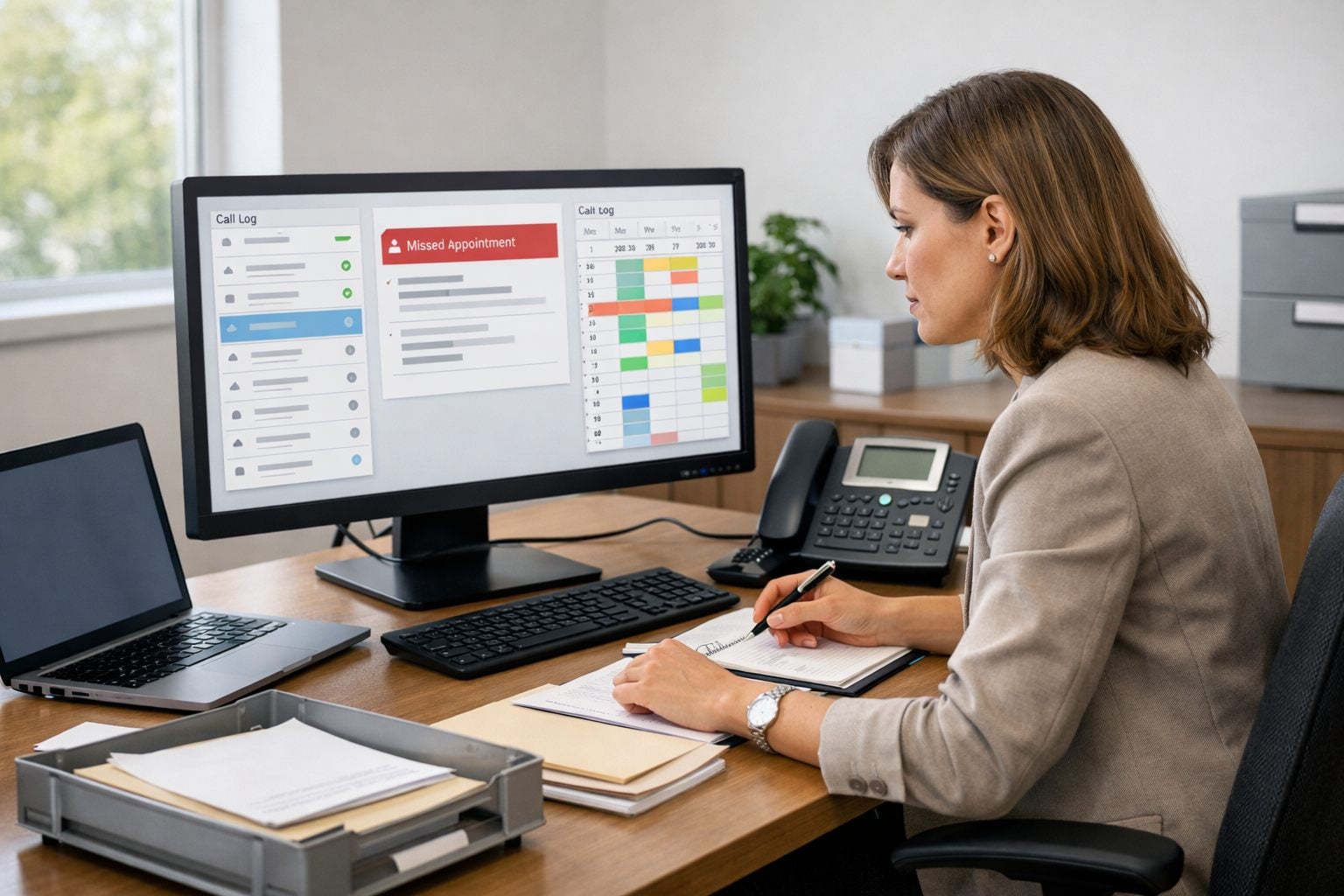
A missed appointment is not simply a reminder failure; it is a recovery event. If an unfilled slot cannot be reused, it creates unused capacity, puts expected revenue at risk, and leaves staff to chase updates across calendars, inboxes, and phone logs. A defined workflow creates the consistency and lower administrative workload that operations-heavy businesses need.
Build the response as a controlled sequence rather than an improvised task:
- Verify that the appointment was actually missed, rather than cancelled, delayed, or completed outside the scheduling system.
- Classify the case using signals such as appointment value, customer history, urgency, and whether the engagement is sensitive.
- Send the outreach that fits that classification, with a neutral message and an approved channel.
- Give the customer a low-friction path to rebook, such as a direct scheduling link or a staff callback option.
- Escalate exceptions, repeat no-shows, high-value consultations, replies, or sensitive matters, to a named staff owner.
Automated customer follow-ups should handle repeatable handoffs, not replace judgment. A routine service visit may receive a standard rebooking prompt; a missed legal or accounting consultation may need staff review before any outreach. This distinction protects the customer experience while helping teams reduce admin labor costs and preserve visibility over work that needs a person.
Step 1: Define and Verify the No-Show Trigger
Start with a status record, not an empty chair. A calendar slot that appears unattended can still represent a late arrival, a phone-based completion, a cancellation handled by staff, or a reschedule that has not yet synchronized.
Define a small, mutually exclusive set of appointment statuses in your scheduling software or calendar integration: attended means service occurred; cancelled ends follow-up; rescheduled points to the replacement booking; late keeps the appointment open; pending verification holds it for review; and no-show authorizes the recovery workflow. The practical benefit is that only one final status can start outreach.
Set an attendance confirmation window after the scheduled start time. Its grace period should reflect the appointment: a short on-site service visit may be resolved quickly, while a consultation, intake, or appointment affected by travel may need a longer window. During that period, staff can mark a late arrival, completed session, cancellation, or reschedule without triggering a message.
Give named staff members an override control for exceptions, including a customer who called the office, a provider who completed the appointment off-calendar, or an error in the booking record. Record the override reason and stop any queued message.
Use an adaptable trigger rule:
- Appointment end time has passed.
- The defined grace period has expired.
- Attendance confirmation remains absent.
- The final appointment status is no-show, not cancelled, rescheduled, late, or attended.
- No prior follow-up event exists for that appointment ID.
Store the appointment ID, status-change time, assigned staff member, and follow-up state with the event. Those fields prevent duplicate sends when calendars sync twice or a staff member corrects the record later.
Step 2: Classify the Case Before Choosing the Follow-Up
The no-show record needs a route, not a generic template. Create client segmentation fields that sort each case by appointment value, new versus established relationship, no-show count, time sensitivity, service type, reply status, and sensitivity level. Each field changes either the message path or the owner: a routine missed pool-service visit can follow a standard rebooking path, while a missed legal consultation or healthcare-adjacent intake should be held for staff judgment.
A workflow rule is an if/then instruction that assigns that route. Use conditional branching so that risk and customer context outweigh convenience. For example, a customer reply, whether it is an apology, a request to call, or an objection, should suppress queued automated customer follow-ups and place the record in a staff work queue.
| Signal | Workflow action | Owner | Timing |
|---|---|---|---|
| Low-value, non-sensitive service; no prior no-show; no reply | Send the routine rebooking sequence. | Automation | After no-show verification |
| High-revenue consultation or new-client matter | Suppress the standard sequence; assign a personal outreach task. | Account owner or intake staff | Same business day |
| Repeat no-show reaches your defined threshold | Apply the attendance-policy branch or require staff approval before rebooking. | Manager or designated coordinator | Before another booking is offered |
| Time-sensitive legal, accounting, property, or service issue | Route for priority contact without describing the matter in the automated message. | Assigned professional or dispatcher | Immediate queue entry |
| Healthcare-adjacent or otherwise sensitive engagement | Hold automation; use a neutral outreach task and approved channel. | Authorized staff member | After review |
Make suppression explicit: stop queued messages when a customer replies, staff adds an exception note, the appointment is rebooked, or the sensitivity flag is present. This human-in-the-loop design reduces missed handoffs while keeping repetitive, low-risk work orderly and measurable.
Step 3: Send Timely, Appropriate Outreach in a Controlled Sequence
For a routine case, use a short sequence with a clear end rather than an open-ended chase. Send the first message 15 to 30 minutes after the no-show status is verified, when the missed slot is still recent but staff have had time to correct the record. Keep it neutral, courteous, and focused on the next action.
An SMS reminder is best for a brief, mobile-friendly prompt when the customer has been approved for that channel; an email follow-up gives more room for a booking link, contact details, and a written record. Use one primary channel for the first touch rather than duplicating the same message across both. Do not include appointment reasons, case details, health information, financial information, or other sensitive context in either message.
- Initial message: “Hi [First Name], we missed you today. If you’d like to choose another time, use [link] or contact us at [phone].”
- No response: Send one follow-up about 24 hours later, or the next business day: “We’re holding this open in case you still need an appointment. Choose a new time here: [link], or reply/call if you need help.”
- Stop rule: Cancel all queued messages immediately when the customer replies, rebooks, opts out, cancels, or is assigned to a staff member.
Adapt the label, not the level of detail. A home-service business can say, “We missed you for your scheduled visit.” A legal or accounting office can say, “We missed our scheduled consultation,” without naming the matter. A healthcare-adjacent practice can use, “We missed your scheduled appointment; please contact our office to discuss next steps,” where its approved workflow permits outreach.
Store the send time, channel, delivery outcome, reply state, and suppression reason on the appointment record. Review message content, consent and opt-out handling, and channel use for the business’s jurisdiction, platform, and service context before activating automated customer follow-ups.
Step 4: Make Rescheduling the Easiest Next Step
Every message should lead to one next action, with no need for the customer to explain the missed appointment again. For routine, low-risk services, place a direct rescheduling link in the message and send the customer to a mobile-friendly booking page. Prefill the original appointment type and, where appropriate, the usual provider or service area so the customer chooses a time rather than rebuilding the request.

- Direct rebooking: Use this path for standard appointments that need no new screening, intake, payment decision, or staff approval. Limit the displayed slots to the correct appointment length, eligible providers, service locations, lead time, and any required deposit rule.
- Request to reschedule: Replace the booking link with “Reply or call us to choose a new time” when availability depends on matching a specialist, reviewing a matter, updating intake, or applying a cancellation policy. The workflow should create a staff task with an owner and response deadline.
- Staff-assisted booking: Route customers who cannot self-serve, because they reply with a question, need an accommodation, have a repeat no-show history, or are in a sensitive service category, to a named queue rather than leaving them at a generic inbox.
Use scheduling software rules to prevent the recovery path from creating a second problem. A rebooked slot should close the original follow-up sequence, preserve the connection to the missed appointment, and block duplicate bookings for the same customer and time. Offer a waitlist only when staff can actually release openings and notify the next eligible customer.
Test the journey from the customer’s phone: the link should not expire prematurely, the selected appointment type should be correct, available times should be real, and the cancellation-policy notice should appear before the booking is finalized. If any of those controls cannot be applied reliably, direct the customer to staff instead of sending an unrestricted rescheduling link.
Step 5: Escalate High-Value, Sensitive, and Exception Cases to Staff
Some missed appointments should produce a task, not another message. Create an escalation queue whenever the record meets a defined trigger: a high-value consultation, the repeat no-show threshold, an upset or unclear reply, a deadline-driven engagement, a vulnerability or accommodation flag, an account concern, or an attendance record that staff cannot confidently classify. A disputed “no-show” is a good example of an exception: pause automation until someone establishes whether the service occurred, was cancelled, or needs recovery.
Give each queue item enough context for a staff member to act without searching across systems: appointment date, type, value band, assigned provider, customer history, no-show count, contact preference, prior messages and replies, escalation reason, and the required action. “Call to resolve scheduling conflict” is actionable; “follow up” is not. Keep message previews limited to the minimum necessary information, particularly for legal, accounting, healthcare-adjacent, or otherwise sensitive engagements.
- Urgent or time-sensitive: assign a named owner and review immediately during operating coverage; use a supervisor fallback if the owner does not accept the task.
- High-value or upset customer: target same-business-day review so service recovery can be tailored rather than sent as a template.
- Repeat or ambiguous cases: review within one business day and decide whether to rebook, apply an account rule, correct the attendance status, or close the sequence.
Ownership must be explicit: the assigned staff member resolves the customer contact, while a manager owns policy exceptions and unassigned tasks. In the CRM, record the final disposition, owner, contact attempt, outcome, replacement appointment ID if rebooked, and a suppression tag that prevents duplicate outreach. Regulated, urgent, or sensitive situations require organization-specific handling rules and human judgment; the workflow’s job is to surface them reliably, not decide them automatically.
Step 6: Measure Recovery Results and Improve the Workflow
Run the first review on a fixed weekly cadence, using appointment records rather than open or click counts alone. The useful question is whether the no-show follow-up workflow restores bookings or frees capacity without creating avoidable staff work.

| Metric | Calculation | Decision |
|---|---|---|
| Verified no-show rate | Verified no-shows ÷ completed appointment opportunities | Tests attendance accuracy and prevention needs. |
| Delivery and response rate | Delivered or replied messages ÷ messages sent | Separates channel failure from weak outreach. |
| Rescheduling conversion | Replacement bookings ÷ verified no-shows contacted | Tests message and booking-path effectiveness. |
| Recovered capacity | Rebooked slots or recovered appointment value | Shows operational return. |
| Repeat no-show rate | Customers with another no-show ÷ recovered customers | Informs account rules. |
| Escalations and staff time | Routed cases; logged minutes versus manual baseline | Shows whether workload is falling. |
Investigate broken branches: delivery without replies may justify a timing test; replies without bookings point to booking friction; rising escalations may mean the classification rule is too broad. Test one change at a time, such as a different first-send window or fewer booking-page steps, and judge it by recovered bookings and staff workload, not message activity.
Launch workflow automation for small business with one routine appointment type, then expand only after trigger status, every route, message approval, opt-out suppression, rescheduling, and escalation ownership pass a live test.
- Verify the no-show trigger and duplicate-send protection.
- Route routine, sensitive, repeat, and high-value cases correctly.
- Send approved, non-sensitive messages with stop conditions.
- Offer a working rebooking path and record the outcome.
- Assign escalation owners, review results weekly, and refine before scaling.
Frequently Asked Questions
-
How soon should you follow up after a missed appointment?
Send the first follow-up 15 to 30 minutes after the appointment is verified as a no-show. Wait until the appointment has ended, the grace period has expired, and staff have confirmed it was not cancelled, rescheduled, late, or completed.
-
What should an automated no-show follow-up message say?
Keep the message neutral and focused on one next step: “Hi [First Name], we missed you today. If you’d like to choose another time, use [link] or contact us at [phone].” Do not include appointment reasons, health information, financial details, or other sensitive context.
-
How many times should you contact a client after a no-show?
Use a short two-message sequence for routine cases: an initial outreach after verification and one follow-up about 24 hours later or the next business day. Stop all queued messages immediately if the customer replies, rebooks, opts out, cancels, or is assigned to staff.
-
How can a small business automate appointment rescheduling after a no-show?
For routine, low-risk appointments, send a mobile-friendly direct booking link that pre-fills the original appointment type and, when appropriate, the usual provider or service area. The scheduling system should close the original follow-up sequence, link the replacement booking to the missed appointment, and prevent duplicate bookings.
-
When should a missed appointment be routed to a staff member instead of automated?
Route the case to staff for high-value consultations, repeat no-shows, customer replies, disputed attendance records, urgent matters, accommodation needs, and legal, accounting, healthcare-adjacent, or other sensitive engagements. Assign a named owner, with urgent cases reviewed immediately and high-value or upset-customer cases reviewed the same business day.