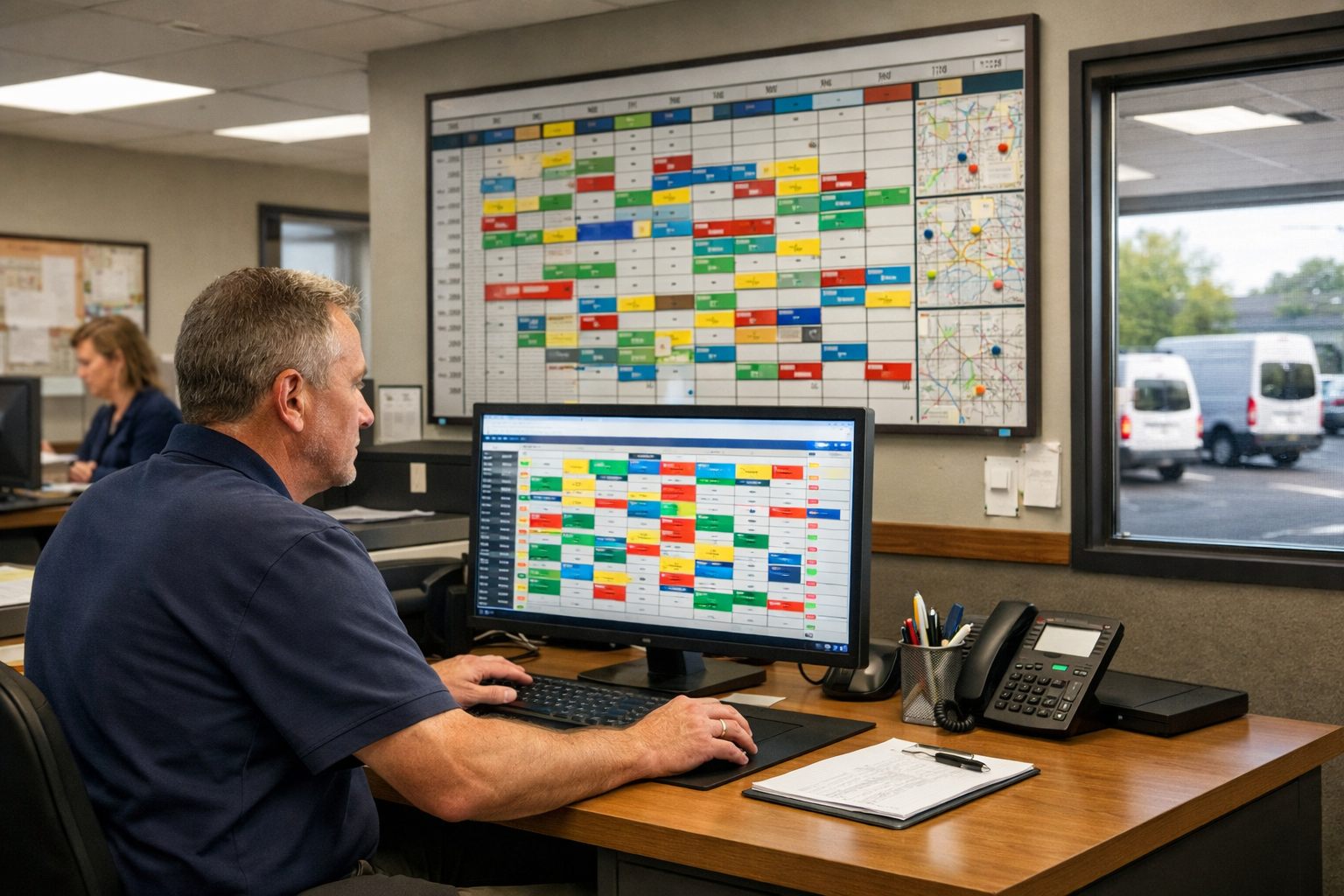
Why Dispatch Automation Is a Workflow Redesign, Not Just a Software Switch
The practical aim is not to replace dispatchers; it is to remove repetitive handoffs that slow response, create duplicate entry, and leave the office reacting to missed updates.
Manual scheduling means a person repeatedly reads job notes, compares calendars, calls customers, assigns technicians, and reshuffles the board. Route optimization is narrower: it sequences already-assigned stops to reduce inefficient travel while respecting time windows. Home service dispatch automation connects the full workflow: structured intake captures the request; matching filters technicians by service area, skills, availability, priority, time window, and estimated duration; scheduling reserves an appointment; routing sequences the day; communication sends confirmations, reminders, and ETA updates; exception alerts surface jobs that no longer fit; reporting compares the plan with what happened.
To automate dispatching for a home service business, stop manual scheduling only where the decision is repeatable and easy to reverse. A standard maintenance visit with a verified address and an available qualified technician can follow rules. A commercial refrigeration emergency, a high-value contract customer, a complex diagnosis, or a technician delayed in the field should trigger dispatcher review and a manual override.
The distinction matters because bad inputs produce bad automation: incomplete job details, stale skill records, unrealistic durations, and rigid routing rules turn a fast workflow into reactive rerouting. Build the routine path first, then make exceptions visible to the people empowered to resolve them.
Step 1: Map Your Current Dispatch Flow and Choose What to Automate First
Start with a one-day swim-lane map of actual work, not the ideal process. Draw lanes for customer, office, dispatcher, technician, and system. Trace each job from call, web form, or text through job intake, address entry, eligibility review, appointment offer, assignment, route changes, field completion, and end-of-day review. At every handoff, record the owner, information entered, waiting time, and common correction.
For example, flag a job that waits for a dispatcher to copy an address into the board, or one reassigned because the original technician lacked the required skill. Those are distinct problems: duplicate entry calls for automation; unreliable skill data must be repaired before matching rules can be trusted.
Rank each task on five questions: Is volume high? Is the decision repeatable? Are the required inputs complete and reliable? What is the consequence of a wrong result? How easily can a person undo it? Automate first when the first three answers are strong and the last two indicate low risk and easy recovery.
- Good first candidates are confirmation messages, verified service-area checks, appointment offers within preapproved windows, and sequencing routine jobs after assignment.
- Keep complex diagnoses, emergency requests, contract or VIP commitments, uncertain durations, and major same-day reshuffles with a dispatcher during the early rollout.
Use the map as the baseline for home services business automation: count incomplete intake records, manual touches per job, and jobs changed after assignment. These measures reveal whether the new rules remove a bottleneck rather than merely move it.
Step 2: Standardize Job Intake So the System Has Reliable Scheduling Inputs
A scheduling rule can only act on the details captured in the request. Replace free-form notes as the primary input with a required intake record before the system offers an appointment or places a job in an assignment queue.
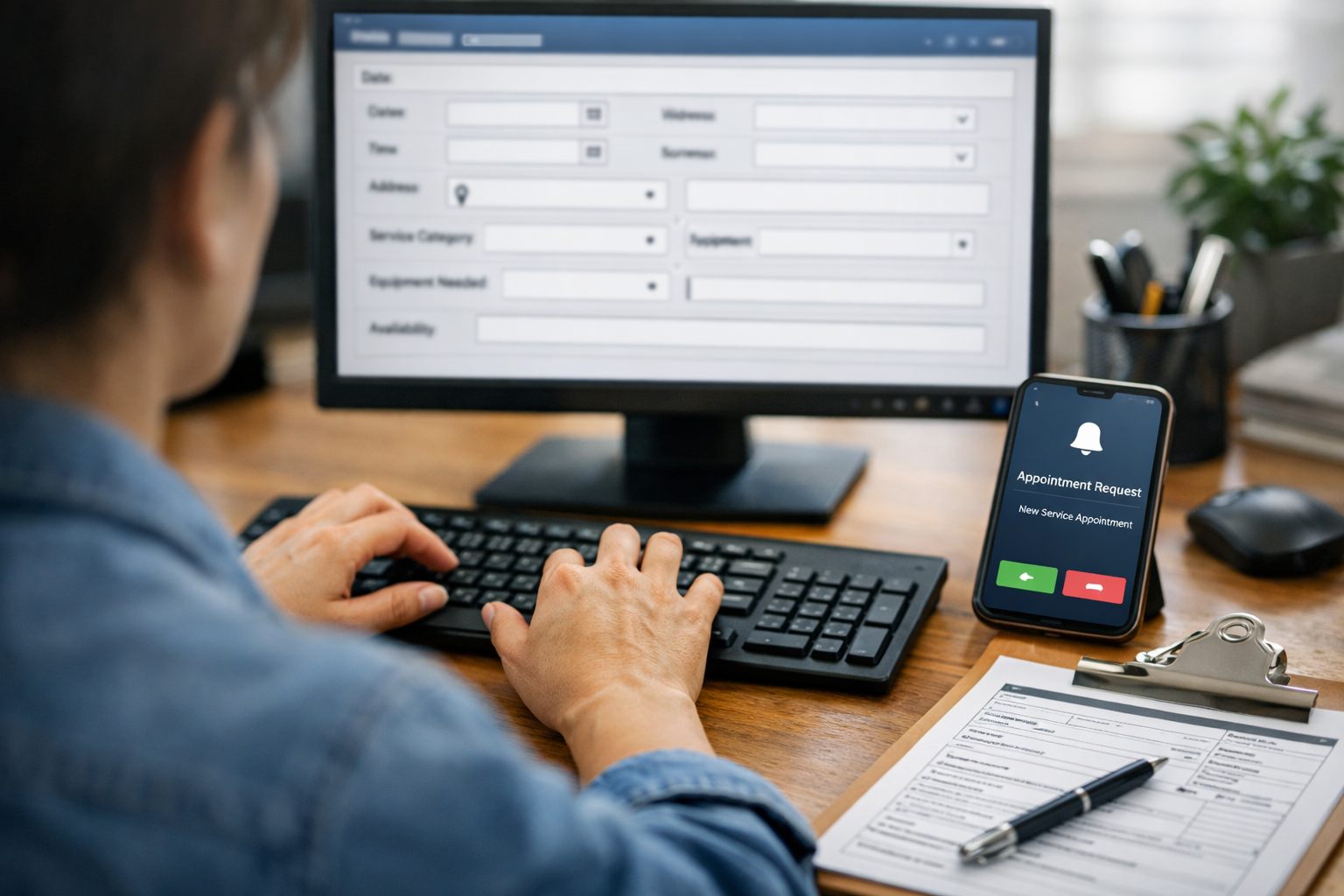
- Service type and asset details: Select a defined job category, such as HVAC maintenance, drain clearing, or pool-equipment repair, and capture the relevant unit, model, symptom, or equipment count. “AC not working” is weaker than “no cooling; split system; second-floor air handler,” because the latter can support a realistic duration and skill requirement.
- Location and service area: Collect a validated street address, not merely a ZIP code, then classify it into the operating territory. This gives routing rules a usable starting point and prevents routine offers for addresses the business does not serve.
- Urgency and availability windows: Record whether the request is routine, priority, or urgent, plus customer-approved arrival windows. A customer who can be home only from 1–4 p.m. should not receive an all-day appointment offer.
- Access, duration, and eligibility: Capture gate codes, pets, parking limits, tenant or property-manager coordination, estimated job length, required skills, and any required license or certification. These fields determine whether a technician is eligible before travel time enters the decision.
Build validation rules that stop, not silently guess at, bad inputs. Route the request to human follow-up when the service type is undefined, the address falls outside the service area, the requested window conflicts with operating hours, duration is blank, or the job requires a credential with no matching technician record. Also flag contradictions, such as a “routine” request marked “no heat” or a one-hour repair paired with a 30-minute window.
Make the intake form short enough for call handlers and customers to complete, but conditional: ask pool-equipment questions only for pool work and access questions only when the property type requires them. Track the share of requests held for missing data; that is the first checkpoint for whether job intake is ready to support automated scheduling.
Step 3: Build Technician Matching Rules Before You Turn On Auto-Assignment
Turn the judgment used at the dispatch board into a visible rule hierarchy. Start with hard eligibility filters: a technician must have the right trade, skill level, active certification where the job requires it, assigned territory, working shift, and access to the necessary equipment. Job restrictions also belong here, such as “two-person crew,” “do not send previous technician,” or “commercial accounts only.” If any hard filter fails, that technician is removed from consideration rather than treated as a cheaper or closer option.
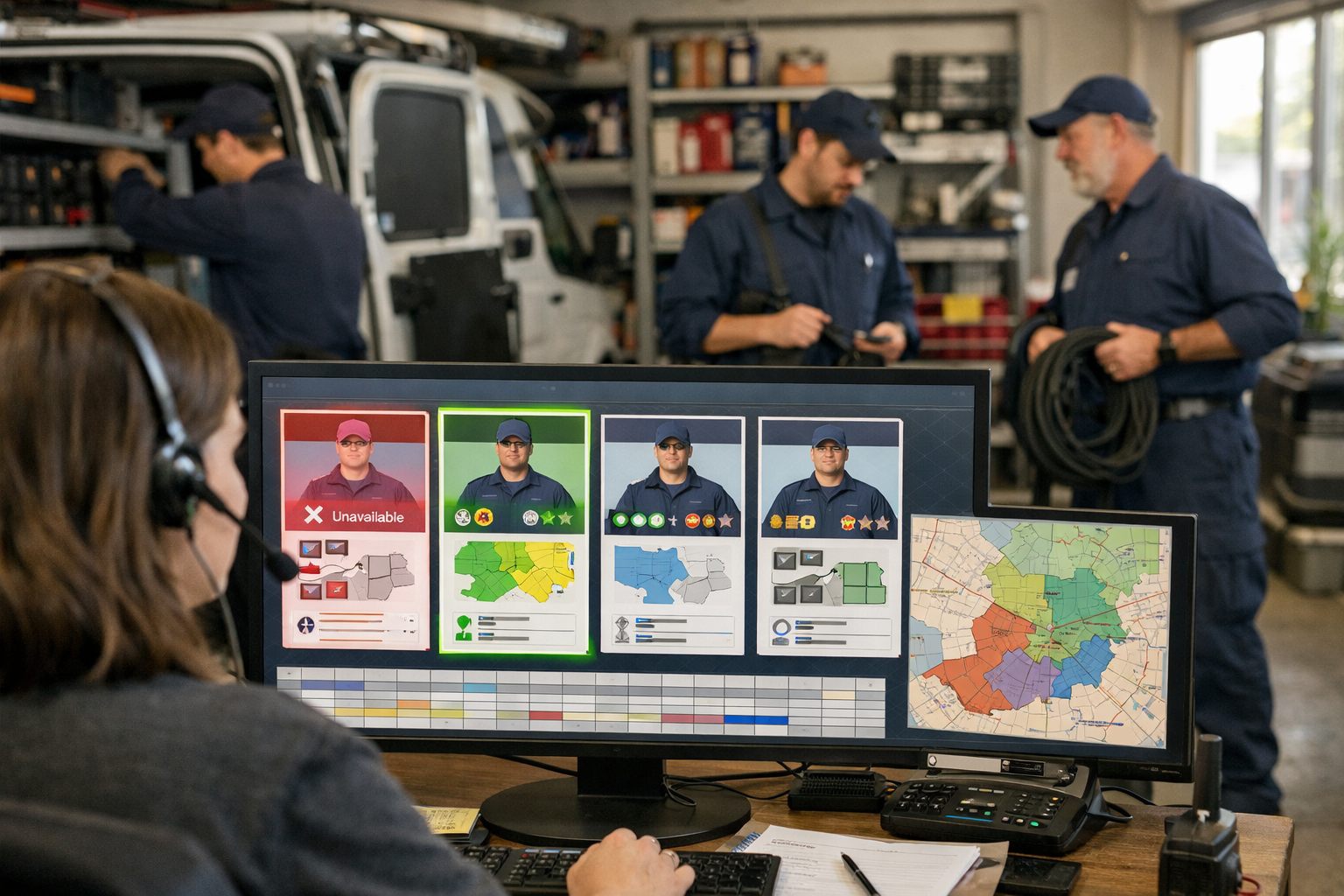
Maintain a technician skill matrix alongside a capacity view. The matrix records each person’s approved work types, specialties, certifications, equipment, and restrictions; capacity shows booked hours, open time, and estimated travel already committed. Skills-based technician matching is only dependable when both records are current. A maintenance visit can match automatically to an eligible HVAC technician in the territory; a call requiring a specific refrigerant credential or lift equipment cannot.
Rank the remaining eligible technicians by preferences, not absolutes. Travel time reduces unnecessary driving, current workload prevents one technician from absorbing every job, and appointment-window fit protects the customer promise. Add continuity when a returning technician knows the property or unresolved issue. Then apply business policies deliberately: an urgent contract customer may outrank a routine job, while a profitable multi-hour installation may require protected capacity rather than being squeezed into the nearest opening.
- Auto-assign: use this for routine work with complete intake, one or more clearly eligible technicians, a realistic duration, and a strong top-ranked match.
- Suggest for approval: use this when the top choices are close, continuity conflicts with travel efficiency, or the job would materially alter the day’s capacity plan.
- Require dispatcher approval: use this for safety-sensitive work, high-value installations, repeat-failure calls, complex commercial equipment, or assignments that displace a priority customer.
Give dispatchers an override control that requires a reason code, such as customer request, technician familiarity, equipment availability, or suspected bad intake data, and preserves the original recommendation. Review override reasons weekly. Repeated overrides reveal a missing rule, stale skill record, or ranking weight that needs adjustment before automated field service dispatch expands further.
Step 4: Automate Routine Appointment Offers, Route Sequencing, and Customer Updates
After a routine job receives an eligible technician match, configure the system to offer only windows the schedule can protect. A viable window is more than blank calendar time: it accounts for remaining capacity, estimated job duration, the customer’s promised arrival range, and travel assumptions from the prior stop. When the customer selects a window, place a capacity hold immediately so the opening is not offered twice.
- Booking trigger: send a confirmation that repeats the service, date, arrival window, address, and a clear change or cancellation path. For example: “Your AC maintenance is booked for Tuesday, 1–3 p.m. Reply YES to confirm, or use this link if access details have changed.”
- Pre-visit trigger: send a reminder early enough to surface access issues while there is still time to adjust the plan. Request a gate code, parking restriction, pet notice, or adult-on-site confirmation only when the intake record marks that detail as relevant.
- En-route trigger: when the technician changes status to en route, send ETA updates using the current route and the customer’s selected contact preference.
To automate route scheduling, use live technician status, travel assumptions, promised windows, and estimated duration for every stop. Route optimization chooses an efficient order for those stops. Dispatch automation is broader: it carries the job through appointment offer, capacity reservation, assignment, confirmations, customer notifications, status changes, and escalation when the routine path cannot continue.
Protect the customer promise when a route changes. A sound rule can reorder two flexible maintenance visits in the same area; it should not move a confirmed 10–12 p.m. appointment to late afternoon merely to shorten the drive. Track confirmation responses, access issues raised by reminders, on-time arrival, and jobs resequenced after booking. Those measures show whether the workflow is preserving commitments rather than simply filling a map.
Step 5: Route Exceptions to People Instead of Forcing Bad Automated Decisions
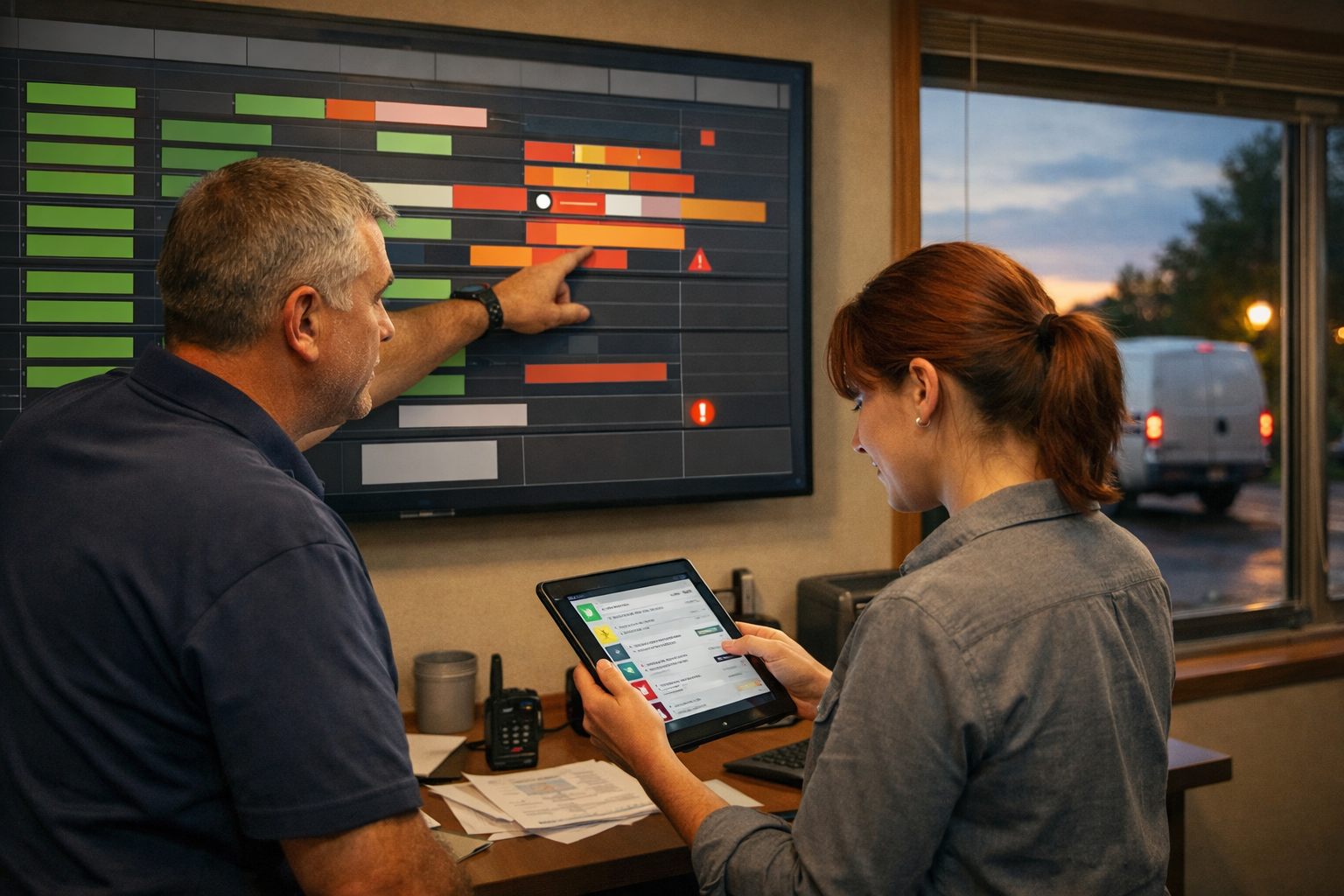
When the planned route no longer reflects field reality, freeze automatic reshuffling and create an exception ticket with a named owner. An exception is a condition the normal rules cannot resolve without risking a customer commitment, revenue, technician capacity, or service outcome. Set the alert trigger in advance, give the dispatcher a response-time target, and allow routine messages to continue only until a person selects the resolution.
| Event | Alert trigger | Owner | Permitted automation | Required human action |
|---|---|---|---|---|
| Emergency calls | Intake marks urgent or outage | Dispatcher immediately | Collect details; flag qualified on-call staff | Choose priority, technician, and customer promise |
| Same-day service | No protected capacity remains | Dispatcher within 15 minutes | Show feasible openings and displaced jobs | Approve overtime, a trade-off, or decline |
| Late technician or overrun | ETA threatens the next promised window | Dispatcher within 10 minutes | Send a delay notice; model alternatives | Reassign, resequence, or call affected customers |
| Cancellation or no access | Customer cancels or technician cannot enter | Dispatcher | Release capacity; send reschedule link | Decide whether to fill the gap or charge a return visit |
| Weather disruption or return visit | Route condition changes or work remains incomplete | Dispatcher | Group impacted jobs; identify qualified capacity | Set recovery order and customer commitments |
Give the dispatcher authority to override the recommended technician, route order, appointment window, and automated message sequence. Require review when a job involves a sensitive customer, suspected hazard, high-value contract, major revenue loss, or a disruption affecting multiple stops. For example, a dispatcher may protect a commercial refrigeration emergency rather than displace it with a proximity-based rule.
AI workflow automation can assemble the affected appointments, summarize available technicians, and highlight promise-window conflicts. It should not choose the consequential trade-off. Record every override with the trigger, original recommendation, selected action, reason code, and outcome; recurring reason codes expose duration estimates, skill records, or routing rules that need refinement.
Step 6: Use Daily Reporting to Improve the Rules and Expand Automation Safely
Treat the end-of-day board review as a rule-tuning session, not an administrative recap. Compare each job’s planned arrival and completion time with the technician’s actual status updates from the mobile technician app. Review unassigned jobs, schedule changes after confirmation, ETA misses, travel variance, confirmation failures, and dispatcher overrides. A single late job may reflect traffic; repeated overruns on the same service type usually point to an unrealistic duration estimate, missing intake detail, or a capacity rule that is too aggressive.
- When maintenance visits consistently finish earlier than planned, reduce the duration assumption only after separating travel time from on-site work.
- When a technician repeatedly declines recommended work, inspect the skill record, territory boundary, equipment requirement, or job classification behind the match.
- When overrides cluster around one time window or area, revise capacity planning rather than asking dispatchers to keep rescuing the same rule.
Launch dispatch automation for service businesses in one routine service type or one territory first. Capture a baseline for unassigned work, manual schedule changes, on-time arrival, travel variance, and overrides; then run the pilot with a defined rollback condition, such as repeated promise-window misses or assignments requiring manual correction. Expand to the next service type only when the pilot produces reliable assignments and exceptions reach the right person without disrupting confirmed customers. This daily loop keeps automation accountable to operational results while preserving dispatcher judgment where it matters.
Frequently Asked Questions
-
What is the difference between route optimization and dispatch automation?
Route optimization sequences already-assigned stops to reduce travel while respecting time windows. Dispatch automation covers the full workflow, including intake, technician matching, appointment booking, capacity holds, routing, customer updates, exception alerts, and reporting.
-
What dispatch tasks should a home service business automate first?
Start with low-risk, repeatable tasks such as confirmation messages, verified service-area checks, appointment offers within approved windows, and route sequencing after assignment. Keep emergencies, complex diagnoses, VIP commitments, uncertain durations, and major same-day changes under dispatcher control during the initial rollout.
-
What information is needed for automated technician dispatch?
Automated dispatch needs a validated street address, service type, asset details, urgency, customer availability window, estimated duration, access requirements, required skills, and any license or certification requirements. The system should stop and route the request to human follow-up when duration is blank, the service type is undefined, or no qualified technician is available.
-
How do you assign the right technician to each service call automatically?
Apply hard eligibility filters first, including trade, skill level, active certifications, territory, shift, equipment access, and restrictions such as two-person crews. Rank eligible technicians by travel time, workload, appointment-window fit, continuity with the customer, and priority policies, then auto-assign only routine jobs with complete intake and a strong top match.
-
When should a dispatcher override automated scheduling?
A dispatcher should override automation for safety-sensitive jobs, high-value installations, repeat-failure calls, complex commercial equipment, emergencies, and assignments that would displace a priority customer. Overrides should record the original recommendation, chosen action, reason code, and outcome so recurring issues can improve duration estimates, skill records, or routing rules.