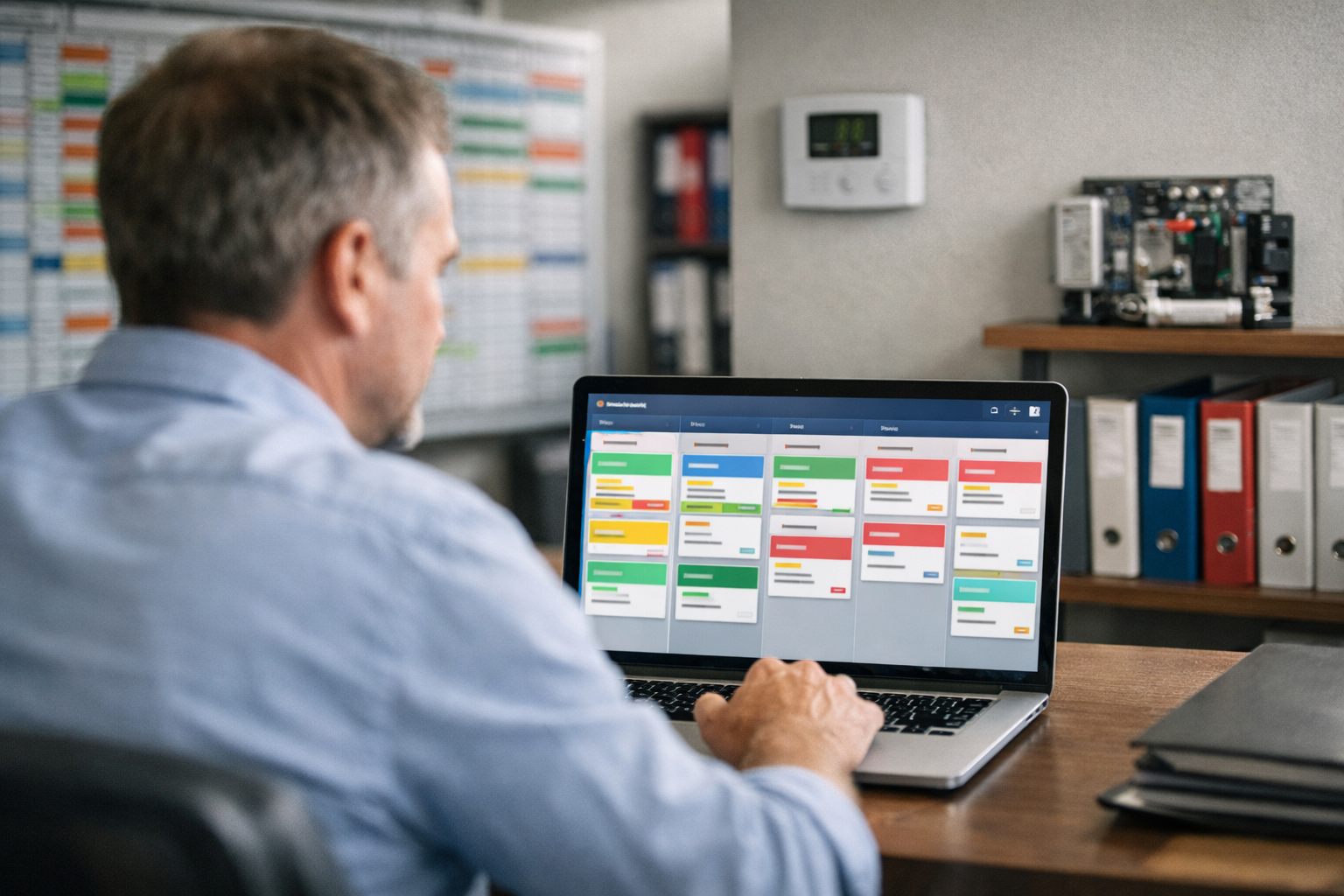
Treat Renewal Automation as an Operational Retention Workflow
To automate HVAC maintenance agreement renewals, build a controlled retention workflow rather than a reminder campaign. HVAC automation software should identify agreements nearing their renewal date, create the next task or message, record each customer action, and prevent the record from disappearing between the office, sales, and dispatch teams.
A workable renewal pipeline separates contacted from renewed. “Contacted” means the system delivered or queued an approved outreach step. “Renewed” means the customer has completed the required acceptance step and the required payment or billing arrangement is recorded. Between those points, use visible statuses such as awaiting response, awaiting signature, awaiting payment, and staff review. This distinction exposes common leakage: an expired plan with no date, a quote sent but never signed, or a signed agreement with an unpaid invoice.
Automation owns repeatable handoffs; people own judgment. Route pricing changes, disputed charges, new decision-makers, address or equipment changes, and high-value accounts to a named staff member instead of allowing a generic sequence to continue. A stalled renewal needs an owner and documented next step, not another unattended message.
Build the Agreement Record and Renewal Statuses First
Each agreement needs one authoritative record tied to both the billing customer and the serviced location. A customer may own several properties, while each location can have different equipment, coverage, pricing, and renewal timing; placing everything on a contact record makes those distinctions easy to lose.
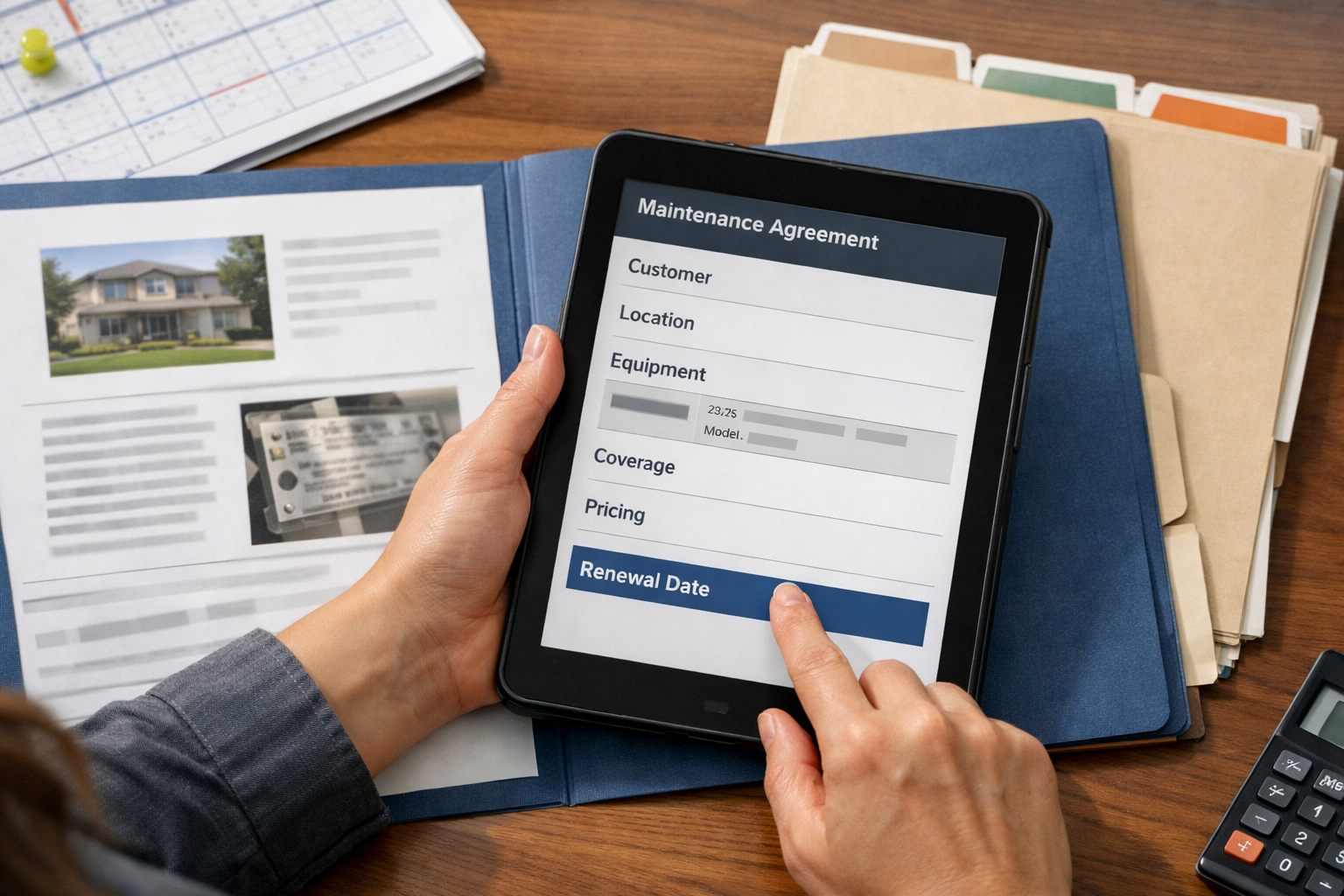
Make these fields required before an agreement can enter the renewal workflow:
- Customer account, service location, plan type, agreement start date, contract end date, and calculated or explicitly entered renewal date.
- Current renewal price, billing cadence, payment-method status (on file, missing, failed, or not applicable), assigned owner, and the current renewal status.
- Approved communication channel, consent or opt-out flag, and contact preference, so automation selects an appropriate route rather than assuming every customer should receive the same message.
Keep equipment details, covered systems, prior price, discount reason, decision-maker notes, and agreement document link as optional but accessible fields. These details help a staff member resolve a plan-change request without rebuilding the account history.
Set validation rules that block a blank renewal date, flag two active agreements for the same location and plan, and send conflicting dates to staff review. For example, an imported expiration date that precedes the start date should never trigger outreach. A strong record has one active date source and a visible correction task; a weak one silently accepts spreadsheet imports and creates duplicate reminders.
Use statuses with entry and exit rules: upcoming enters when the record passes validation; outreach sent records a dispatched renewal notice; engaged records a reply or meaningful link action; and quote exception holds a requested price or coverage change. Agreement signed means acceptance is recorded, then moves to payment pending until the billing arrangement succeeds. Only then mark it renewed. Use declined for an explicit no, and staff review for conflicts, missing data, or situations requiring judgment.
Configure Date-Based Triggers, Ownership, and Customer Segments
Make the verified renewal date, not a weekly spreadsheet review, the workflow trigger. Run the automation once each day: when an active agreement reaches a defined number of days before that date, it evaluates the record’s status, segment, and assigned owner before creating the next action.
| Window | Condition and action | Owner |
|---|---|---|
| 60 days | For agreements eligible for a standard renewal, create the first outreach task and send the approved initial notice. For commercial agreements or plans needing a new quote, create a review task instead. | Automation sends; account owner reviews exceptions. |
| 30 days | Send a reminder only when the status remains outreach sent or engaged without acceptance. Flag a missing decision-maker or quote request for staff. | Automation sends; coordinator owns follow-up task. |
| 14 days | Create a call task for nonresponders and route high-value accounts to the named account manager rather than another generic message. | Customer service or account manager. |
| 3 days | Create an urgent review task for unresolved agreements, with a clear next-step deadline. | Renewal owner or operations lead. |
Treat this cadence as a testable starting point for the HVAC service agreement renewal workflow, not a fixed formula. Customer segmentation changes both timing and route: residential annual plans can follow the standard sequence; commercial accounts may need a 90-day lead because approvals involve several people; autopay customers need a renewal notice and payment-status check, not an assumption that acceptance occurred; and any price, coverage, or equipment change should move immediately to quote exception.
Build suppression into every workflow trigger. Once an agreement becomes renewed, declined, or staff review, cancel future automated messages and open tasks. A strong rule also blocks a second sequence when another agreement at the same location is already being handled. This keeps automation responsible for timely handoffs while one named employee remains accountable for judgment calls.
Automate Renewal Outreach Without Leaving Signing and Payment Untracked
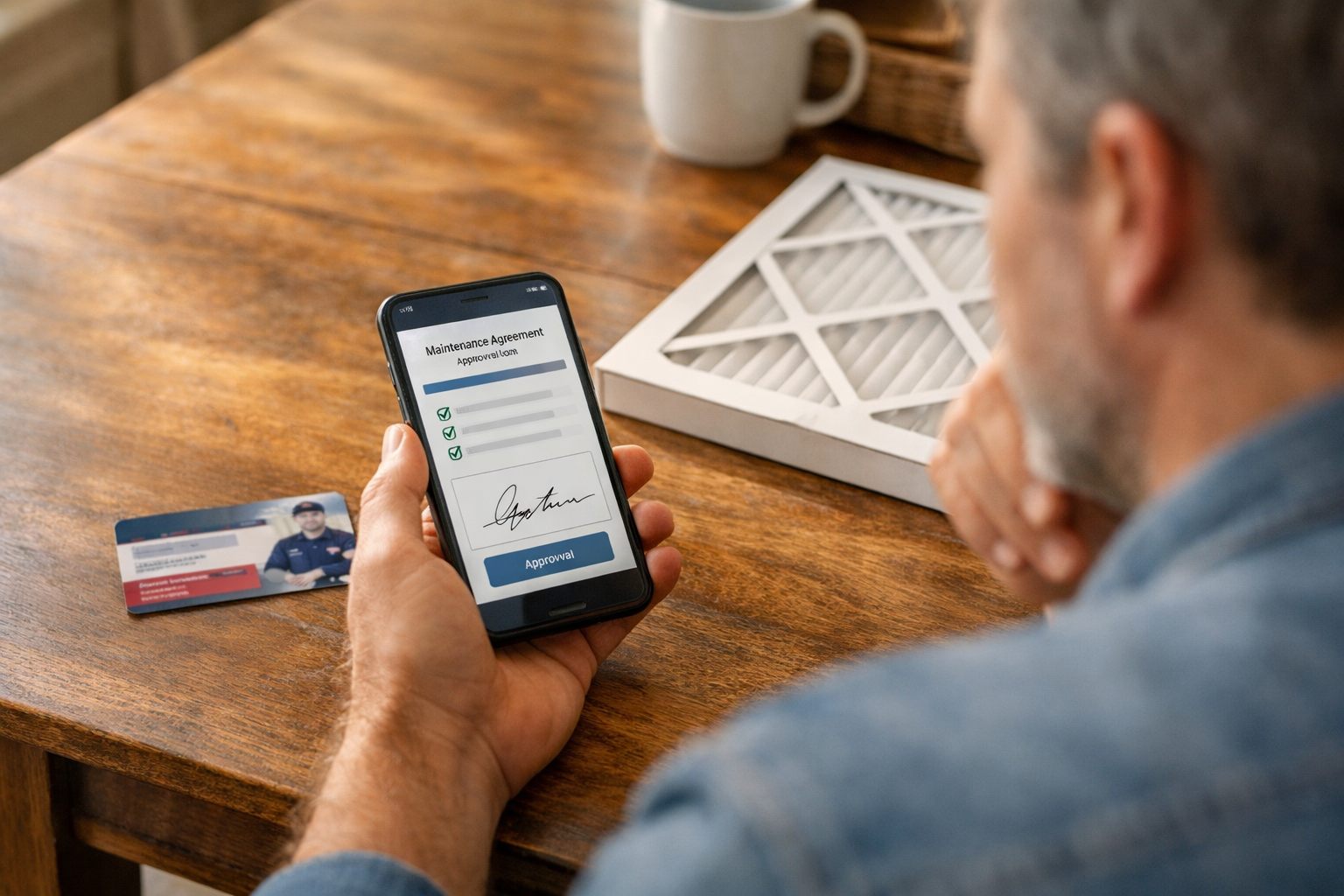
A renewal message should move the customer through one decision at a time: review the offer, accept the agreement, then complete payment or confirm the existing autopay method.
| Touchpoint | Purpose | Required content and CTA |
|---|---|---|
| Initial notice | Make the renewal offer easy to recognize. | Name the plan, service address, renewal deadline, covered maintenance value, renewal price, and a single “Review and renew” link. |
| Acceptance reminder | Prompt a customer who viewed but did not accept. | Restate the plan and deadline; link directly to the e-signature or recorded acceptance page, not a general customer portal. |
| Payment reminder | Resolve an accepted agreement that remains unpaid. | State that acceptance was received but payment is pending, then provide a secure hosted payment link or an autopay confirmation action. |
Email can carry the full plan summary and agreement link. SMS works best as a short prompt that identifies the company, names the maintenance plan, gives the deadline, and directs the customer to the same secure page. Send email and SMS reminders only through the customer’s recorded preferences and permissions; an opt-out or channel-specific preference should immediately suppress future automated customer follow-ups on that channel. Configure sending windows so a routine renewal notice is not released during the customer’s designated quiet hours.
Keep the offer unambiguous. “Renew your Comfort Care plan for the property at 18 Oak Street by May 31. Your plan includes two scheduled tune-ups and priority service. Review, sign, and pay here” is actionable. “Your service plan is ending soon” is weak because it omits the location, terms, deadline, and next step.
The workflow must treat acceptance and payment as separate events. An e-signature records agreement acceptance; a successful processor confirmation records payment. For an autopay customer, show the renewal terms and ask for the required acceptance, then verify the stored-payment charge or payment authorization result before changing the record to renewed. Do not place card numbers, bank details, or payment instructions in email replies, SMS threads, CRM notes, or message fields; send customers to an approved hosted payment experience instead.
Set the automation to write a timestamped event after every link action, signature, payment attempt, and payment success. That history lets the next stage distinguish a nonresponse from an unsigned agreement or a signed agreement awaiting payment, rather than falsely closing the renewal after the first reminder.
Create an Exception Queue for Unsigned, Unpaid, and Complex Renewals
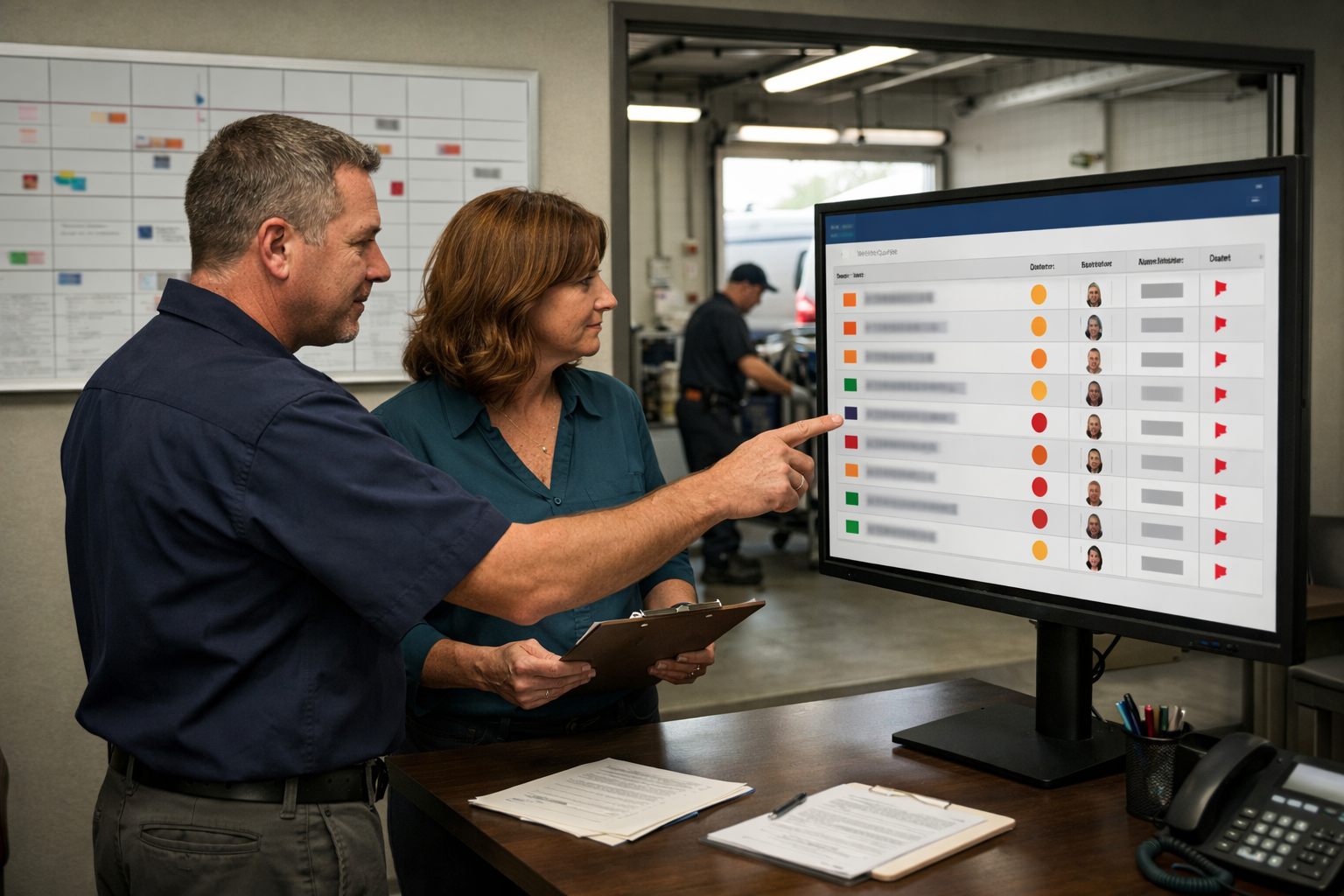
Any renewal that stops following the expected accept-and-pay path should enter an exception queue: a filtered work list for records needing a person, with one accountable owner, a next-action deadline, and an escalation level.
| Condition | Automated branch | Owner and deadline |
|---|---|---|
| Opened or clicked, but unsigned | Set engaged, unsigned; create one call task and suppress further generic reminders while the task is open. | Renewal coordinator: next business day. |
| Signed, but unpaid | Set unpaid; send the payment-specific link and create a payment follow-up task. | Billing owner: within two business days. |
| Failed payment | Set payment exception; stop automatic renewal completion and route the record to billing. | Billing lead: same business day. |
| Plan change or price dispute | Set quote exception; pause the offered terms and assign review. | Account manager: before any revised offer is sent. |
| No meaningful response | Set unresponsive; create a final outreach task, then escalate or close by the team’s defined cutoff. | Renewal coordinator, then manager review. |
Use status names consistently: unsigned means the customer has not accepted; unpaid means acceptance exists but payment has not succeeded; lapsed means the agreement ended without renewal; declined records an explicit decision not to renew; and cancelled records a terminated agreement. These are different outcomes, so none should be used as a catch-all for a stalled record.
Set a second escalation when the first task passes its deadline, and assign that escalation to a named manager rather than a pooled inbox. Automated HVAC contract renewals should pause immediately after a complaint, communication opt-out, failed payment, or account-level pricing exception. The system may log the event and create an internal task, but it should not keep sending promotional or payment-chasing messages while staff resolve the issue.
Measure Renewal Progress and Improve the Workflow Each Month
A monthly review should expose where agreements stall, not merely count messages sent. Build one dashboard for the renewal pipeline using the same reporting window each month.
| Metric | Definition and diagnostic use |
|---|---|
| Missing-date records | Active agreements without a verified renewal or expiration date; these cannot enter a reliable trigger sequence. |
| Delivery and response | Notices delivered, plus replies or meaningful link actions, separated by customer segment and message step. |
| Signature and payment | Count signed-but-unpaid records separately from completed payments. Many signatures with few payments points to friction after acceptance, not weak outreach. |
| Time to renewal | Days from first notice to payment completion; compare it by plan type, customer type, and renewal status. |
| Lapses and exceptions | Record the stated lapse reason, the age of each open exception, and whether the assigned staff task was completed by its deadline. |
Review patterns before rebuilding the sequence. Low delivery may indicate stale contact data or an automation failure; low response in one segment may call for different timing or offer language. Aging quote exceptions can indicate unclear ownership, while overdue billing tasks explain unpaid renewals more directly than an email-open rate.
At the monthly checkpoint, sample records from every stalled status, reconcile missing dates, inspect failed trigger runs and suppressions, and compare completed versus overdue follow-up tasks by owner. Change one variable at a time, message timing, segment rule, assignment rule, or exception cause, and retain the prior version long enough to see whether the bottleneck moved.
Launch With a Controlled Pilot, Then Expand the Automation
Start with one manageable cohort, such as residential agreements expiring in the next 60 days, rather than loading every active plan into the workflow at once. Reconcile each pilot record’s renewal date, contact preference, assigned owner, price, and agreement link before enrollment.
- Run test records through every branch: a normal renewal, an opt-out, a duplicate agreement at one location, a completed signature, a failed payment, and a requested pricing change. A good test proves that the next message or task stops when it should; a weak test only proves that the first notice sends.
- Review the customer-facing sequence on desktop and mobile, then complete the signature and payment path as a customer would. Confirm that each completed action writes the intended status and suppresses inappropriate reminders.
- Keep a named office owner watching the pilot queue daily. They should correct data, resolve exceptions, and log any trigger, assignment, or message defect before it reaches a larger segment.
AI automation for home service companies can draft message variants or sort routine replies, but staff should approve drafts and review uncertain classifications, complaints, and pricing requests.
Expand only when records enter with reliable dates, exceptions receive timely ownership, and signed agreements and successful payments produce visible completion states. The finished lifecycle remains simple: accurate data, timely outreach, verified signature and payment, visible status, and human escalation when the path changes.
Frequently Asked Questions
-
What data do I need to automate HVAC service agreement renewals?
Each agreement needs an authoritative record with the customer account, service location, plan type, start date, contract end date, renewal date, renewal price, billing cadence, payment status, assigned owner, and renewal status. It should also store communication preferences, consent or opt-out status, and a contact channel.
-
How do HVAC companies track maintenance agreement expiration dates?
HVAC companies should use one verified renewal or expiration date on the agreement record and run a daily automation check against that date. Validation should block blank renewal dates, flag conflicting dates, and prevent an expiration date earlier than the agreement start date from triggering outreach.
-
How far in advance should an HVAC company send maintenance agreement renewal reminders?
A practical starting sequence sends the initial notice 60 days before renewal, a reminder at 30 days, a call task at 14 days, and an urgent review task at 3 days. Commercial accounts may need a 90-day lead time because multiple decision-makers and approvals are often involved.
-
What should happen when a customer does not sign an HVAC renewal agreement?
If a customer opens or clicks the offer but does not sign, set the record to engaged and unsigned, create a call task for the next business day, and pause generic reminders while that task is open. If there is no meaningful response, mark the record unresponsive, create final outreach, and escalate or close it by the team’s defined cutoff.
-
Can HVAC maintenance agreements renew automatically, and what must be verified first?
Automation can send notices, create follow-up tasks, track signatures, and verify payment, but it should not mark an agreement renewed until acceptance and successful payment or billing authorization are recorded. A signed agreement remains payment pending until the payment processor confirms success, while failed payments, price disputes, and plan changes must route to a named staff owner.