What Appliance Repair Automation Should Handle, and When People Should Take Over
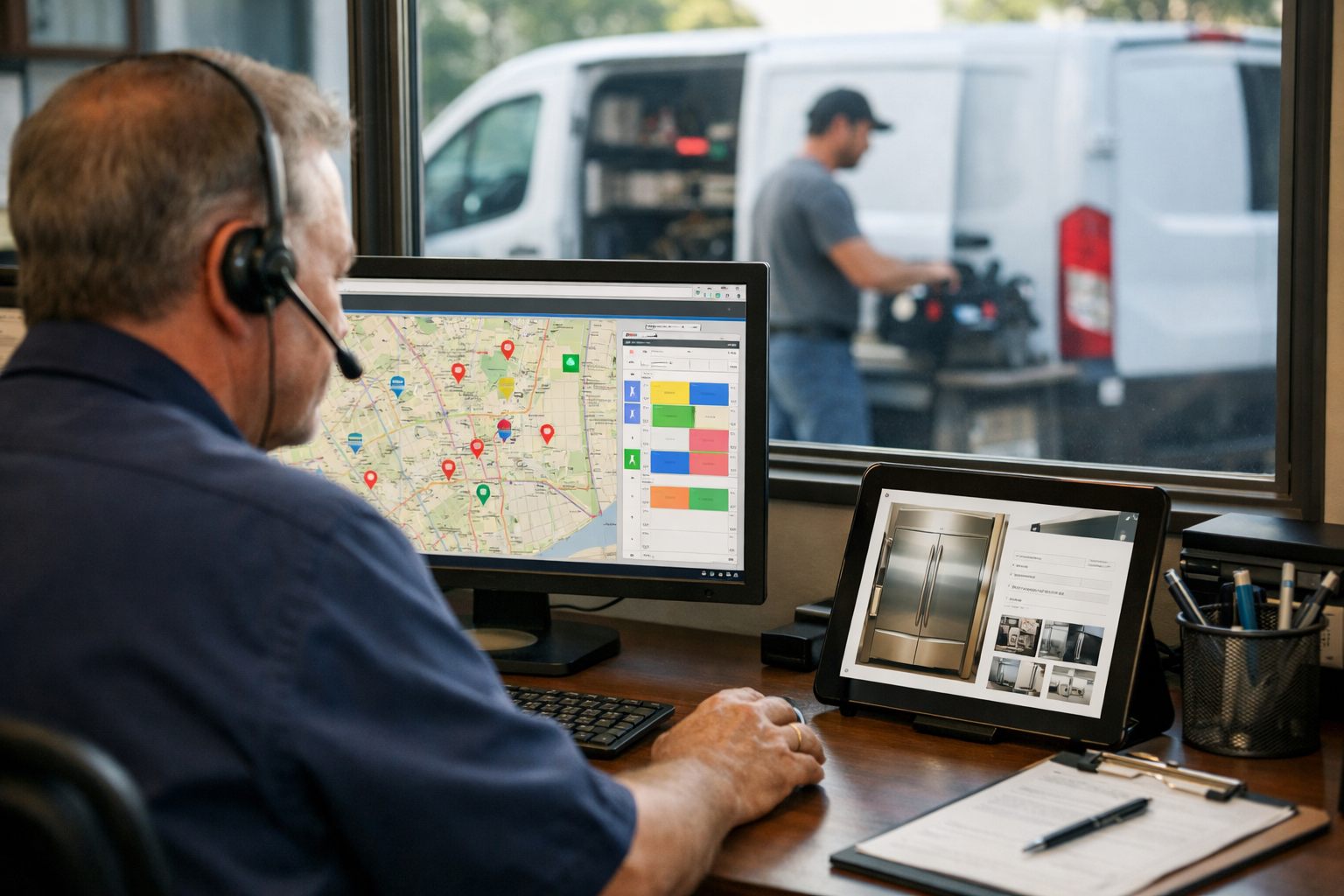
Appliance repair business automation works best as a controlled workflow: it handles repeatable administrative steps so dispatchers and technicians can focus on decisions that need experience. A routine request with a defined appliance type, service address, available time window, and standard symptom can trigger acknowledgement, work-order creation, reminders, status messages, and a complete job brief. That structure supports faster responses, fewer missed handoffs, and lower administrative workload.
Use rules where the input and outcome are clear: if a customer selects an in-area address and an eligible appointment window, then send confirmation; if a part is marked delayed, then send the approved update and create a staff task. Automation should package facts, not diagnose a refrigerator or decide whether a repair is viable.
- Route to a person immediately when a request suggests a safety concern, active leak, same-day emergency, unclear symptoms, or an out-of-area address. The dispatcher determines urgency, availability, and the appropriate response.
- Hold warranty questions, repeat failures, commercial equipment, unavailable parts, and technician-skill mismatches for review. These cases need someone to establish responsibility and job readiness before promising a visit.
- Assign upset customers to a named team member rather than an automated sequence. A personal response can clarify the issue, reset expectations, and document the recovery plan.
Give office staff an override at every handoff and a visible exception queue. That is how home services business automation improves consistency without turning exceptional service calls into unattended tickets.
Automate Customer Intake Without Losing Critical Job Details
Start intake by creating one structured request record, regardless of whether the customer arrives through a web form, an answered phone call, or a text conversation. Each path should feed the same customer relationship management record or work order so a dispatcher sees the original message, answers, attachments, and contact history in one place.
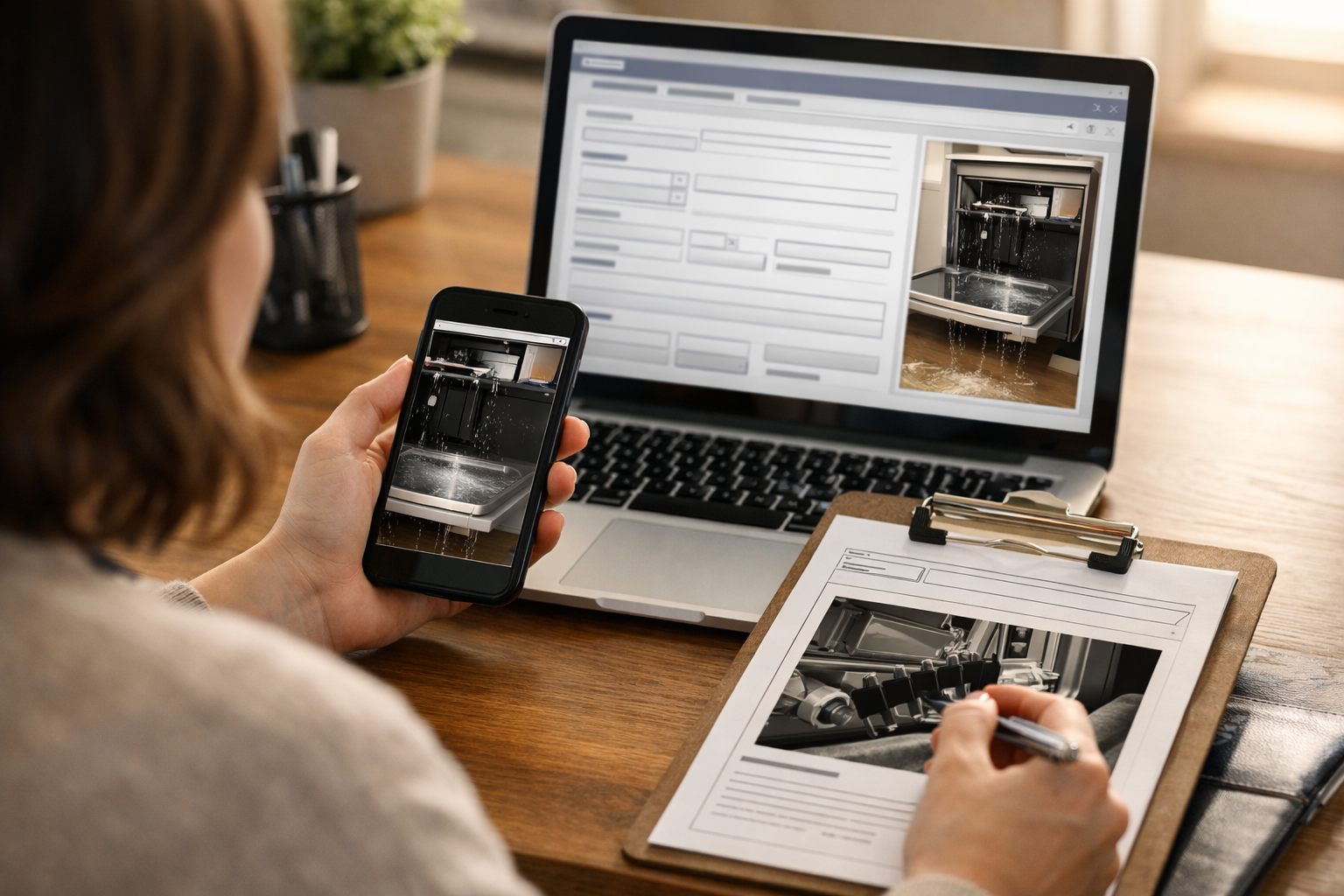
Build the service intake around details that affect job readiness: appliance type; brand; model number; symptom description; displayed error code; service address; preferred contact method; warranty or service-plan status; and access constraints such as stairs, gate codes, parking limits, tenant coordination, or a stacked washer-dryer installation. Photo upload is especially useful for model labels, error displays, damaged areas, and the appliance’s surrounding access. A vague request such as “dryer broken” should create a follow-up prompt; “LG dryer, HE error, second-floor laundry closet, model-label photo attached” gives the office a usable starting brief.
Phone answering workflows can ask these questions in sequence and write the responses into the record. Text-based intake can send a short link for missing model details or photos. AI automation for service businesses can extract customer-provided brand names, error codes, and free-text symptoms into labeled fields, but it should not turn those details into an automated repair diagnosis.
- Routine path: completed fields create a new request, acknowledge receipt, and place the record in the dispatcher’s review queue.
- Live-review path: words or selections indicating a gas smell, active water leak, sparking or electrical concern, commercial equipment, a repeat failure, an angry customer, or unclear warranty responsibility create an immediate staff task rather than a self-service sequence.
- Incomplete path: missing address, appliance type, contact method, or symptom information triggers a focused request for the missing item and holds the job from moving forward.
Make the exception owner visible: a named office user should be able to correct extracted details, add context from the call, and release or close the request. That job triage checkpoint preserves the facts technicians need while ensuring uncertain situations reach a person before an appointment is offered.
Use Scheduling Automation to Confirm Appointments and Reduce Manual Back-and-Forth
Eligible time windows should be calculated before a customer sees the calendar, not after they have selected a slot. Appliance repair scheduling automation can match the service address to the operating area, then apply the job’s expected duration, travel buffer, technician capacity, appliance type, and the customer’s stated availability. A standard dishwasher diagnosis may fit a routine window; a built-in refrigerator with restricted building access may require a longer, dispatcher-reviewed appointment.
For a routine, in-area request that meets those rules, the workflow can create or update the work order, reserve the selected window, and send an appointment confirmation: “Your appliance service is scheduled for Tuesday, 10:00 a.m.–12:00 p.m. Please ensure the appliance is accessible and secure pets before arrival.” A reminder sent the day before can repeat the window and include a single rescheduling link. That link should return the customer to only the eligible openings, update the same work order, and notify the office of the change rather than creating a duplicate request.
- Auto-confirm: use this path when the address, job category, duration, and available capacity fit defined rules.
- Dispatcher approval: route overbooked days, priority calls, unusual access requirements, customer-requested exceptions, and jobs outside standard duration rules to a dispatcher before any appointment confirmation is issued.
Retaining that approval authority matters because calendar availability is not the same as service readiness. A dispatcher can protect room for urgent work, combine nearby visits, or call a customer whose narrow availability would create an impractical route. Used this way, scheduling automation helps stop manual scheduling exchanges while preserving the office team’s control over exceptions and workload balance.
Build a Dispatch Workflow Around Location, Skills, and Job Readiness
A dispatch board should rank workable assignments rather than merely fill the next open slot. In appliance repair dispatch automation, service area routing groups calls by travel territory, while technician skills matching filters for the person equipped for the appliance and repair context. A routine freestanding washer diagnosis may go to the nearest available qualified technician; a premium built-in refrigerator, commercial unit, or warranty-covered job may require a technician with the relevant experience or authorization. Estimated job duration prevents a long diagnostic visit from being treated like a short follow-up.
For each ready work order, the system can recommend an assignment when its address, priority, scheduled window, technician availability, appliance category, authorization status, and expected duration meet the routing rules. The recommendation is a starting point, not a commitment. Dispatchers should change it when live traffic, an unbalanced workload, a customer’s access needs, a technician’s specialized knowledge, or an urgent new call changes the practical best choice.
- Recommended: assign the nearby technician whose open time, appliance expertise, and approved service scope fit the job.
- Manual review: hold or reassign jobs with unclear warranty responsibility, unusual appliance configurations, a repeat failure, restricted access, or priority conditions that make the automated choice incomplete.
Once assigned, the technician should receive one complete work order: the reported symptom and error code, brand and model details, customer history, photos, parking or entry instructions, preferred contact information, and notes from any prior visit. That handoff lets the technician see, for example, that a dishwasher leak was previously inspected or that a stacked laundry unit requires two-person access before asking the customer to repeat the same details. The dispatcher remains the owner of exceptions and can revise the assignment, record why, and keep the board aligned with real operating conditions.
Automate Service Updates, ETA Notices, and Parts-Status Communication
The customer-facing workflow should follow the job’s actual status, not a fixed sequence of generic messages. When a technician marks en route, send ETA notifications with the current arrival window and a practical contact option. If the route changes or the prior call runs long, replace the earlier window with an updated one; a delayed-appointment message is more useful when it states that the window has changed without inventing a new promise.
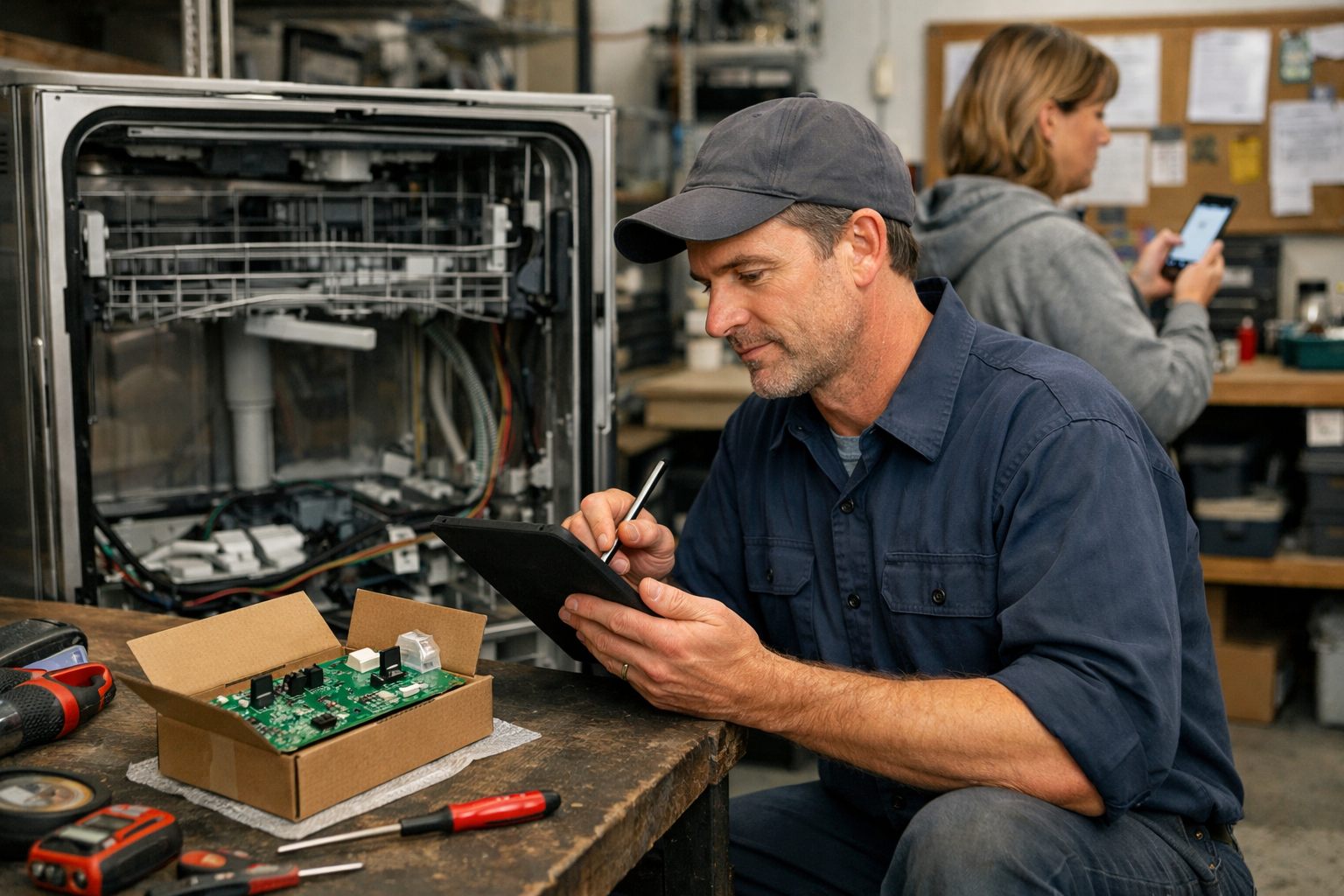
Multi-visit repairs need a separate communication path. A technician’s diagnosis complete status can acknowledge that the issue has been assessed, while part ordered can explain the next operational step. The workflow should draw its message fields from the field-service record or inventory process: the correct part number, order status, supplier update, and work-order linkage. Without those source fields, a parts message is merely a guess.
- Parts received: create a return-visit scheduling task only when the received part is tied to the customer’s work order and a qualified technician has available capacity.
- Do not promise completion: parts availability does not establish a repair date until the part is physically available and the return appointment is confirmed.
- Escalate to staff: route stalled orders, discontinued parts, pending warranty approval, and negative or detailed customer replies into a named queue for a personal response.
This distinction keeps automated customer follow-ups accurate: routine status changes receive timely updates, while a refrigerator part on extended backorder or a disputed warranty decision receives dispatcher ownership rather than another template.
Close the Job Cleanly With Technician Notes, Follow-Up, and Review Requests
A visit should not move to closed on a technician’s arrival or departure alone. Make completion status a required choice: repaired and tested, diagnosis only, return visit required, part pending, or unable to complete. Each status changes the next workflow. Require technician notes describing the symptom found, work performed, installed parts and quantities, test result, photo attachments where useful, invoice or payment status, and the recommended next step. A completed dishwasher repair, for example, can record the replaced inlet valve and successful cycle test; a diagnosis awaiting a control board should remain open.
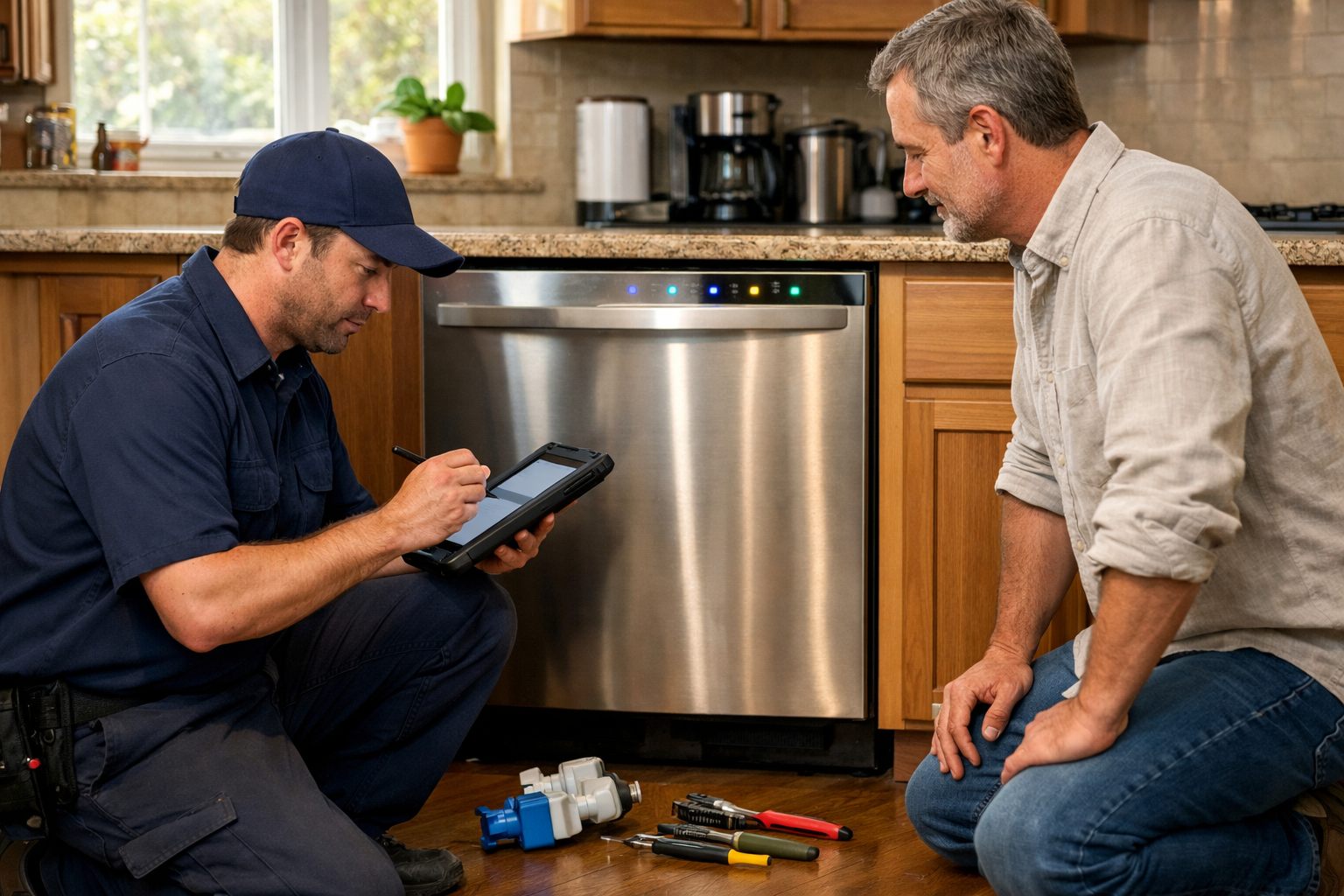
Use those fields to drive automated customer follow-ups. A repaired-and-tested job can send a concise completion message with relevant care instructions and a receipt or payment link. A part-pending job should instead explain that the repair remains open and identify the next owned action, such as contacting the customer when the part is received. Route a disputed charge, failed test, repeat failure, or complaint directly to an office owner rather than sending a template.
- Good review trigger: the work order is marked repaired and tested, payment is settled or appropriately recorded, and no complaint or return-visit task is open. The request can thank the customer and link to the chosen review channel.
- Poor review trigger: a part is pending, the appliance remains unreliable, payment is disputed, or the customer has raised a concern. Suppress the review request and create a recovery task instead.
Maintenance reminders should be selective: send them only when the technician recorded an applicable recommendation, such as cleaning a dryer vent or replacing a refrigerator water filter. This keeps post-service messaging tied to the actual appliance and preserves staff control over exceptions.
How to Implement Appliance Repair Automation Without Creating New Gaps
Begin with the workflow that creates the most repeatable office work, such as intake-to-confirmation for routine in-area calls. Define a narrow pilot: a complete request creates or updates one customer record, opens one work order, and sends one approved confirmation. Hold urgent symptoms, unclear coverage, commercial equipment, and incomplete records for a named dispatcher instead of forcing them through the pilot.
Next, connect the CRM and field service management system around shared job identifiers and status fields. The CRM should retain the conversation and customer history; the field system should hold the scheduled visit, assignment, technician notes, and job status. Decide which system owns each field so an address correction, cancellation, or parts update does not create conflicting records.
- Document routing rules: record the trigger, required inputs, automated action, exception condition, and accountable staff owner. For example, a part marked received can create a scheduling task, while a backordered refrigerator compressor routes to the parts coordinator for a personal update.
- Test messages before broad release: review confirmations, ETA notices, delays, and follow-ups against real scenarios. A useful message reflects the current job state; a weak one promises an arrival or completion date the workflow cannot support.
- Review exceptions weekly: inspect incomplete intake records, unconfirmed appointments, no-shows, dispatch reassignments, response time to customer replies, and jobs waiting for parts updates. These measures expose broken handoffs that message volume can hide.
Expand only after the pilot’s exceptions have clear owners and workable resolutions. Effective appliance repair business automation applies rules where the next action is dependable, while staff retain authority over exceptions and the customer relationship.
Frequently Asked Questions
-
How can appliance repair companies automate appointment scheduling?
Scheduling automation can verify the service area, expected job duration, travel buffer, technician capacity, appliance type, and customer availability before showing appointment windows. Routine in-area jobs can be auto-confirmed, while overbooked days, unusual access needs, priority calls, and nonstandard durations require dispatcher approval.
-
What information should an appliance repair intake form collect?
A structured intake form should collect the appliance type, brand, model number, symptom, error code, service address, contact preference, warranty status, and access constraints. Photo uploads for model labels, error displays, damage, and installation access help create a technician-ready work order.
-
What appliance repair customer messages should be automated?
Automate receipt acknowledgements, appointment confirmations, day-before reminders, rescheduling links, en-route ETA notices, delay updates, diagnosis-complete messages, and verified parts-status updates. Messages should use current work-order status and should not promise a repair completion date until the part is physically available and the return visit is confirmed.
-
Can AI dispatch appliance repair technicians?
AI or dispatch automation can recommend assignments using service territory, scheduled window, technician availability, appliance expertise, authorization status, priority, and expected job duration. A dispatcher should retain final control for traffic changes, specialized equipment, warranty questions, restricted access, repeat failures, and urgent calls.
-
When should an appliance repair business route a customer to a live person instead of automation?
Route customers to staff for gas smells, active water leaks, sparking, same-day emergencies, unclear symptoms, out-of-area addresses, commercial equipment, warranty disputes, delayed or discontinued parts, and upset customers. Review requests should also be suppressed when a part is pending, a complaint exists, payment is disputed, or a return-visit task remains open.