
Treat the Weekly Review as the Management Layer for Automation
When exceptions rise or a handoff starts arriving late, use the next 30 minutes to decide what changes this week. The purpose of a weekly operations review is to turn workflow data into timely operational decisions, not to admire activity volume or prove that an automation ran. It protects practical outcomes: faster response, fewer missed handoffs, lower administrative effort, and steadier throughput.
A passive dashboard reports, “12 exceptions occurred.” A useful review asks what changed, who was affected, and what happens next: investigate an input problem, assign an approval owner, tune a rule, add a human checkpoint, or leave isolated noise alone. For example, one failed job that retried successfully may need no action; a second week of rising exceptions alongside delayed approvals and staff copying data by hand is operational drift worth addressing.
Automated business operations change after launch as volumes rise, forms and source data change, people alter working habits, and priorities shift. A lightweight weekly cadence catches those changes before workarounds become the real process. That is ongoing automation optimization: using evidence to keep the designed workflow aligned with how the business actually operates.
Build a Small Dashboard That Can Trigger a Decision
Use one row for each monitored workflow, not one chart for every available data point. The minimum weekly dashboard has five fields: current-week value, prior-week value, starting threshold, affected workflow, and business owner. That structure keeps automation monitoring tied to outcomes such as response speed, handoffs, workload, and throughput.
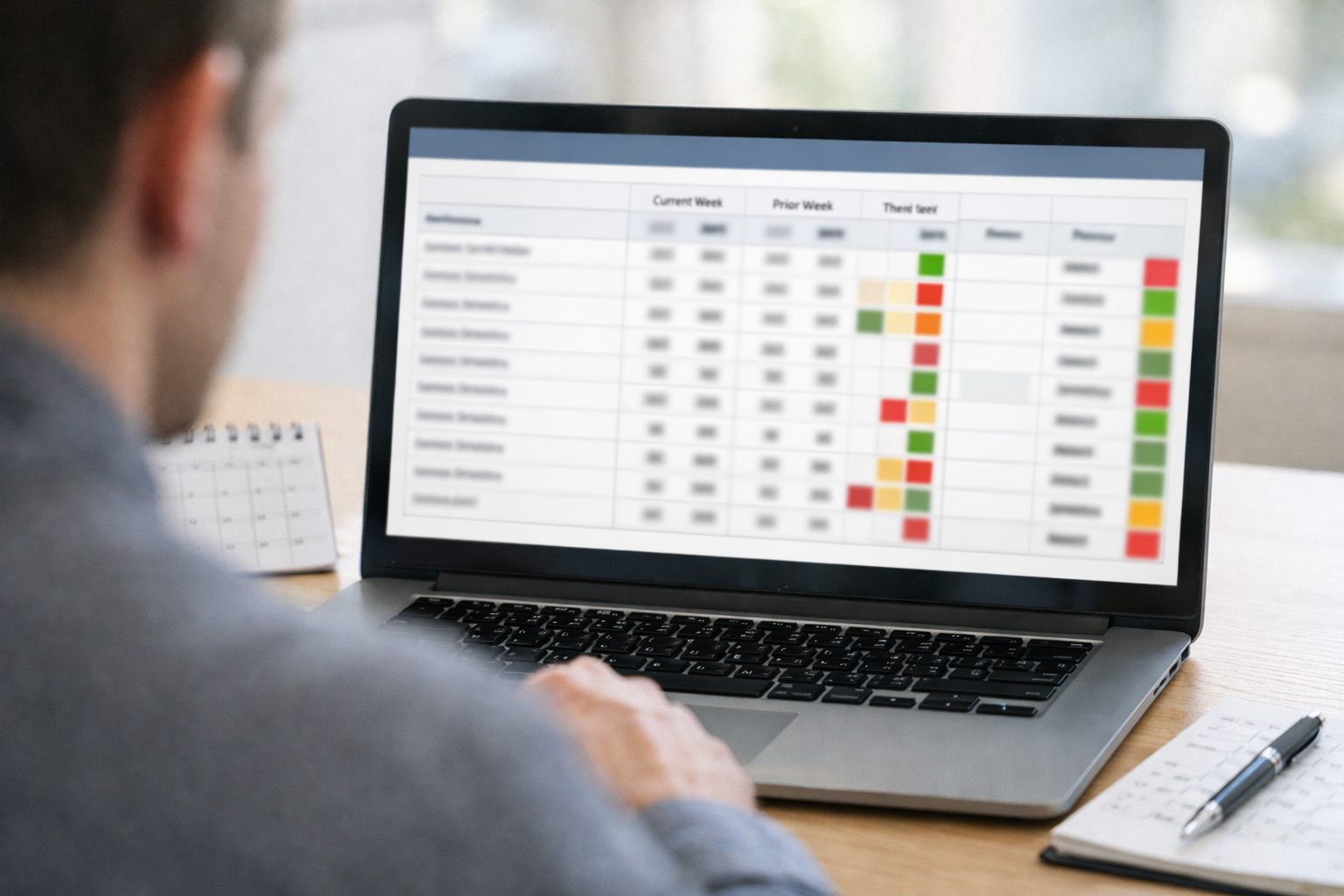
- Automation health: Track failed-run rate (runs that stop without completing) and retry rate (runs needing another attempt). A week-over-week increase, or repeated failures in one workflow, should trigger a decision to investigate the integration, input, or rule; a single successful retry with no downstream effect can remain open only for observation.
- Flow speed: Track queue age (how long the oldest item has waited) and cycle time (start-to-finish elapsed time). Set an adjustable starting threshold such as queue age beyond the team’s service target or cycle time rising for two weeks. Either signal should trigger capacity rebalancing, a routing change, or escalation of the stalled approval.
- Exception workload: Track exception volume, manual interventions, and data-quality errors. Exceptions are items the normal path cannot finish; manual interventions show the labor created by that break; data errors identify missing, invalid, or mismatched inputs. Rising exceptions alongside more manual work should trigger a root-cause fix or a deliberately designed human checkpoint.
- Business impact: Track SLA breaches and missed handoffs, then attach the affected customer, revenue stage, or service team. An SLA breach means work exceeded its promised response window; a missed handoff means responsibility did not reach the next person or system. Any repeated pattern should trigger an accountable owner and a change to routing, alerts, or assignment rules.
Keep total automations created and total tasks processed off the decision view unless they are paired with an outcome: for example, tasks processed alongside cycle time, or automated lead routing alongside first-response SLA breaches. Volume alone can rise while customers wait longer or staff absorb more rework. The useful workflow performance metrics are the ones that tell the group whether to investigate, fix, escalate, tune, pause, or leave the workflow alone.
Read the Signals: Failures, Exceptions, and Bottlenecks Are Not the Same
The pattern matters more than the raw count. Treat a failed run as a workflow that stops before its intended result; it usually calls for restoration or a technical fix. An exception is an item the workflow deliberately routes outside its normal path because information, approval, or a rule is missing; it needs triage, a rule change, or a designed human step. An early-warning signal is movement that has not yet caused a visible failure but may soon affect throughput or handoffs.
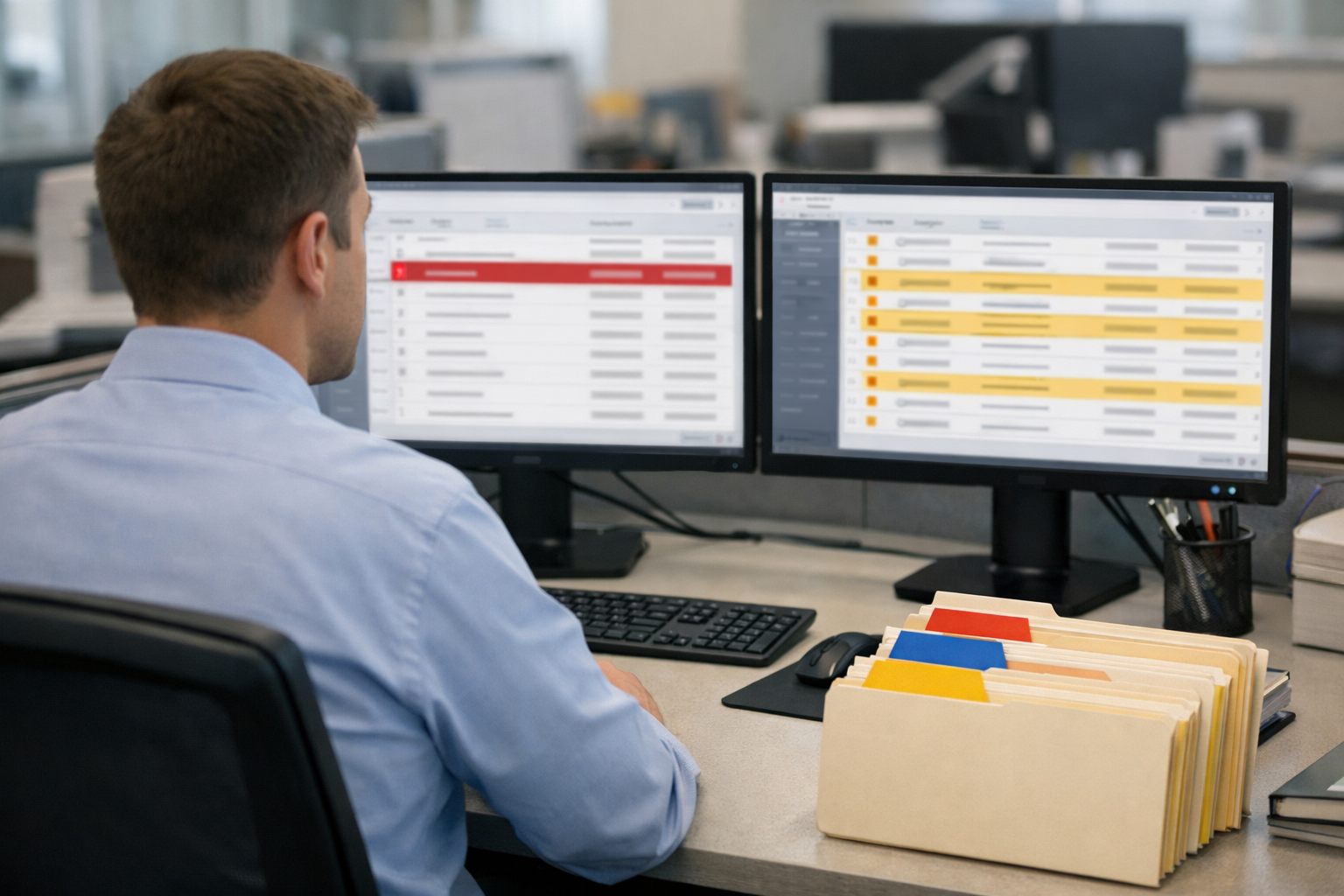
Do not elevate every event into an incident. One low-impact failed run that retries successfully, creates no duplicate work, and does not delay the next step is a weak signal: record it and watch for recurrence. A repeated failed-run pattern in the same step is different because it points to a broken integration, input format, or workflow rule that should be investigated.
A bottleneck often appears while the failed-run rate remains low. For example, a lead-routing workflow may complete technically, yet queue age rises, handoffs are missed, and staff increasingly reassign records by hand. Together, those signals show that work is leaving the automation but not reaching a usable owner fast enough. That is a strong signal because it threatens response time, consistency, and administrative workload.
- Start at the affected record: an error message or repeatable stop points to a system error.
- If failures cluster around blank, invalid, or mismatched fields, trace the issue to upstream data capture.
- If items are valid but wait longer as volume grows, treat it as a capacity or ownership constraint.
- If people repeatedly override the same routing decision, the workflow rule is unclear or no longer matches operations.
Use This Realistic 30-Minute Weekly Operations Review Agenda
Run the review from a prepared decision sheet, not from a live dashboard. Before the meeting, the operations owner posts the weekly dashboard, marks the two or three largest exceptions or bottlenecks, notes any missed handoffs or response-time breaches, and carries forward the status of last week’s actions. The automation or systems owner adds known failures, recent changes, and affected records. The accountable business-process owner identifies the customer, revenue, or service consequence. Those three roles attend every week; bring a subject-matter expert only when a selected issue requires their decision.
This time-boxed meeting follows a fixed order so immediate service risk is seen before the team discusses improvement work:
- 0–3 minutes: close the prior week. Confirm which actions are complete, which slipped, and what changed in the workflow, staffing, inputs, or volume. Do not reopen completed work unless the expected result did not occur.
- 3–10 minutes: scan health and service risk. Review failed runs, queue age, response-time trend, missed handoffs, and manual interventions. Ask first: “Could this leave a customer waiting, an owner unassigned, or work stranded this week?” A rising lead queue age paired with missed assignments comes before a stable, low-volume exception count.
- 10–18 minutes: inspect the top two or three issues. For each, name the affected workflow, the change from last week, the operational consequence, and the immediate containment step. Keep the discussion at the decision level: for example, route unassigned leads to a backup queue today rather than diagnose every field-mapping detail.
- 18–25 minutes: choose the work. Select only the issues worth acting on this week; leave isolated, low-impact noise in watch status. Decide whether to investigate, fix, tune a rule, add a human checkpoint, escalate, or pause the workflow.
- 25–30 minutes: lock the action record. State one owner, one due date, the expected measurable change, and any escalation needed for each selected item.
Use a visible parking lot for technical root-cause questions, broad project updates, and redesign ideas. A parking-lot item must name an owner and a follow-up slot; it is not debated during the weekly automation review. That boundary preserves the operating cadence: the meeting decides what must change, while separate working sessions determine exactly how to change it.
Prioritize What to Fix Instead of Chasing Every Alert
Rank the issues on the decision sheet before assigning work. Give each issue 0, 1, or 2 points for business impact, affected volume, customer or revenue risk, recurrence, service-level exposure, and growth in manual workarounds. A score of 0 means no meaningful consequence or an isolated event; 1 means a contained effect; 2 means a repeated or expanding condition that threatens service, revenue, or staff capacity. Use the total to focus discussion, then let customer-facing risk break ties.
| Priority pattern | Decision |
|---|---|
| Low score; isolated; no customer or workload consequence | Monitor for another week. |
| Cause is unclear, but the pattern is recurring or worsening | Investigate with a bounded owner and question. |
| Known cause; service, revenue, or handoff is at risk | Fix this week and use containment until resolved. |
| An SLA breach, customer loss risk, or blocked critical work needs authority beyond the meeting | Escalate immediately. |
| The workflow works, but a rule creates harmless noise or unnecessary review work | Tune the rule or alert threshold. |
| The workflow cannot operate safely or reliably while a dependency is unresolved | Pause it and define the manual fallback. |
A high raw error rate does not automatically win. For example, 40 harmless retries in an internal file-sync workflow may clear without delaying anyone. Three unassigned web leads that miss a first-response SLA should outrank it: volume is lower, but the customer and revenue exposure is immediate. The stronger signal is the combination of missed handoffs, response-time drift, and staff reassigning records manually.
Change an alert threshold only after separating noise from business-critical activity. If retries resolve automatically, create no backlog, and have shown the same harmless pattern across several reviews, reduce the alert sensitivity or summarize them weekly. Do not tune away an alert merely because it is frequent when it coincides with an SLA breach, growing queue age, or rising manual intervention. The practical test is simple: would suppressing this signal make a customer wait, leave work unowned, or hide expanding staff effort?
Leave Every Review With a Decision, an Owner, and a Verification Date
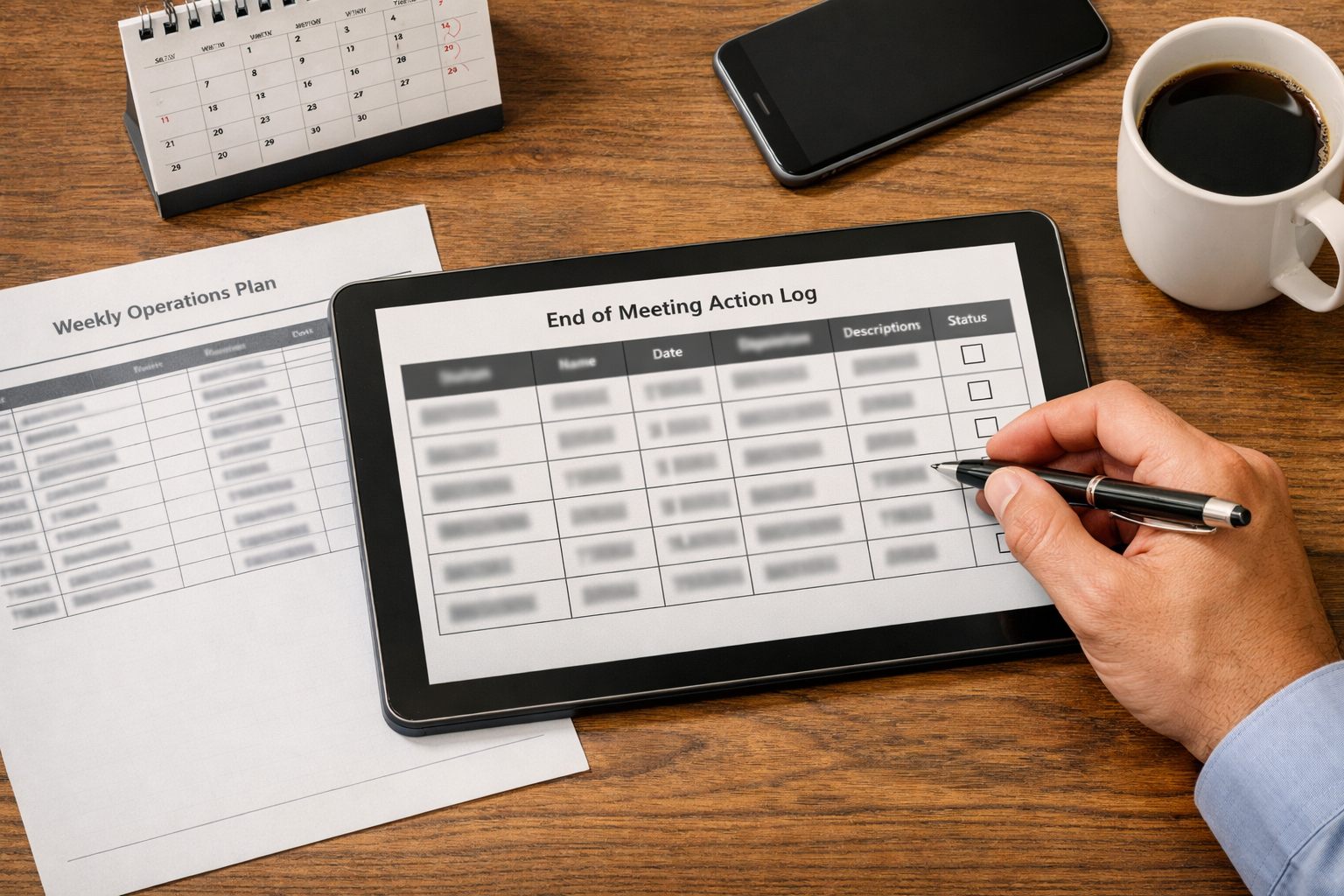
For every issue selected, complete an action-log row before the meeting ends. The row must name the decision type, one accountable owner, a due date, the expected operational result, the verification metric, and next-review status. “Team to investigate” is not an action because it assigns neither a person nor a measurable closing condition; faster response, fewer missed handoffs, and lower administrative workload are the outcomes the log should protect.
| Issue and decision | Owner and due date | Expected result and verification |
|---|---|---|
| Lead records failed before reaching the CRM; repair the integration. | Systems owner; Wednesday. | Target zero failed lead-creation runs; next week, compare failed-run count, unassigned leads, and queue age. |
| After-hours leads route to a general inbox; tune the routing rule. | Revenue operations owner; Friday. | Eligible leads receive a named owner at creation; test new after-hours records and compare missed handoffs and first-response time. |
| Jobs arrive without a service area; correct the source-data requirement. | Intake-process owner; Tuesday. | Make service area required at intake; sample new jobs and track whether exception volume and manual interventions decline. |
| Demand exceeds the dispatch window; escalate for a business decision. | Operations leader; Thursday. | Choose added capacity, a revised customer promise, or a temporary workflow pause; measure cycle time after the decision. |
Use open when work has not begun, in progress while the owner is acting, verified only after the metric improves, and accepted and monitored for a low-impact exception deliberately left in place. Deployment alone is not verification: the next review must show, for example, that queue age or manual reassignment fell without creating a new handoff failure. AI-powered workflow optimization can classify recurring exceptions and summarize patterns, but the named owner remains accountable for the business tradeoff and result.
Start Simple, Then Improve the Review as Patterns Emerge
Do not wait for a BI project. Start with a shared spreadsheet: enter weekly automation-log counts, open or breached ticket-queue items, the selected metrics, and action-log status; protect the same 30-minute calendar slot each week.
Use the first four reviews to establish the working baseline. In weeks one and two, record results without moving thresholds. In week three, flag repeat movement, such as queue age rising in two consecutive reviews. In week four, remove any metric that produced no decision and set starting thresholds for the signals that did.
Keep each completed action beside its affected metric. If a routing change lowers missed handoffs and first-response time without raising exceptions, mark it verified; otherwise reopen it. The review becomes shorter and sharper as recurring causes, useful thresholds, and ownership become clear.
Schedule the first review, choose the minimum metrics, and use the action log for four weeks before expanding the dashboard.
Frequently Asked Questions
-
How long should a weekly automation operations review last?
A weekly automation operations review should last 30 minutes. Use a fixed agenda: 0 to 3 minutes for prior actions, 3 to 10 for service risks, 10 to 18 for top issues, 18 to 25 for decisions, and 25 to 30 to assign owners and due dates.
-
What should be included in a weekly automation dashboard?
Use one row per monitored workflow with five fields: current-week value, prior-week value, starting threshold, affected workflow, and business owner. Track failed-run rate, retry rate, queue age, cycle time, exception volume, manual interventions, data-quality errors, SLA breaches, and missed handoffs.
-
What is the difference between an automation failure and an automation exception?
A failed run stops before producing its intended result and typically requires restoration or a technical fix. An exception is work deliberately routed outside the normal path because information, approval, or a rule is missing, so it requires triage, a rule change, or a designed human checkpoint.
-
How do you identify workflow bottlenecks from automation data?
Look for rising queue age, longer cycle time, missed handoffs, and increasing manual reassignment even when failed-run rates remain low. If valid items wait longer as volume grows, the bottleneck is usually a capacity or ownership constraint rather than a technical failure.
-
How should an operations team prioritize automation issues to fix each week?
Score each issue from 0 to 2 for business impact, affected volume, customer or revenue risk, recurrence, service-level exposure, and growth in manual workarounds. Fix known causes that threaten service or revenue, escalate SLA breaches or blocked critical work, monitor isolated low-impact events, and tune alerts only when repeated noise creates no backlog or business consequence.