
Why Data Preparation Comes Before AI Workflow Automation
Before connecting an AI feature to a live process, establish the operating conditions it will inherit: the records it can receive, the people who can invoke it, and the actions its output can influence. Data preparation is the trust layer for AI workflow automation, not a paperwork exercise. A clean prompt cannot compensate for a stale customer record, a broad integration permission, or an output that reaches a client without review.
Create a short readiness record for one workflow. Map each source and field, classify what is sensitive, remove information the task does not need, and correct incomplete, duplicate, outdated, mislabeled, or free-text records that may contain confidential details. Then assign a data owner to approve access, retention, and deletion decisions. These are separate controls: minimization limits what enters the workflow; access limits who and what can use it; retention limits how long it remains available.
A bounded, reviewable workflow has a narrow input, a defined output, and a named person who approves the result before any consequential step. For example, drafting an internal follow-up summary from a sanitized service note is a stronger starting point than letting a system interpret a full client file and send advice or change an account. Start where errors are easy to spot, reverse, and learn from; expand only after the workflow performs reliably under human review.
Step 1: Map the Workflow and the Data That Would Enter It
Build the map around one event, not around an application. For example: “a completed service visit is marked in the field app” may trigger preparation of an internal follow-up summary. Record the trigger, every source system touched, each user or service that moves data, the destination, the AI output, and the action that follows it.
Create a spreadsheet or process diagram with one row for each data element or document. Include: source, field or document, owner, sensitivity, purpose, recipient, retention, and downstream action. This data inventory should also show transformations: copying a CRM value into a prompt, extracting text from a PDF, combining records, or saving an output back to a ticket.
Separate structured from unstructured inputs. Structured data has defined fields, such as customer ID, appointment date, service type, or invoice line item; it is easier to select narrowly. Unstructured data includes emails, contracts, technician notes, attachments, and chat history. It may carry useful context, but it can also contain unexpected details in free text, file metadata, quoted messages, or embedded attachments.
- What exact event starts the workflow, and who can initiate it?
- Which fields are required to produce the output, and which are merely available through the integration?
- Can a job ID and service category replace a full customer profile or complete work-order history?
- Do notes, attachments, email threads, metadata, or chat history enter automatically?
- Who owns each source record and approves its use in this AI workflow implementation?
- Where does the output go, who sees it, and what person or system acts on it next?
Mark each row as necessary, optional, or exclude. An acceptable input for an internal summary might be a sanitized service description and job status; an unacceptable one is a full mailbox export because it happens to be accessible. The completed data mapping becomes the scope boundary for the next decisions.
Step 2: Classify Sensitive Data and Separate High-Risk Inputs
Give every mapped item a sensitivity tier and a consequence rating. Sensitivity measures the harm if information is exposed; consequence measures the harm if an AI-generated output is wrong, shared, or acted on. Put the tier, a short reason, and an approving owner beside each row in the inventory.

- Low: public service descriptions, approved templates, and non-identifying job categories. These can support an internal drafting pilot when they are sufficient for the task.
- Moderate: internal procedures, vendor names, or nonpublic operational metrics. Limit these inputs to the stated workflow purpose and approved users.
- High: personally identifiable information, confidential client narratives, employee records, account numbers, tax identifiers, pricing, forecasts, routes, and other commercially sensitive operating details. A narrative or document filename may reveal more than its main field suggests.
- Restricted, do not connect by default: credentials and access tokens, protected health information where applicable, privileged legal material, regulated records, complete financial files, and data that is unnecessary to produce the approved output.
Classify the complete object, not only its visible text. A service note may include a customer’s health detail; PDF metadata may disclose an author or matter name; an invoice attachment may contain bank details. Mark the specific field, attachment, or free-text segment for exclusion rather than assuming a broadly useful document is safe as a whole.
Legal and accounting automation require separate handling decisions. A matter reference, client communication, workpaper, tax record, or engagement file can be subject to confidentiality duties, professional obligations, engagement terms, internal policy, and jurisdiction-specific requirements. The responsible practice leader, privacy or compliance owner, and qualified internal or external advisers should approve whether a defined subset may enter the workflow; “available in the system” is not approval.
Record the decision in a sensitivity register: item, tier, permitted purpose, exclusion rule, approver, and rationale. An acceptable input might be a redacted request category and status code; an unacceptable input is an unfiltered client file supplied merely to add context.
Step 3: Minimize, Clean, and De-Identify the Inputs
Turn the approved subset into a purpose-built input set rather than passing through the original record. Apply data minimization: retain only the fields needed to produce the defined output. For an internal job-summary draft, keep service category, completed-work codes, status, and approved note excerpts; exclude customer name, address, payment history, email thread, photos, and unrelated attachments. The workflow owner should approve this before-and-after field list.
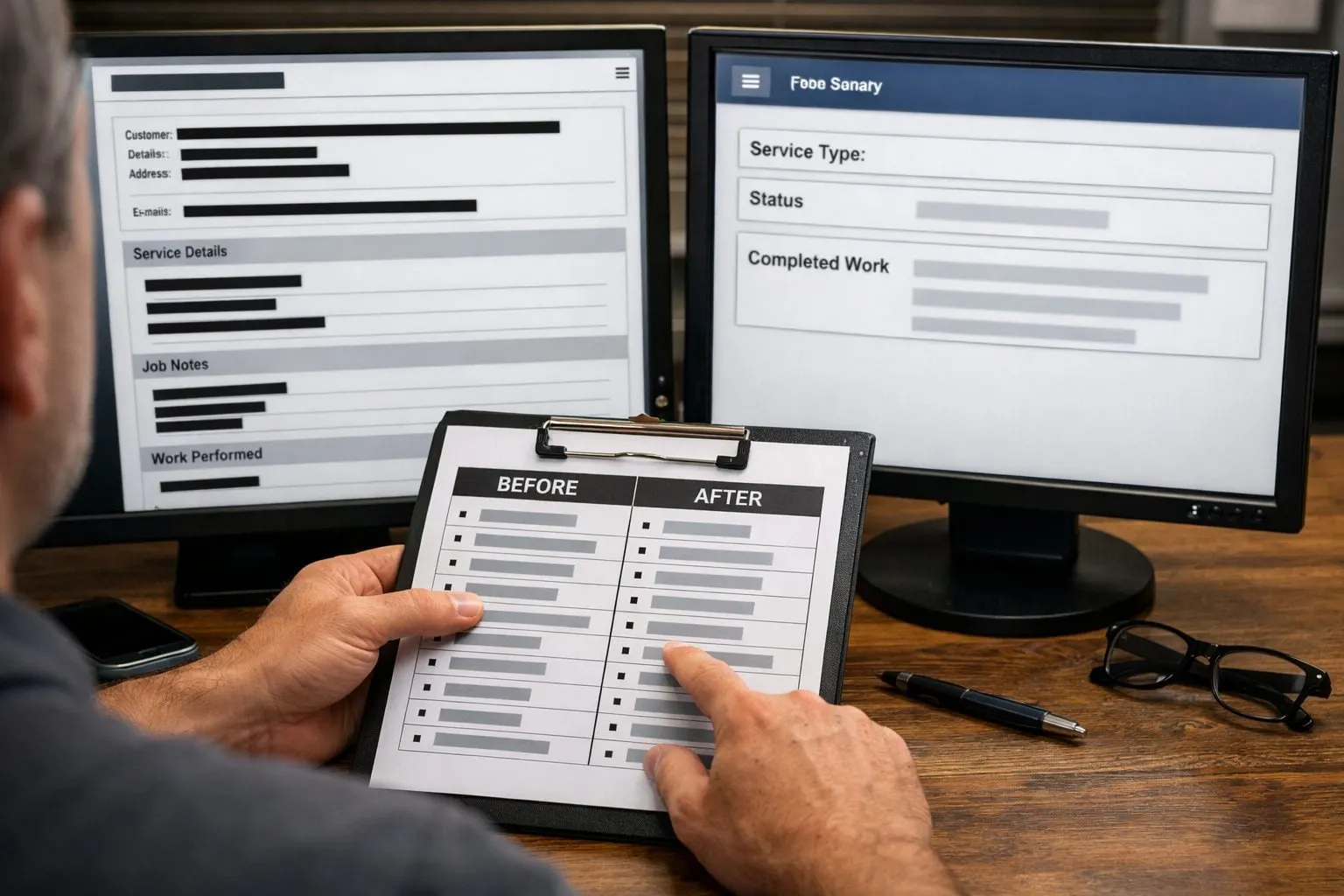
Then create a repeatable cleaning rule set. Remove duplicate records so the same job or client is not counted twice; correct stale statuses and malformed dates; standardize labels such as “Complete,” “completed,” and “done” into one value; and reject a record when required fields are blank or invalid. Exclude free text and attachments unless a reviewer can identify a specific task-relevant portion. Cleaning is not cosmetic: it makes the input consistent enough for AI-powered workflow optimization while reducing irrelevant exposure.
- Redaction removes or obscures sensitive content from a record, such as replacing an account number with blacked-out characters. Use it when the surrounding document remains necessary.
- Tokenization substitutes a sensitive value with a token, such as
CUSTOMER_1042; the original value is held separately and can be looked up by an authorized system. - Pseudonymization replaces direct identifiers with a substitute but preserves a route back to the person through a key or linked data. It reduces routine exposure; it does not make the information anonymous.
- Anonymization transforms information so it is intended not to be reasonably linked back to an individual. It can reduce risk, but the result depends on the data, available auxiliary information, and the receiving context.
Record the transformation beside each approved field: original source, cleaning rule, retained value, and exclusion reason. Treat de-identification as one control, not a permission slip. A tokenized client reference may be appropriate for matching an internal status record; it is not a reason to add a confidential narrative that the task does not require.
Step 4: Define Access, Retention, and Audit Rules Before Data Flows
Create a control matrix for the approved input set before any connector is activated. Give each data class a named owner who can approve its use and a review owner who can change or retire the rule. Include five columns: permitted user group, approved tool or integration, retention period, logging requirement, and escalation contact.
Apply role-based access control by granting access through job roles, not individual convenience. A dispatcher may submit sanitized job details to an approved drafting tool, while only an operations manager can alter workflow settings. Apply least privilege: each person, service account, and connected application receives only the fields and actions needed for its assigned task. Separate test and production environments so trial prompts, credentials, and outputs cannot quietly reach live records.
Treat API keys as controlled credentials, not shared setup details. Store them in an approved secret-management location, restrict each key to its specific integration and environment, assign an owner, and revoke or rotate access when a person leaves or an application is disconnected. Do not give a general-purpose AI connection broad access to a mailbox, file drive, or customer platform when a narrowly scoped service account can retrieve the approved fields instead.
Set retention by purpose: how long the workflow needs an input or output to complete its task. Then account for applicable contracts, recordkeeping duties, and legal or regulatory requirements validated by qualified compliance or legal leadership. Define what deletion means in practice: the system of record to delete from, the person or automated process responsible, any approved exception, and how disposal is recorded.
- Storage: Is submitted data retained, and where?
- Training and sharing: Can the tool use data to improve models or disclose it to subprocessors?
- Control: Can authorized staff export and delete inputs and outputs?
- Traceability: Do logs show who accessed data, which tool processed it, what action occurred, and when?
Review access and logs on a defined schedule, and document an incident path: disable the connection, preserve relevant logs, notify the data owner, and investigate before restoring access. These operating controls make safe AI workflow deployment enforceable rather than aspirational.
Step 5: Choose a Safe First Workflow and Keep Humans in Control
Rank candidate workflows before selecting one. Create a one-page readiness scorecard, and have the workflow owner approve it. Score each candidate from 1 (favorable) to 5 (unfavorable) for data sensitivity, impact if the output is wrong, reversibility, processing volume, professional judgment required, availability of human review, and auditability. A low total indicates a bounded pilot; any high score for sensitive data or irreversible impact should stop that candidate from being first.
- Strong first candidates: repetitive tasks with a narrow, approved input set and a reviewer who can accept, edit, or reject every result. Examples include drafting an internal summary from an approved template, routing non-sensitive requests by category, or extracting invoice fields into a review queue. The AI assists; it does not finalize the business action.
- Weak first candidates: autonomous legal advice, client-facing commitments, payment approval, financial-close decisions, hiring decisions, or processing privileged or highly confidential material. These combine high consequence, professional judgment, or difficult-to-reverse effects.
Define acceptance criteria before the workflow runs. For a field-extraction task, specify the permitted fields, the required source reference for each value, and the rule that blanks or conflicting values go to an exception queue. An acceptable output is a reviewer-verifiable vendor name, invoice date, and amount from an approved document; an unacceptable output is a payment-ready record created from an incomplete attachment.
Put a human approval gate immediately before any external communication, record update, payment, or decision. The reviewer should see the original approved input, the generated output, and the available actions: approve, edit, reject, or escalate. Record the reviewer, decision, timestamp, and reason for exceptions so the team can trace how the result was handled.
Keep the first AI workflow automation reversible. Define who can pause it, how to withdraw an unapproved output, which system record is restored if an incorrect update occurs, and where exceptions are routed. This assistive model lets business process automation reduce routine handling while preserving professional judgment where it matters.
Step 6: Run a Controlled Pilot, Measure Results, and Expand Deliberately
Put the pilot plan on one page and obtain sign-off from the workflow owner, data owner, and reviewer lead. State the frozen input fields, workflow trigger, approved output, pilot users, a working sample of 25–50 representative sanitized records, pass-fail criteria, exception route, and the person authorized to pause or roll back the connection.

Run each record through the AI-assisted process and through the existing human-reviewed baseline. Compare results for accuracy and completeness, not just elapsed time. Track error rate, reviewer override rate, data-quality failures such as missing or conflicting fields, exception volume and cause, audit-log completeness, and whether users followed the approved process rather than bypassing it.
A pass means reviewers can reliably trace an output to approved input and correct routine defects without altering the workflow’s scope. A fail includes unsupported values, missing audit entries, repeated overrides, or an exception that reaches a downstream action. Log the record ID, failure category, reviewer decision, correction, and whether the workflow was paused.
Before expanding, collect reviewer feedback and recheck access assignments, retention settings, source connections, and rollback steps. Expand only after the owners approve the measured results.
- Approved data set and workflow boundary recorded
- Sanitized test records and human baseline completed
- Exceptions, overrides, and logs reviewed
- Access, retention, and rollback controls retested
- New data sources, scope, or downstream actions trigger a new review
Frequently Asked Questions
How do you prepare business data for AI automation?
Map one workflow from its trigger through the downstream action, listing each source, field, owner, sensitivity level, purpose, recipient, retention period, and transformation. Mark every input as necessary, optional, or excluded, then use only the approved minimum data set.
What data should not be connected to an AI workflow?
Do not connect credentials, API tokens, protected health information where applicable, privileged legal materials, complete financial files, regulated records, or any data unnecessary for the approved output. Full mailbox exports, unfiltered client files, unrelated attachments, and automatically included chat history should also be excluded by default.
What is the difference between anonymization and pseudonymization for AI data?
Pseudonymization replaces direct identifiers with substitutes while retaining a key or link that can reconnect the data to a person. Anonymization is intended to make information no longer reasonably linkable to an individual, although its effectiveness depends on the data, auxiliary information, and receiving context.
How long should an AI tool retain customer or client data?
Retain inputs and outputs only for the period needed to complete the workflow’s stated purpose, while accounting for applicable contracts, recordkeeping duties, and legal or regulatory requirements. Define the system of record for deletion, the responsible person or automated process, approved exceptions, and how disposal is logged.
What is a safe first AI workflow to automate?
Choose a repetitive, low-sensitivity, reversible task with narrow approved inputs and human review of every output, such as drafting an internal summary, routing non-sensitive requests, or extracting invoice fields into a review queue. Score candidates from 1 to 5 for sensitivity, error impact, reversibility, volume, judgment required, human review, and auditability; any high score for sensitive data or irreversible impact should eliminate it as a first pilot.