
Treat Chemical Reading Alerts as an Exception-Management Workflow
Make each submitted result an operational record, not an automatic treatment order. In pool service automation, the system’s job is to recognize exceptions, preserve context, and move work to a named person so that readings do not disappear into a spreadsheet or a technician’s notes.
- Normal: the reading fits the company-approved range for that specific pool. Log it with the pool, technician, test time, and method; no alert is needed.
- Retest required: the entry is incomplete, implausible, or conflicts with the prior result. For example, a technician-submitted result lacking a unit should be returned for clarification rather than treated as a chemistry exception.
- Exception: a complete reading falls into the company’s watch or urgent class. Create a review task for an identified supervisor or qualified technician, with the reading and visit context attached.
A workflow may flag a repeated low sanitizer result, assign the review, and timestamp the handoff; it must not decide a dose, declare the water safe, or promise a customer an outcome. Trained staff interpret the result, choose any treatment under company procedure, decide whether customer contact is warranted, and record the verified resolution. Clear ownership reduces missed handoffs and produces more consistent operational follow-up.
Map the End-to-End Workflow Before Choosing Automation Tools
Draw the handoffs before selecting an app or building an integration. The workflow should make it possible to trace one submitted reading from its origin to a named, timestamped resolution rather than leaving the office to reconcile texts, paper logs, and separate task lists.
- Capture: create one reading record containing the customer, pool, visit or device time, technician or device identity, test method, units, and result. A technician form, digital test device, connected monitor, uploaded test-strip image, or spreadsheet row can initiate this record.
- Validate: reject or hold records missing key identity or measurement fields. A result attached to the wrong pool is a data problem, not a chemistry alert.
- Classify: compare valid results with the company’s pool-specific policy and label them normal, watch, urgent, or retest required. The rule engine applies the label; a reviewer interprets its operational meaning.
- Create and assign: open a review task for the appropriate dispatcher, supervisor, or qualified technician, with the reading, prior relevant history, visit notes, and due time attached.
- Review and communicate: the assigned person decides whether a retest, service action, schedule change, or customer update is warranted. Customer messages should follow approval and state only the confirmed issue, next step, and any customer action needed.
- Resolve and close: retain the action taken, verification or retest result, reviewer, owner, timestamps, notes, and communication status before marking the exception closed.
Choose one system of record for customer, pool, task, and completion status; pool service software often fills that role. Forms, connected devices, and spreadsheets can be trigger sources that send standardized records into it, while a workflow platform coordinates routing across systems. AI workflow automation can extract fields from an uploaded result or draft a concise review summary, but defined rules and designated people should retain control of classification, chemical decisions, and customer commitments.
Set Configurable Thresholds and Alert Classes for Each Pool Type
The classification label needs a policy behind it: build a versioned threshold matrix instead of applying one chemistry table to every account. Create a pool profile for each operating context, such as residential or commercial use, indoor or outdoor setting, sanitizer system, expected bather load, surface, equipment, and service agreement, and attach an approved rule set to that profile.
For each profile, list free chlorine, pH, total alkalinity, cyanuric acid, combined chlorine, calcium hardness, and ORP when that site uses ORP monitoring. Give every reading a defined operational purpose: free chlorine and combined chlorine can drive sanitizer-related review; pH, alkalinity, and calcium hardness can identify balance follow-up; cyanuric acid can require a separate review path; and ORP can be treated as a site-specific monitoring input rather than a substitute for the other recorded values.
- Acceptable: the value falls within the approved range for that pool profile. Store it as a completed reading without opening an exception.
- Watch-list: the value approaches a warning threshold, shows an unfavorable trend, or departs from recent valid readings. Add it to a scheduled review or the next-service work list.
- Retest required: the result is incomplete, implausible, or questionable, for example, one unexpected test-strip result that conflicts with the recent record. Create a verification task, not a confirmed-condition alert.
- Critical: an approved critical threshold or rule combination requires prompt review by the designated person. Create an urgent task with the reading context and applicable history.
Define a rule as a measurement, pool profile, condition, and required response, not merely a low or high number. “Free chlorine below the warning threshold on two consecutive valid visits” is a stronger escalation signal than one isolated result. A single questionable strip reading is weaker evidence and should route to retesting first. Apply the same structure to each field: approved range, warning threshold, critical threshold, trend rule, and retest condition.
Assign a qualified operations lead to approve each matrix version, effective date, and change record. That owner should establish profile-specific boundaries from the pool’s operating context, applicable requirements, product-label directions, equipment needs, and company procedure. Pool chemical alert automation should create the appropriate review or verification task; it should not issue an unreviewed dosing instruction or customer commitment.
Validate Incoming Readings to Prevent False Alerts
An alert is only as trustworthy as the record that triggers it. Place a validation gate between submission and classification so incomplete or contradictory readings are held for correction instead of being treated as chemical exceptions.
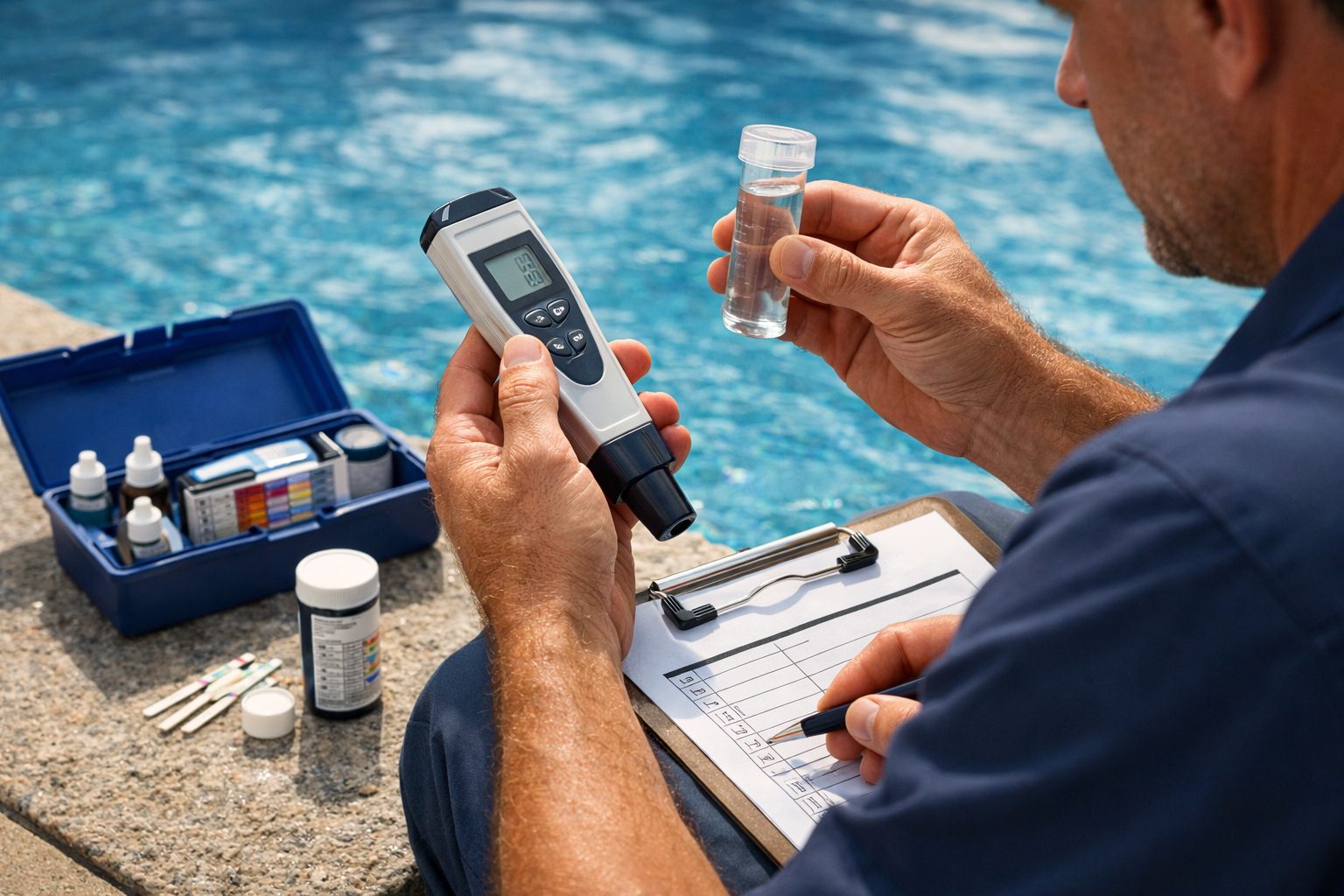
- Require the pool ID, technician identity, collection timestamp, analyte, value, unit, and test method or device. A reading without a pool ID cannot be matched to the correct threshold profile; one without a method gives the reviewer too little context to interpret it.
- Use an approved unit list for each analyte and normalize units only where your form has an explicit conversion rule. Hold entries when a value is entered with an unsupported unit, a result appears in the wrong analyte field, or a technician selects a method that is incompatible with the submitted format.
- Set broad plausibility limits separate from the pool’s alert thresholds. These capture likely transcription errors, such as an extra digit or decimal shift, without declaring a legitimate out-of-range result invalid.
Detect duplicates by comparing the pool, analyte, value, technician, method, and submission time. An identical digital water testing record submitted twice within the company’s chosen window should be linked to the original, not create two tasks. Compare each valid result with recent history as well: a single unexpected test-strip reading that sharply conflicts with prior visits or the technician’s onsite observations should create a retest-required item.
Make the retest task specific: identify the disputed field, preserve the original result, assign the technician or supervisor, and require a new timestamped reading and method before the exception can advance. In contrast, two valid low readings on separate visits, or a questionable result paired with corroborating onsite conditions, merits supervisor review under the critical rule. This distinction keeps exception handling visible while reserving urgent service events for signals a person can trust.
Route Alerts to the Right Reviewer and Create a Service Task
Routing should convert each exception class into a named decision owner, rather than another item in a shared inbox. This human-in-the-loop review is the control point at which a person interprets the result and authorizes the operational response.
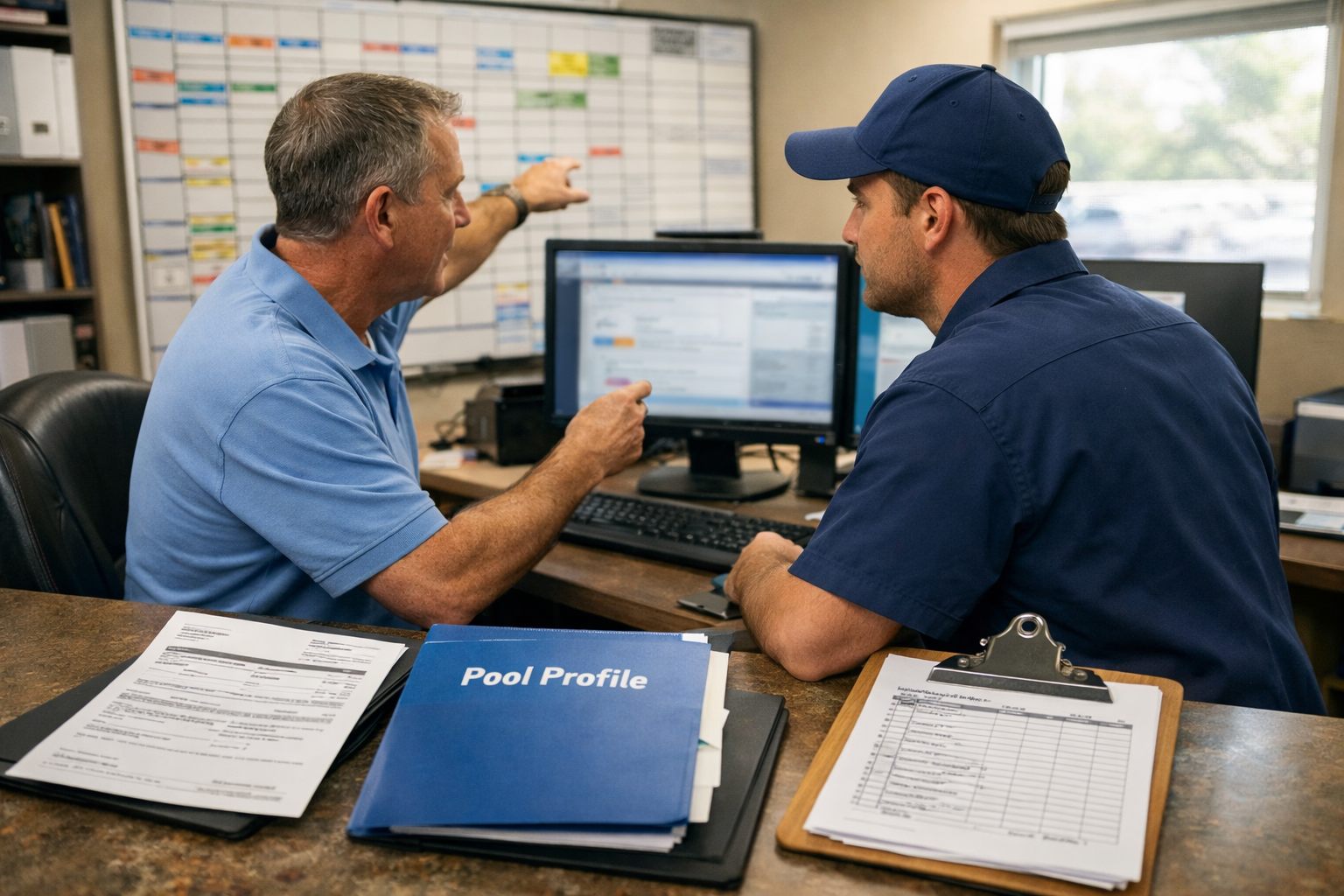
- Watch-list: send the item to the route technician or dispatcher for review by the next scheduling cycle. The reviewer may keep it on the planned route, request another reading, or assign a follow-up visit; a watch-list result alone does not create an automatic extra stop.
- Retest-required: assign the submitting technician, with a supervisor as backup if that technician is unavailable. The task cannot move forward until it contains a replacement reading, test method, collection time, and technician identity.
- Urgent: notify the on-duty supervisor immediately and create an on-site corrective-action task for a technician or dispatcher to schedule. The supervisor decides the diagnosis, service response, customer commitment, and whether to elevate the matter to management.
Give the reviewer one decision packet: flagged value and unit, collection timestamp, test method, the prior two or three results for that analyte, pool profile, threshold-rule version, technician notes, photos, access constraints, and related open work. Two valid low results from separate visits are a stronger signal than one isolated strip result without observations; the screen should make that distinction visible.
Create a service ticket when a reviewer approves follow-up or when the policy requires a retest. Include the required verification, assigned owner, priority, due date, and next escalation contact. Log the reviewer, assignment time, acceptance time, and every reassignment so a route change does not erase accountability.
Set escalation rules for open work: alert the assigned owner at the due time, notify the dispatcher or supervisor if no update is recorded by the internal grace period, and send unresolved urgent work to the operations manager. An overdue alert changes ownership and visibility; it never authorizes automatic chemical action. That disciplined handoff is the practical benefit of pool service automation: fewer missed follow-ups while trained staff retain the decision.
Send Customer Updates Only When the Exception Is Verified and Actionable
A customer message should leave the queue only after a reviewer has established both the finding and the next operational step. Keep a minor watch-list result, an incomplete record, or a reading awaiting retest inside the team; these items need investigation, not a customer-facing interpretation.
Use approval-based templates: the system drafts and queues a message from the approved ticket, but a supervisor, dispatcher, or other authorized role releases it. A verified need for a return visit, a gate or equipment-room access request, a qualified staff member’s temporary operating recommendation, or a scheduled follow-up merits contact because the customer has a clear action or expectation.
- Verified finding: state the relevant service issue in plain language without presenting an unreviewed diagnosis or treatment detail.
- Approved next step: identify what the company will do, such as returning to retest or perform an approved service task.
- Scheduling or access request: specify the date window, access needed, and any response deadline.
- Contact path: provide the office phone, reply channel, or named coordinator for questions or changes.
A concise message might read: “Our technician identified a reading that requires a follow-up visit. We have scheduled a return visit for Tuesday; please confirm access to the equipment area by replying here or calling the office.” Do not send a similar notice for one questionable entry that is still assigned for retesting.
Limit the pool service alert system’s messaging access by role: technicians may submit notes, authorized reviewers may approve template fields, and only approved staff or the workflow may use the customer’s selected contact channel. Store the approval timestamp, message version, recipient, delivery status, and any reply with the ticket. This keeps pool maintenance automation useful for drafting and logging communication while preserving control over customer commitments and service data.
Document Follow-Up, Close the Loop, and Improve the Rules
Closure is a record state, not a technician’s last note. Keep the original reading attached to the original alert or its linked service ticket so the office can see the full chain: submitted value, validation result, rule version, reviewer, assigned owner, and every subsequent timestamp.
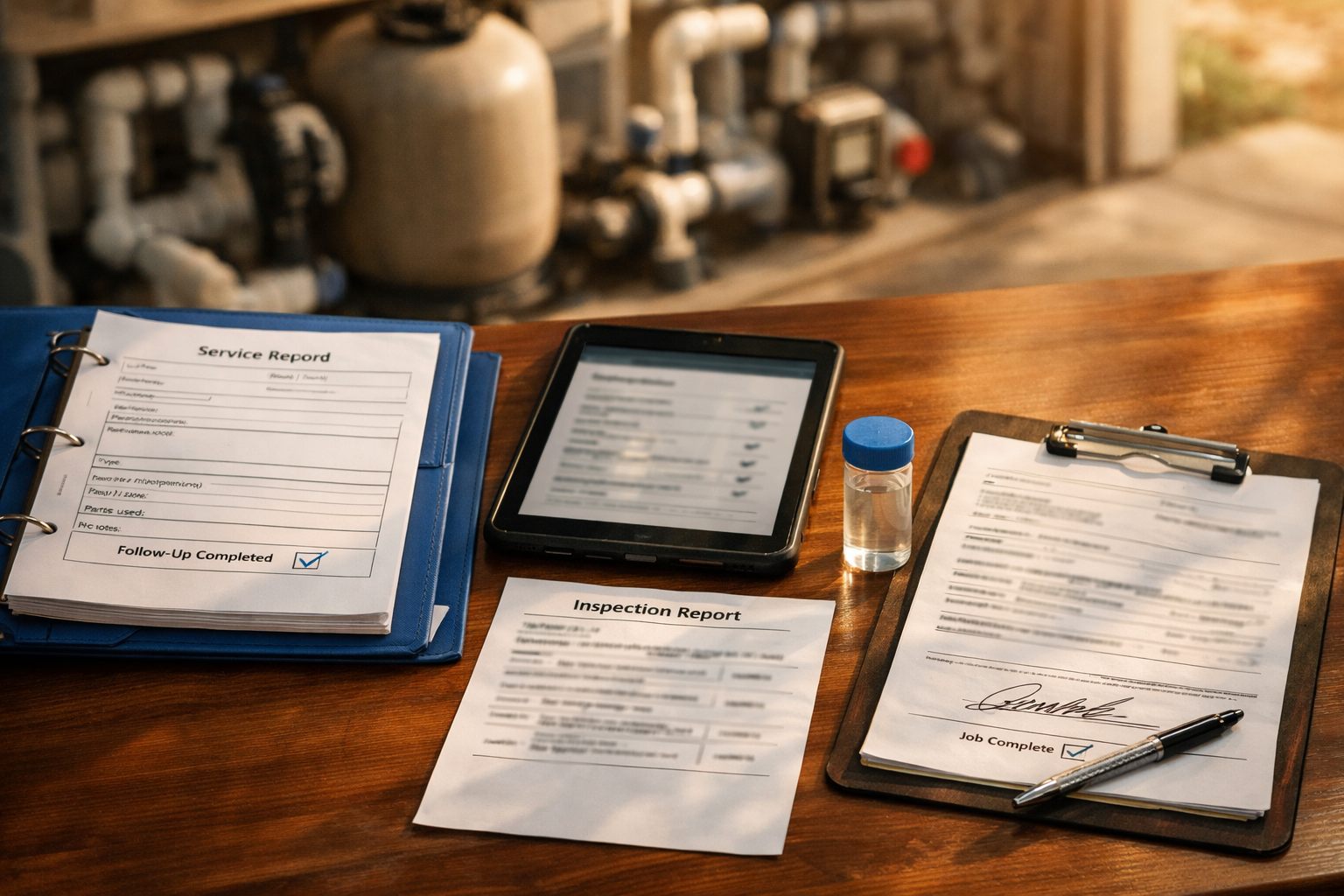
- Verification: record the retest value, unit, method, collection time, and technician. A retest-required alert closes as “invalidated” only when the new result resolves the data question; it closes as “confirmed” when it supports the exception.
- Action record: identify the service performed and products used under company procedure, along with the technician’s notes and supporting photos where useful. Do not replace the original reading; preserve it beside the follow-up result.
- Communication status: log whether customer contact was not needed, drafted, approved and sent, delivered, or answered. Link the message and any access or scheduling commitment to the same ticket.
- Disposition and sign-off: mark the outcome as resolved, monitoring required, return visit scheduled, unable to complete, or escalated. Require final reviewer approval where the company’s policy calls for it, with the reviewer name and closure time.
Restrict edit access by role and retain an audit trail for changed readings, notes, approvals, and closure status. This makes it possible to distinguish a genuinely resolved exception from a ticket that was simply marked complete.
Begin pool service automation with one repeatable category, such as retest-required readings, rather than launching every threshold at once. Each week, review alert volume, false-alert rate, time to review, time to close, repeat exceptions, and missed follow-ups. A false alert is a valid record that entered the wrong workflow class; a long closure time may instead expose an ownership or scheduling bottleneck.
Refine the applicable threshold rule, validation gate, or routing step based on those exceptions, then pilot the revised version before expanding. This measured approach helps automate service business operations without removing the human judgment needed to approve actions, customer commitments, and final disposition.
Frequently Asked Questions
-
How do pool companies automate chemical reading alerts?
Pool companies automate alerts by capturing each reading with the pool ID, technician, timestamp, test method, units, and result, then validating and classifying it as normal, watch-list, retest required, or urgent. Exceptions create assigned review tasks with reading history and due times, while trained staff approve service actions and customer communication.
-
What pool chemical readings should trigger a service alert?
A service alert should be triggered by readings that meet a pool-specific watch or critical rule, such as two consecutive valid low sanitizer readings or a defined critical threshold. One incomplete, implausible, or conflicting result should create a retest-required task rather than a confirmed chemical alert.
-
What information should technicians include when recording pool chemical readings?
Each reading should include the customer, pool ID, collection timestamp, technician or device identity, analyte, value, unit, and test method or device. The record should also preserve visit notes, photos, access constraints, and relevant prior readings when an exception is created.
-
How can pool companies prevent false alerts from water test readings?
Use a validation gate that holds records with missing pool IDs, unsupported units, incompatible test methods, or values outside broad plausibility limits. Detect duplicate submissions and compare valid readings with recent history, routing a single conflicting strip result to retesting instead of urgent service.
-
Should a pool company automatically notify customers about low chlorine or high pH?
No. Customer notifications should be sent only after an authorized reviewer verifies the finding and approves a specific next step, such as a return visit, service task, or access request. Watch-list readings, incomplete entries, and results awaiting retesting should remain internal.