Customer Communication Automation Is a Service-Delivery System, Not Just a Messaging Tool
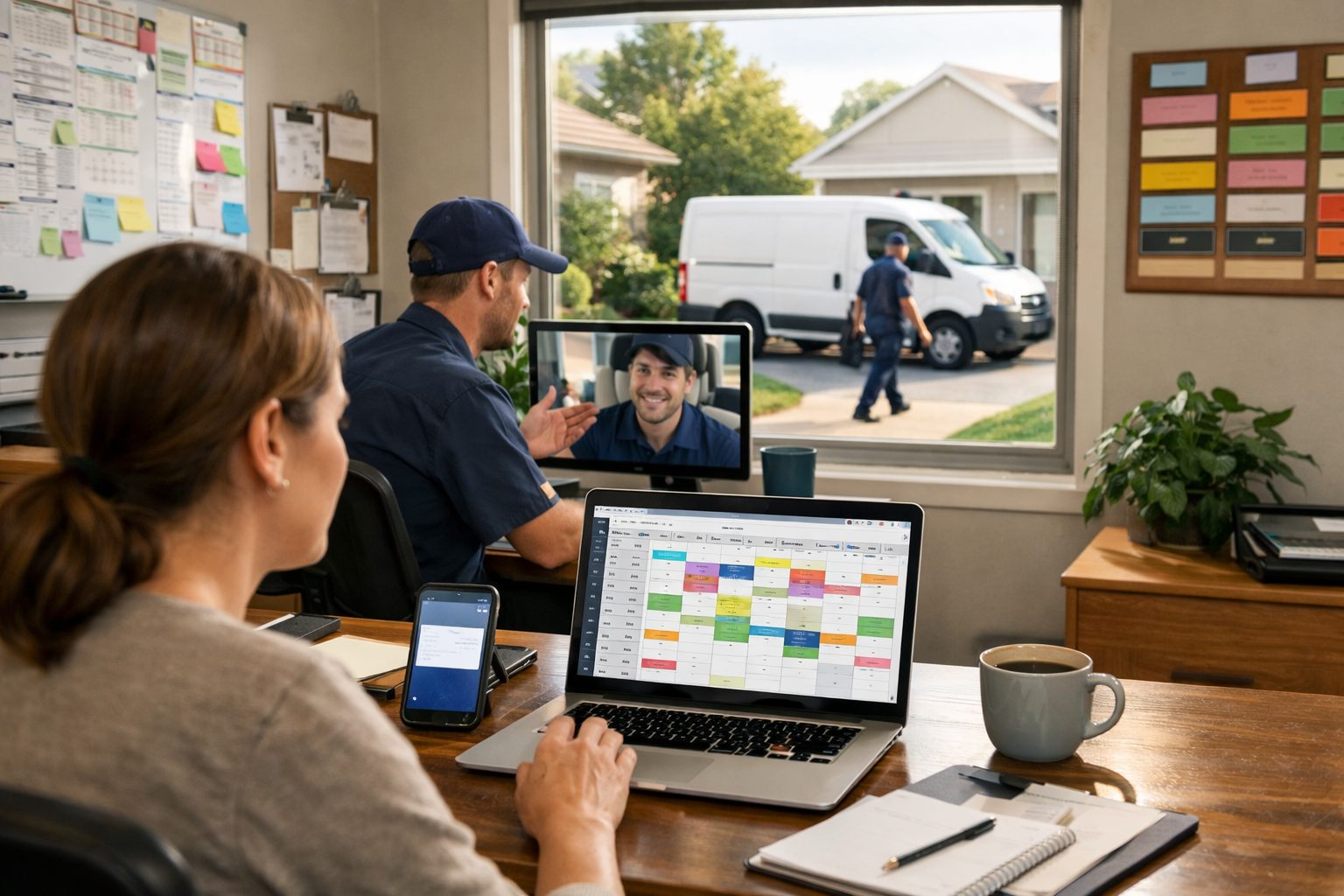
A missed call is not merely an unanswered phone: it is a lead with no owner, no next step, and every reason to call the next provider. Customer communication automation for service businesses is the operating layer that connects an inquiry, booking, appointment, field visit, and follow-up. Its job is to make the next step visible, for example, acknowledging a web request immediately, confirming a Tuesday 2–4 p.m. window, or notifying a customer that a technician is running 30 minutes late.
Operational or transactional messages support an active job. They include inquiry acknowledgements, booking confirmations, appointment reminders, dispatch notices, delay updates, and completion summaries; each answers a current customer question or prompts a needed action. Promotional messages, including seasonal offers, maintenance nurture, and reactivation campaigns, seek a future booking. The distinction is intent: a delay notice resolves today’s uncertainty, while a reactivation offer asks for renewed business and must never obscure an unresolved service problem.
Revenue leakage often appears between teams and systems rather than in a single dramatic failure: a homeowner leaves a voicemail after hours, an office receives the lead the next morning, and no one records a callback owner. An unclear arrival window creates a second gap when dispatch knows the schedule changed but the customer does not. Automated business operations reduce these handoff failures by using current customer and job data to send an acknowledgement or status update, while assigning a named person to the conversation when it needs action.
Automation should carry the repeatable path; people should own exceptions and relationships. A workflow can collect a plumbing caller’s address and preferred callback time, but a dispatcher must take over when the caller reports active flooding. Likewise, a template can announce a delay, while a person handles a complaint, complex pricing question, sensitive account issue, repeated message-delivery failure, or reply that does not fit the expected path.
That division sets the standard across the customer lifecycle: automate speed, consistency, and context; escalate urgency, ambiguity, and emotion. Every workflow needs a specific trigger, accurate customer and job records, a named operational owner, an easy reply route, and a measurement such as lead-response time, confirmed appointments, successful status updates, or reactivated customers.
Choose What to Automate First: Prioritize High-Impact, Low-Risk Customer Moments
Start with the moments where delay creates an immediate operational loss, not the most technically impressive idea. Score each candidate workflow from 1 to 5 on urgency, customer impact, frequency, revenue leakage if it is missed, data quality, and safe standardization. Safe standardization means the message can remain useful and accurate with known fields, such as name, appointment time, technician, or job status, while the exception rate stays low.
Rank the highest total scores first, but treat poor data quality or a high exception rate as a stop sign. A reminder may score highly because it occurs often, affects attendance, and uses reliable booking data. An AI conversation that estimates repair pricing may appear valuable, yet score poorly because job scope, urgency, and customer questions vary too much. The practical tradeoff is clear: automating customer communications should remove repeatable bottlenecks before it attempts judgment-heavy interactions.
- Start with: speed-to-lead acknowledgements, missed-call text back, booking confirmations, appointment reminders, and status updates. Each has a clear trigger, a narrow customer purpose, and a measurable result such as time to first response, confirmed bookings, reply handling time, or successful delivery.
- Assign an owner: the office or dispatch team owns message accuracy and replies; the operations lead owns the workflow’s performance. A workflow without an owner can send on time while still failing customers when an exception arrives.
| Workflow type | Best use | Decision |
|---|---|---|
| Fixed, data-led | Confirmation, reminder, “we received your request,” technician-on-the-way, or routine delay notice using current scheduling data | Automate. The system can send the message immediately and consistently. |
| Structured but variable | New-lead intake, rescheduling, status questions, and common service requests | Use conditional automation: collect details, classify the request, then route a reply, urgency flag, or task to a person when the answer is not clear. |
| High-consequence or emotional | Active property damage, complaints, complex estimates, billing disputes, sensitive account issues, and repeated failed messages | Keep human-led. Automation may acknowledge and alert the right owner, but it should not attempt resolution. |
Use measured evidence to decide whether a pilot earns expansion: compare median first-response time, booking conversion, no-show rate, message delivery failures, and the share of conversations requiring takeover before and after launch. “Customers seem happier” is a weak signal; a faster missed-call response paired with more recovered bookings is evidence that the workflow is paying for itself.
Automate Lead Response and Booking Without Letting Leads Fall Through the Cracks
The lead workflow should make every inquiry visible, answerable, and owned before it becomes a scheduling problem. That focus supports faster lead response and fewer missed handoffs: the practical outcomes are not more messages, but a shorter path from initial contact to a qualified, confirmed job.
Begin with a single lead record for web forms, inbound calls, chat, social messages, and after-hours inquiries. The trigger is any new contact; the audience is the prospective customer; and the CRM record needs, at minimum, name, phone or email, source, timestamp, requested service, location or ZIP code, conversation history, and lead status. Give the office or dispatch team ownership of unworked leads, while the operations lead owns the routing rules and reporting. Measure capture completeness and the share of inquiries with a recorded first response.
| Workflow step | Automation logic and customer value | Handoff and measurement |
|---|---|---|
| Immediate acknowledgement | When a form, chat, or message arrives, send a brief receipt message immediately: “We received your request for [service] and will review it shortly.” It establishes speed to lead without making a promise the business cannot yet keep. | Create an office-team task when no person has responded within the business’s chosen service window. Track median first-response time and contact rate. |
| Missed-call text back | When a tracked inbound call is unanswered, send a missed-call text back that identifies the business, invites a reply, and offers a simple next step such as sharing the service needed and ZIP code. | Route replies to the call queue, not a disconnected inbox. Escalate a second call or repeat text to a named coordinator. Track recovered conversations and booked jobs from abandoned calls. |
| Routing and intake | Use known fields to route by service area, job type, customer type, or preferred time. Ask only questions that determine the next action: address, service needed, urgency, and relevant equipment or property details. | Send unclear descriptions, out-of-area requests, high-value projects, and pricing questions to a person. Track routing accuracy and the percentage of leads that require reassignment. |
| Booking | Offer a booking link only when live scheduling rules can safely show eligible services, territories, durations, and openings. Otherwise, present a request for a scheduling callback. | A booked slot becomes confirmed only after the scheduling system records it or a coordinator approves it. Track lead-to-booking rate and time from inquiry to confirmed appointment. |
A fast acknowledgement is not a confirmation of availability. “Thanks, we received your plumbing request and will contact you shortly” is accurate when the schedule has not been evaluated. “Your technician will be there tomorrow at 10” is appropriate only when a valid appointment record exists. This distinction protects the customer from a false expectation and prevents the office from having to unwind an automated promise.
Build human takeover into the workflow rather than treating it as a failure. Emergency indicators such as active flooding, loss of essential heating or cooling, or a safety-related concern should alert the designated on-call owner immediately. So should a complaint, an unclear request after the intake questions, a complex estimate, a repeat contact attempt, or a customer who replies outside the available options. Automation can preserve the context, source, timestamps, answers, and transcript, so the human starts informed rather than asking the customer to repeat everything.
For office managers, dispatch coordinators, and service-business operators, the useful dashboard is deliberately simple: first-response time by source and time of day, contact rate, booked-job rate, abandoned-call recovery, lead-to-job conversion, and the age of every unworked lead. Review these measures alongside the actual conversation records. A workflow that responds quickly but routes urgent work into an unattended queue has improved a timestamp, not the customer experience.
Use Confirmations and Reminders to Reduce No-Shows Without Over-Messaging Customers
An appointment is not operationally secure merely because it appears on the schedule. The customer needs enough information to plan around it, prepare the site, and change the booking before a missed visit becomes a wasted route. A booking confirmation should arrive when the appointment record is created and state the service, date, time or arrival window, service address, preparation steps, a direct reply path, and a clear rescheduling path. The office or dispatch owner should receive an exception task whenever those fields are missing rather than sending a vague message.
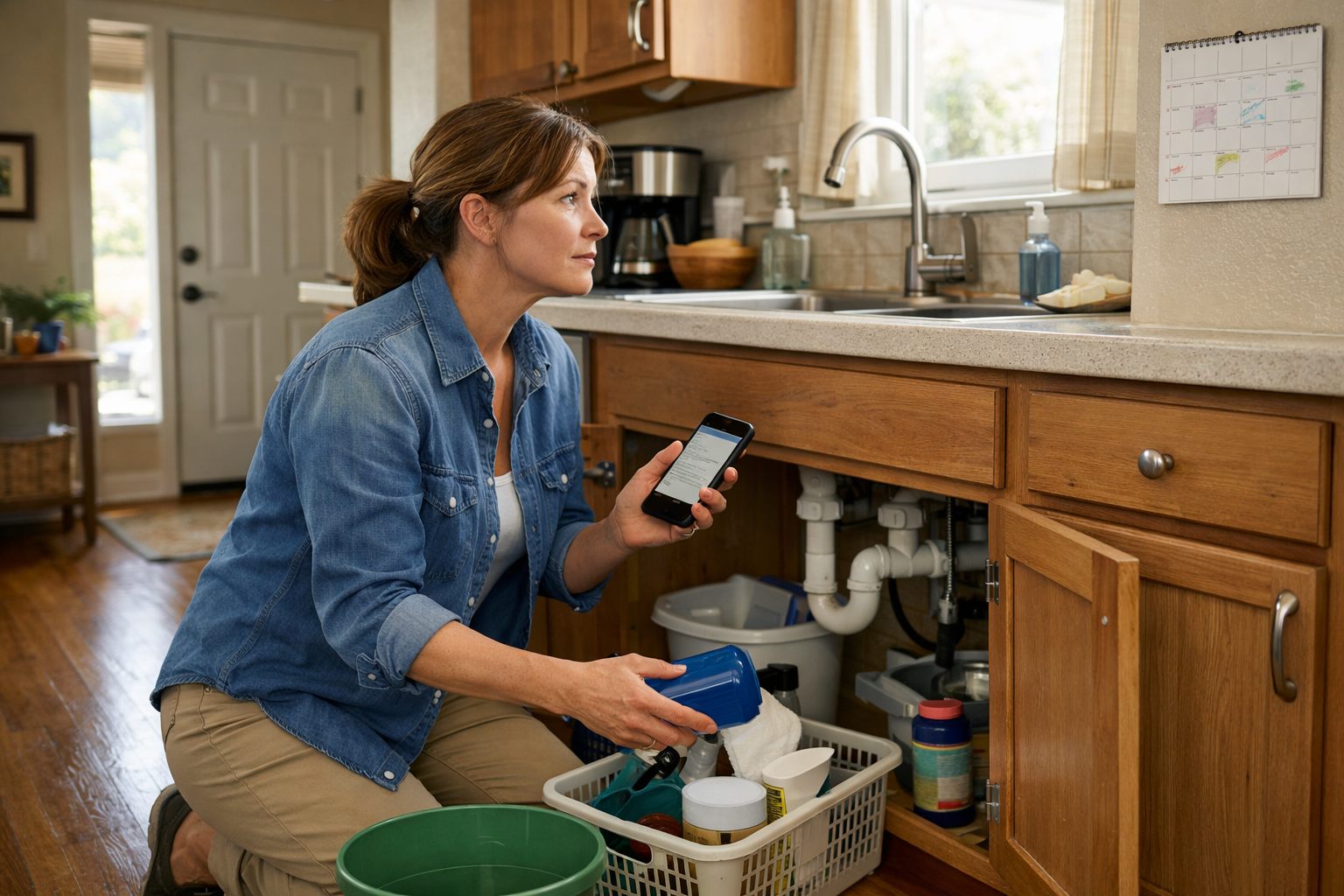
Build the sequence around customer decisions, not a copied reminder count. A one-way reminder restates the appointment and works when the customer only needs details. A reply-to-confirm reminder asks for a simple response such as “YES” and gives the team an early signal that attention is needed when no reply arrives. Self-service rescheduling lets an eligible customer select another available slot without waiting for the office; it reduces friction, but it requires live rules for service area, duration, technician capacity, and cutoff times. In every version, a reply that does not match the expected option must enter a monitored queue.
| Appointment type | What the sequence should clarify | When a person takes over |
|---|---|---|
| Fixed appointment | Confirm the exact date and start time, address, access instructions, and any preparation required, then send a concise reminder close enough to the visit to be useful. | A customer asks to change the scope, disputes the time, or has not responded after the chosen confirmation threshold. |
| Arrival window | State the full window rather than implying a precise arrival time. Explain whether the customer must be present and provide a way to report gate codes, pets, or access limits. | The customer cannot accommodate the window or needs a more specific commitment. |
| Estimate visit | Identify it as an assessment or quote appointment, name what information or access will help, and avoid language that promises final pricing or a completed repair. | The request involves complex pricing, multiple decision-makers, or details that materially change the visit. |
| Recurring service | Use a lighter cadence: establish the standing schedule, then notify only when timing, access, crew, or service conditions change. | Repeated skipped visits, access failures, or a customer request to pause or alter the plan. |
| Emergency job | Send only essential acknowledgement and next-step information; routine reminder sequences add little value when urgency is the customer’s immediate concern. | Assign a coordinator or on-call owner immediately, especially when the customer needs real-time direction or an updated arrival expectation. |
For no-show reduction, define a deliberate cadence: confirmation at booking, a reminder before the cancellation or rescheduling cutoff, and, where the risk warrants it, a final same-day prompt. Each message must add information or enable an action; three messages that merely repeat “See you tomorrow” create notification fatigue. If a reply-to-confirm workflow receives no response, create a call task for a named coordinator instead of endlessly sending texts. A coordinator should also call after a failed delivery, a late cancellation, a repeated reschedule, or any reply indicating confusion, frustration, or an urgent change.
Test appointment reminders by service line and appointment type. Track confirmation rate, reschedule rate, no-show rate, late-cancellation rate, opt-out rate, message-delivery failures, and inbound support volume. A lower no-show rate is not a complete win if customers opt out, call more often because the messages are unclear, or reschedule into slots the team cannot serve. Keep the version that improves attendance while preserving customer control and reducing avoidable office work; revise timing, wording, or the confirmation method when the exception queue grows.
Keep Customers Informed During Service With Dispatch, Delay, and Completion Updates
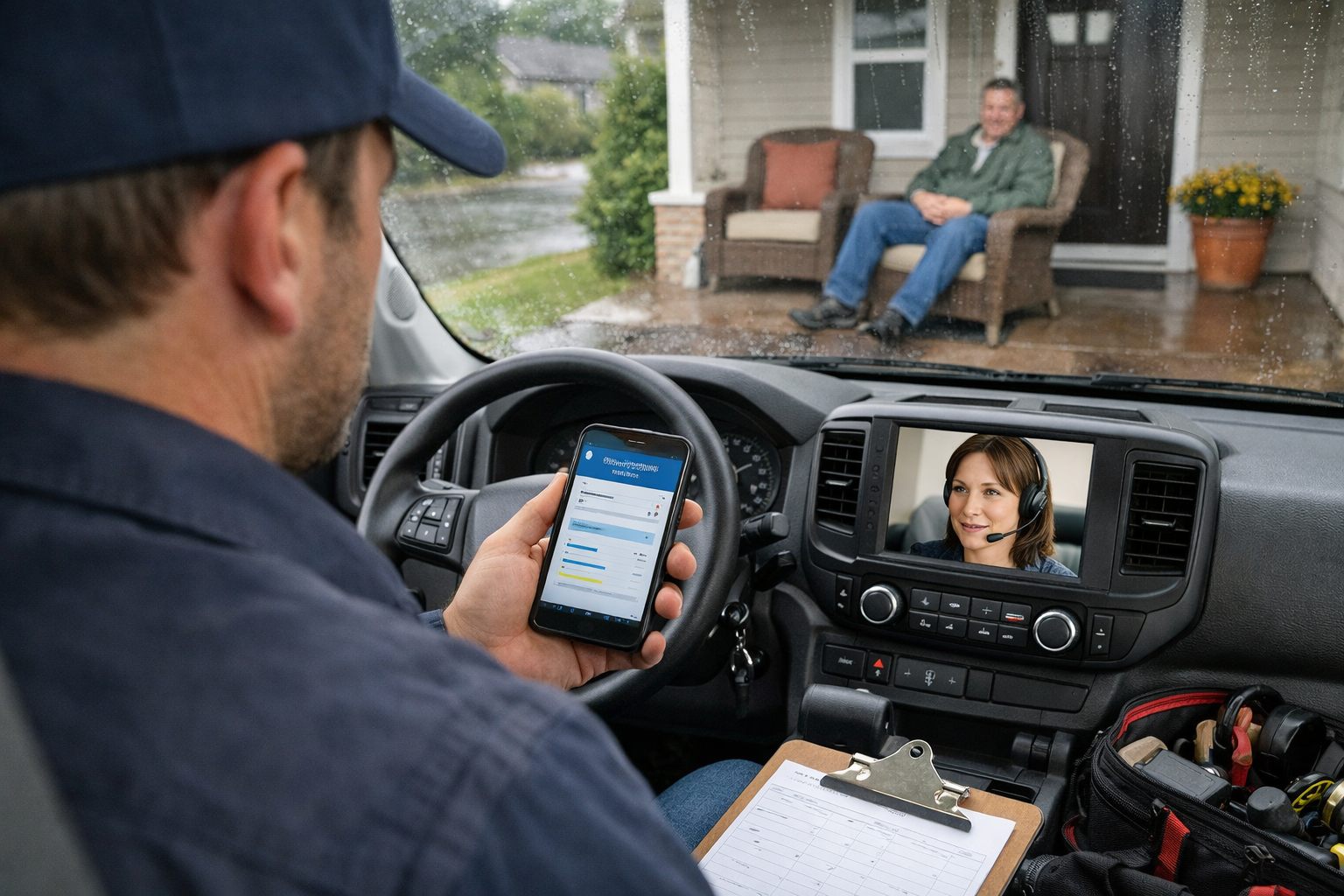
The service day is where a customer’s confidence is either reinforced or undone: a homeowner who knows who is coming, when to expect them, and what changed can plan accordingly; one who receives an outdated text will call the office, or cancel, before the crew arrives. Home services business automation should therefore follow live job-status events, not a prewritten clock-based sequence.
| Operational event | Customer update | Data required and owner |
|---|---|---|
| Technician assigned | Confirm the assigned technician or crew when that information is stable. A name and photo may be useful for in-home work; do not send an assignment notice while the schedule is still being reshuffled. | Assigned resource, active appointment status, customer contact preference. Dispatch owns the assignment status. |
| Technician departs or is genuinely en route | Send a technician en route message with the current arrival expectation and a reply path for access issues. “On the way” should mean the technician has actually left, not merely that the job is next on the route. | Departure status, route position or revised ETA, service address, access notes. The field-service system supplies the event; dispatch resolves discrepancies. |
| Arrival window changes or delay occurs | State the revised window, acknowledge the change plainly, and offer a direct way to discuss alternatives. A material delay needs a reason customers can understand, such as an earlier job running longer or a vehicle issue, without exposing unnecessary internal detail. | Original window, revised ETA, delay reason, customer availability. A dispatcher owns the exception. |
| Job completed | Send a completion summary that identifies the work performed, any work still pending, and the next customer action: review the invoice, pay, approve an estimate, or schedule follow-up service. | Completed-job status, technician notes, approved scope, invoice status, payment link, care instructions. The technician closes the job record; the office resolves incomplete records. |
Access instructions deserve their own controlled field rather than being buried in a text thread. Gate codes, parking directions, pet information, preferred entry method, and requirements for an adult to be present should appear to the assigned crew before departure and be available to the customer in the en-route update when relevant. A plumbing or HVAC customer who replies that nobody can provide access needs a dispatcher’s decision about timing; an automated sequence should not continue toward an assumed arrival.
Reliable dispatch notifications depend on one current version of the job. The CRM should hold the customer identity, usable phone or email, address, and conversation history; the scheduling system should hold the booked slot and appointment status; dispatch and field-service records should hold the assigned technician, route events, and delay reason; and the payment system should return invoice and payment status. Connect these records with a durable job ID, then require each message to re-check that the job is still active before it sends. That guard prevents a technician en route message after a cancellation, a payment request for a voided invoice, or completion care instructions for work that was never performed.
Use a pause rule whenever the data conflicts or the customer’s situation stops being routine. Pause automation and assign a named dispatcher or manager when an appointment is cancelled, the technician is reassigned after notice, the ETA changes beyond the business’s chosen threshold, access fails, a customer replies with frustration or an urgent request, a message cannot be delivered repeatedly, or the job includes an unresolved scope, price, or damage concern. The human owner should update the record first, communicate the decision, and resume only the messages that still fit the corrected status.
Completion messaging is operational, not merely promotional. For a cleaning visit, it may summarize rooms serviced and entry-lockup status; for landscaping, it may note weather-driven changes and watering guidance; for a repair, it may distinguish completed work from a recommended but unapproved repair. Send the invoice or payment next step only when the invoice record is final, and keep follow-up care information tied to the actual service line rather than a generic template.
Measure whether the workflow reduces uncertainty rather than just whether texts were sent. Track inbound “where is the technician?” calls, on-time arrival rate, delay-notice timing, cancellation rate after schedule changes, failed-message rate, jobs with missing completion data, payment completion, and post-service satisfaction. A rising status-call volume or a growing manual correction queue is a signal that job statuses are late, message triggers are too eager, or dispatch ownership is unclear.
Use AI Automation for Service Businesses With Clear Guardrails and Human Handoffs
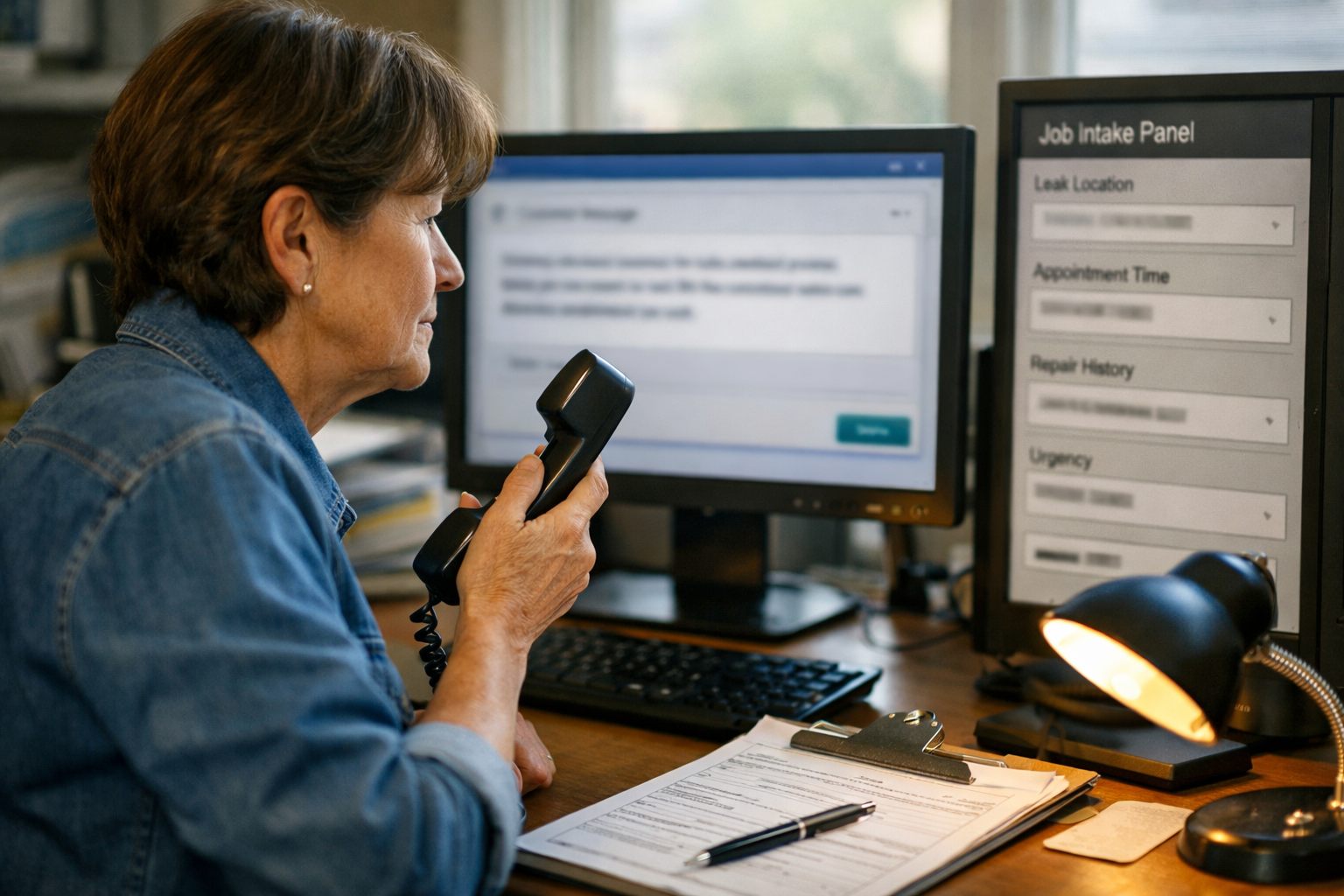
A customer message often contains useful job information without presenting it in a clean form: “There’s water under the sink again, I’m not home until Friday, and the last repair didn’t hold.” AI workflow automation can turn that unstructured message into proposed fields, service category, location, timing constraint, repeat-service signal, and possible urgency, so the office begins with an organized case rather than a blank ticket.
Use three levels of decision-making deliberately. Rules-based automation acts only on defined events and fields: when a confirmed appointment changes status, send the approved update. AI-assisted automation interprets language and prepares work for review: classify an inbound request, extract job details, summarize a long thread, suggest a reply, select a queue, or draft a follow-up from approved job data. Human-led communication owns judgment, commitments, and recovery when the situation is unusual. The practical tradeoff is clear: rules are most predictable, AI reduces reading and routing work, and people resolve the cases where being merely plausible is not enough.
| Approved AI-assisted action | Required control |
|---|---|
| Label a message as a new lead, reschedule request, billing question, or status inquiry | Route it to the appropriate named queue and retain the original message for the owner. |
| Extract address, asset, preferred time, and stated problem | Mark extracted fields as proposed until the customer or staff member validates them. |
| Draft a response or summarize prior conversations | Limit the draft to verified record data and give the owner an edit-and-send option. |
Do not authorize AI automation for service businesses to diagnose a technical fault, promise a technician, quote a price, commit an arrival time, decide a refund, or answer a complaint as though it had authority. A useful draft can say that the team will review the request; it cannot turn an incomplete description into a repair recommendation or a binding commercial commitment. Likewise, a confused customer should not receive a more elaborate automated explanation. Pause the sequence and assign a person.
Build the handoff policy around observable signals, not a vague instruction to escalate difficult conversations. Route immediately to a dispatcher or designated on-call owner when a message indicates an emergency or safety issue, explicitly asks for a person, contains negative sentiment or a pricing dispute, or concerns a high-value account. Route to review when the model expresses low confidence, the customer has contacted the business repeatedly without resolution, a reply cannot be delivered, or the conversation contradicts the job record. The owner should see the transcript, AI summary, extracted fields, current job status, and the reason for escalation in one task.
Customer service automation for service businesses remains accountable only when its performance is inspected. Sample AI classifications and drafted replies for accuracy, record the percentage of conversations handed off, and review correction rates: wrong intent labels, missing job details, inappropriate drafts, and transfers that arrived too late. High containment is a weak result if customers must repeat themselves or staff routinely repair the AI’s work. The stronger signal is a shorter path to the right human or completed next step, with fewer corrections and no loss of context.
Turn Completed Jobs Into Reviews, Repeat Service, and Reactivation Opportunities
The completed status should begin a controlled relationship sequence, not fire every follow-up at once. Use only a final job record, service marked complete, correct customer contact, service category, assigned technician or crew, and no open complaint or payment dispute, as the trigger. The completion message belongs first: thank the customer, summarize the work in plain language, provide any promised next step or receipt path, and offer a direct reply route. The office manager or service coordinator owns exceptions when required completion fields are missing.
A short satisfaction check can follow once the customer has had a reasonable opportunity to assess the service. Its purpose is diagnosis, not reputation management: ask whether the work was completed as expected and make a reply easy. A positive response, or no identified issue after the chosen wait period, can qualify the customer for a review invitation. A negative response, a reply describing an unresolved problem, a repeat-visit indicator, or an open balance dispute must instead create a recovery task for a named person. Pause every subsequent automated ask until that owner records a resolution or deliberately closes the case.
A review invitation asks for feedback about a completed, satisfactorily resolved service and links to the business’s selected review destination. A promotional campaign asks the customer to buy, book, or respond to an offer. They can appear in the same lifecycle, but should not be treated as interchangeable: the review request follows a verified service experience, while a promotional message depends on the customer’s service history, relevance, and permitted marketing audience. Sending either message to someone whose complaint is still open makes the workflow look inattentive rather than efficient.
- For recurring cleaning, send the satisfaction check after an individual visit, but reserve the review invitation for customers with several completed visits and no unresolved service issue. Use the recurring schedule, not a generic sales blast, to send a reminder before the next planned clean.
- For landscaping, tie seasonal outreach to recorded services and property needs: a completed spring cleanup can lead to a timely maintenance reminder, while a customer with a declined irrigation repair should receive an estimate follow-up owned by the estimator.
- For HVAC, use the asset and last-service date to create a tune-up reminder when the relevant season approaches. The message should invite scheduling, not imply that a customer needs a repair the record does not support.
Estimates that have gone quiet need their own branch. After an estimate is sent, a brief follow-up can ask whether the customer has questions or wants to proceed; a reply about scope, price, financing, or a competing quote goes to the estimator rather than an automated persuasion sequence. If there is no response, a later final-touch message can close the loop and preserve a clear path back to the office. Lapsed-customer reactivation should likewise use meaningful history, last completed service, service type, recurrence pattern, and unresolved-case flag, so a former lawn-care customer receives a seasonal prompt rather than an irrelevant offer.
Measure the sequence as an operating system: completion-message delivery, satisfaction-response rate, review conversion, average rating, complaint recovery time, repeat booking rate, estimate re-engagement, and reactivation conversion. A higher review count is not a sufficient result if complaints remain unassigned or customers receive poorly timed requests. The stronger outcome is a visible post-service follow-up process in which each customer either receives the next relevant message or is placed in human recovery.
Build Reliable, Compliant Workflows: Data, Ownership, Monitoring, and Continuous Improvement
Reliability begins before the first message is activated. Create a one-page specification for each workflow in the CRM: the trigger event; eligible audience; channel; customer purpose; required data fields; send timing; accountable owner; fallback when data or delivery fails; escalation condition; suppression rules; and one success metric. A lead acknowledgement, for example, may trigger from a newly created lead, require a valid mobile number and service area, send immediately by text, create an office callback task if delivery fails, suppress when the lead is closed, and measure median first-response time.
- Owner: Assign one person who can change the workflow, review exceptions, and answer for the outcome. “The team” is not ownership; an office manager may own appointment reminders while a dispatch lead owns delay updates.
- Fallback and escalation: A fallback is the alternate path after a system problem, such as creating a call task after an undelivered confirmation. Escalation is human takeover after a customer-risk event, such as an urgent request, complaint, repeated failed message, sensitive account issue, or unanswered reply beyond the defined service level.
- Suppression: Suppression prevents a send when its context is wrong: an open complaint, cancelled job, duplicate contact record, active conversation, or prior opt-out should stop the relevant sequence rather than merely delay it.
Build consent, opt-out handling, sender identity, quiet-hour controls, and communication records into the workflow design rather than adding them after launch. The appropriate requirements depend on the jurisdiction, channel, message purpose, customer relationship, and vendors involved. Keep a retrievable record of the contact source, permission status where applicable, message version, send time, delivery result, opt-out event, and human actions. Use current primary materials from the relevant regulators, including FCC materials for telephone and text programs and FTC materials for commercial email where applicable, and obtain advice from qualified counsel for the specific program and locations served.
Test with internal records and a small live cohort before broad release. Confirm that merge fields populate correctly, links and reply routes work, cancelled appointments suppress sends, and a human receives the exception task. Monitor delivery failures, duplicate sends, incorrect status messages, opt-outs, unresolved replies, and escalation response time daily during launch. For AI-assisted steps, sample classifications and drafted responses against the original conversation, record corrections, and remove any prompt or rule that repeatedly creates misleading output.
Use a 30-day rollout: in days 1–5, select one lead-response or appointment-confirmation workflow and document its baseline; in days 6–10, map fields, ownership, exceptions, and suppression rules; in days 11–15, test internally and correct failures; in days 16–23, launch to a limited segment and review exceptions every day; and in days 24–30, compare results with baseline. Expand to the next workflow only when delivery, handoffs, and customer replies are stable, not simply because messages are being sent.
Frequently Asked Questions
-
What customer communications should a service business automate first?
Automate high-impact, low-risk moments with clear triggers and reliable data: new-lead acknowledgements, missed-call text backs, booking confirmations, appointment reminders, and service-status updates. Prioritize workflows using urgency, customer impact, frequency, missed-revenue risk, data quality, and safe standardization.
-
How quickly should a service business respond to a new lead?
Send an immediate acknowledgement when a form, chat, call, or social inquiry arrives, then create a task if no person responds within the business’s defined service window. Track median first-response time, contact rate, capture completeness, and the age of unworked leads.
-
Can a service business send automated text message appointment reminders?
Yes, if the appointment record contains the service, date, time or arrival window, address, preparation steps, reply path, and rescheduling path. Use a deliberate cadence of confirmation at booking, a reminder before the cancellation cutoff, and a same-day prompt only when needed.
-
When should an automated customer message be handed to a human?
Hand off immediately for emergencies, safety issues, complaints, pricing disputes, complex estimates, sensitive account issues, repeated delivery failures, or requests that do not fit the expected response path. The assigned owner should receive the full transcript, current job status, extracted details, and escalation reason.
-
How should a service business choose between rules-based automation, AI, and human communication?
Use rules-based automation for fixed events such as confirmed booking reminders and technician-en-route updates, and use AI to classify messages, extract proposed fields, summarize threads, or draft replies from verified data. Keep people responsible for diagnosis, pricing, arrival-time commitments, refunds, complaints, and any high-consequence or emotional situation.