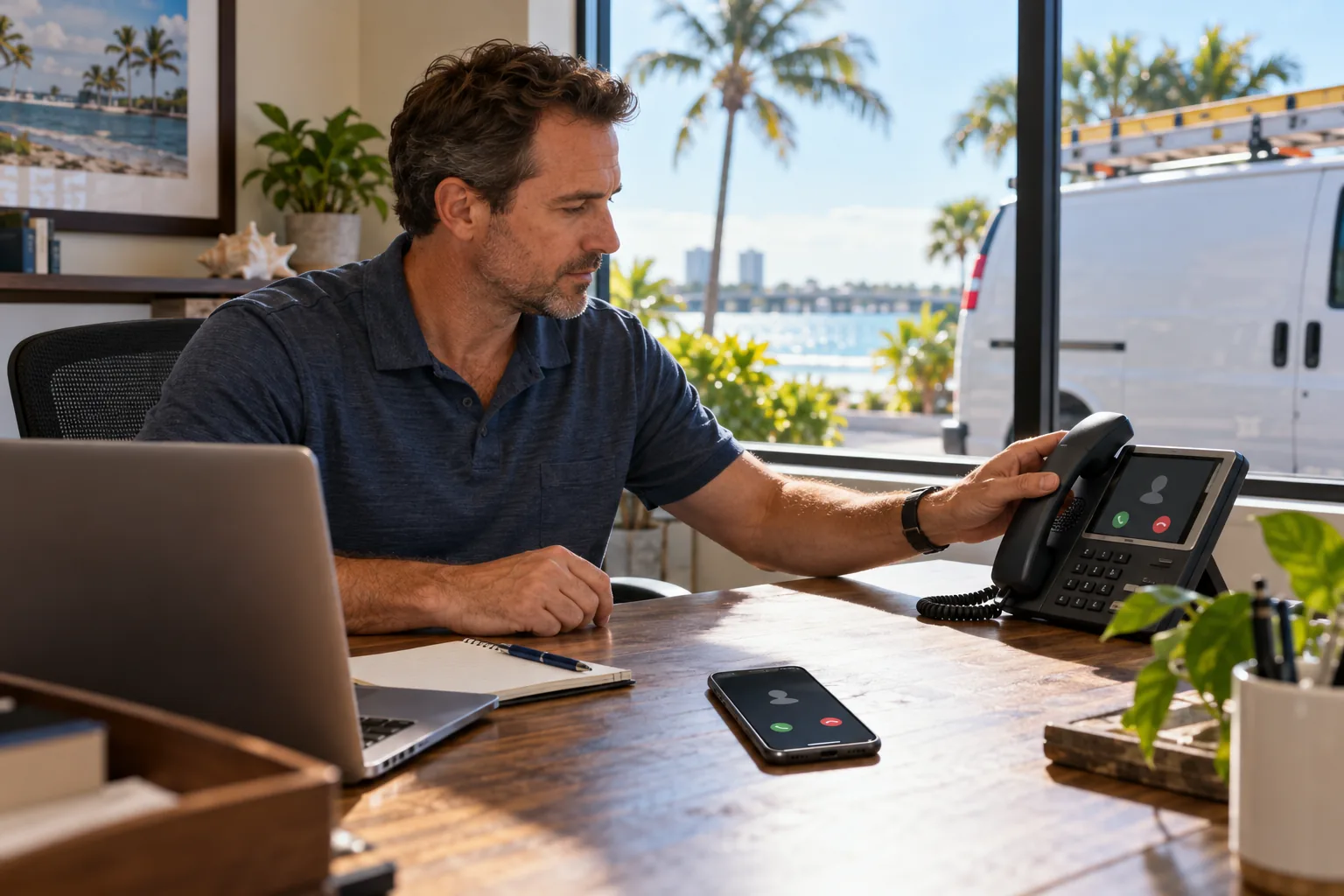
Yes, a Suncoast service business can often keep the phone number customers already know when adding an AI receptionist. The available route depends on the current carrier’s controls, the number’s eligibility, and what the receiving phone provider supports. Forwarding redirects incoming calls while the number stays with its current carrier; porting moves the number to a new provider. Neither choice, by itself, answers every question about texts, outbound calls, or voicemail.
Before changing a live line, map what the number does today, agree on what must continue working, and assign someone to test each path. The worksheet below is designed for that conversation with your carrier and prospective provider.
Option 1: Forward calls while the number stays with your carrier
With call forwarding, your established number remains on its current carrier account. The carrier redirects incoming voice calls to a destination supplied for the receptionist. Customers still dial the familiar number; your team needs to confirm which calls are redirected and what happens when the destination cannot answer. If you use missed-call texts, check separately where those messages and replies arrive.
The setting matters. Unconditional forwarding sends incoming calls onward under the selected setting. Conditional forwarding can send only busy or unanswered calls; the ring delay and voicemail behavior depend on the service. After-hours routing needs a supported schedule or time-based setting, rather than an assumption that ordinary forwarding will switch itself off at closing time. For example, Verizon Business Digital Voice documents distinct forwarding conditions; ask your own carrier which controls apply to your line.
Forwarding voice calls does not automatically move texts or change the number displayed when staff call out. Verizon says its mobile call forwarding does not forward text messages. Outbound caller ID is a separate setting or capability: Twilio, for instance, describes verification for displaying a non-Twilio number on calls made through its service. Voicemail may also answer before a conditional forward takes effect, or be displaced by another forwarding setting. Check the actual line’s behavior.
Forwarding is useful when you want to retain the present carrier arrangement and test a defined set of incoming calls. It is a poor fit if the carrier cannot provide the routing condition you need or the proposed destination cannot receive calls as required. A provider’s forwarding instructions describe that provider’s service, not a feature every AI receptionist offers.
Option 2: Port the number to a new phone provider
Porting transfers the number between phone providers instead of redirecting calls from the old account. The receiving provider must have the inbound route ready for the cutover. The FCC’s number-porting guidance describes portability when changing providers within the same geographic area, subject to exceptions; confirm eligibility for your particular number and move.
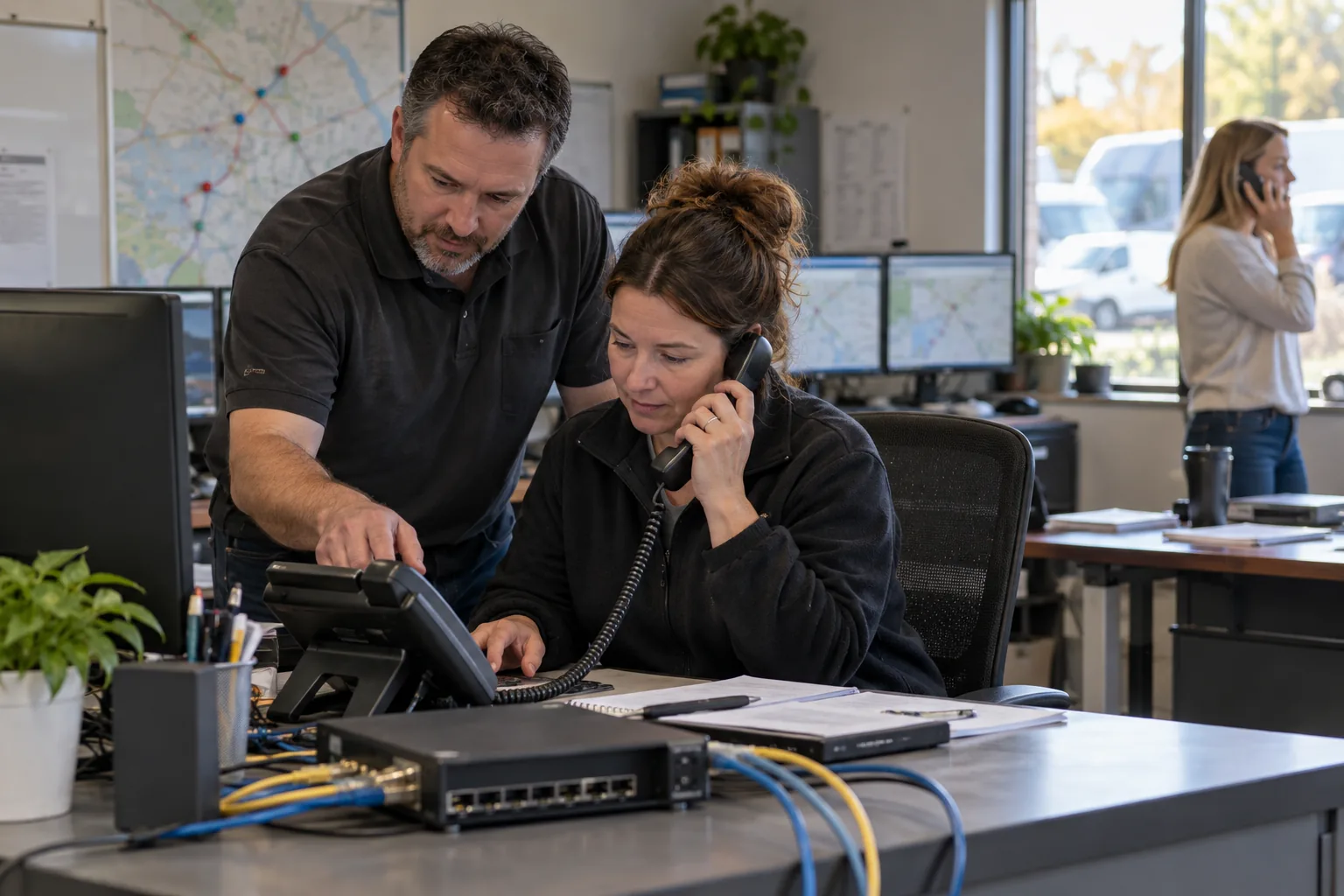
Have the account owner or an authorized person check the account details and the receiving provider’s request requirements before setting a cutover date. Keep the existing carrier service active while the port is underway: Twilio explicitly advises this for ports into its service. Timing varies with the request and provider, and SMS routing may take additional time. Plan a coordinated change, not an instantaneous switch.
A port does not necessarily carry over the old provider’s voicemail, business-hours settings, outbound caller-ID configuration, or messaging setup. Ask the receiving provider where calls and texts will arrive, whether staff can place calls displaying the established number, who controls the number after the move, and how an authorized future port-out would work. Twilio’s port-out terms, for example, specify conditions involving an active number, receiving-provider support, and an authorized request; get the terms of the provider you would actually use.
Porting may suit a business that wants its established number directly on a new phone platform. It is a more consequential change than turning off forwarding: agree on how service could be restored if the cutover fails before submitting the request.
Fill out a number-migration worksheet before changing routing
Copy this worksheet into a document shared by the owner, office or dispatch lead, current carrier, and prospective provider. Enter the actual account setting or a provider’s answer in the first two columns, not a guessed capability. Name one person who can make each change, record an observed result, and specify an executable rollback action. Leave no required path marked simply “covered.”

| Current arrangement | Proposed change | Responsible person | Evidence of a successful test | Rollback action |
|---|---|---|---|---|
| Account owner, authorized users, account identifiers and access | Who can request forwarding or authorize a port? What details does each provider require? | Owner: ___; carrier contact: ___ | Authorized person confirms access and request details: ___ | Authorized person and contact method for restoring service: ___ |
| Current carrier, number and services on the line | Carrier confirms forwarding options; receiving provider confirms number eligibility and expected port sequence, if relevant | Owner/provider contact: ___ | Written eligibility or available-settings confirmation: ___ | If ineligible, retain present service and routing: ___ |
| Where calls to the published number ring now | Forward selected calls to ___, or route ported calls to ___ | Routing administrator: ___ | Outside call to published number reaches intended destination: ___ | Remove forwarding or activate agreed post-port fallback: ___ |
| Where existing texts arrive; who sends replies | Provider confirms text destination, reply access and any separate setup | Messaging administrator: ___ | Text received at ___; reply appears from ___ | Restore prior text workflow or notify team of temporary reply location: ___ |
| How staff dial out; number recipients see | Provider confirms whether established caller ID can be used and how | Phone administrator: ___ | Recipient reports displayed number: ___ | Use approved prior outbound line or correct configuration: ___ |
| Voicemail destination; busy and no-answer settings; ring delay | Specify which system answers each condition and where messages land | Carrier/routing administrator: ___ | Controlled busy and unanswered calls, plus voicemail result: ___ | Restore saved forwarding, ring and voicemail settings: ___ |
| Open-hours and after-hours routing today | Set supported schedule or named person to change routing | Schedule owner: ___ | Calls during each intended window reach ___ | Restore original schedule or manual routing: ___ |
| Current transfer destination and its phone number | Set the intended staff or dispatch transfer number: ___ | Dispatch lead: ___ | Test call reaches the correct line: ___ | Restore prior transfer number: ___ |
| Who controls the number and current carrier account | Record new provider’s number-control terms, authorized exit access and port-out steps | Account owner: ___ | Written terms and usable exit contact recorded: ___ | Named provider contact and agreed service-restoration steps: ___ |
A forwarding rollback may be a settings change the authorized user can make and test. After a port, switching off a setting at the old carrier is not the same reversal; use the receiving provider’s written restoration or port-out procedure, including who can initiate it. Put that distinction in the last column before approving a move.
Run a limited forwarding pilot if your carrier supports one
If the current carrier offers a suitable forwarding condition, pilot a limited call path before changing the whole line. Choose a defined window or condition, such as an after-hours lead-capture window or unanswered calls, if that mode is available, and get the receptionist’s inbound destination and activation instructions from the prospective provider. Confirm whether the carrier offers a schedule or whether an authorized person must change the setting at the start and end of the window.
- Write down the existing forwarding, ring-delay and voicemail settings. Identify the person with account access to restore them.
- Enable only the agreed route. Keep staff available on the existing phone arrangement for calls that are not part of the pilot.
- At the end, disable the pilot setting using the carrier’s instructions, then call the published number to check that its original route has returned.
This pilot measures incoming call routing without moving the number. It does not test a future port or establish where texts land or what caller ID appears on outbound calls; check those paths independently.
Test the number’s paths and approve a rollback before cutover
Use controlled calls from a phone outside the business system, and record the time, dialed number, expected destination, actual destination and tester beside each worksheet row. Test the arrangement you intend to run, not just a direct call to the receptionist’s destination number.
- Call the published number during open and after-hours conditions. Where configured, test busy and no-answer handling separately, including ring delay and which voicemail receives a message.
- Request a transfer to the intended staff or dispatch number. Confirm the call arrives there, rather than merely hearing that a transfer was attempted.
- Text the published number from an outside phone. Identify the inbox that receives it, send a reply using the proposed workflow, and check what the sender receives. If messaging is not intended to move, verify that staff can still reach the current inbox.
- Place a staff outbound call through the intended calling system. Have its recipient report the number displayed; do not infer outbound caller ID from an inbound test.
Before live cutover, the account owner should approve the rollback action, the person authorized to carry it out, and the trigger for using it. For forwarding, test restoration of the original call route. For porting, obtain the receiving provider’s procedure for a failed cutover and for later exit; confirm what can be done immediately if calls fail and what would require a separate provider request. Do not submit an irreversible change on the assumption that the old carrier can simply turn the number back on.
These are number-path tests. Keep any broader receptionist or staff handoff review separate so a successful call-routing test is not mistaken for approval of every operating workflow.
Choose the changeover your number can support
Choose a limited forwarding pilot when your carrier supports the required call condition and you want the number to remain on its present account. Consider porting when the receiving provider can meet your calling, texting, number-control and exit needs. Forwarding lets you test the proposed incoming route while retaining the current number arrangement; porting requires a coordinated move to the receiving provider.
For forwarding, review the completed worksheet and pilot results before expanding live routing, with an authorized person ready to restore the original setting. Before submitting a port, have the owner approve the receiving setup, authorized access, cutover plan and recovery procedure. Then, immediately after the port completes, test calls and texts to the established number and activate the agreed response if either path fails. That sequence lets you use an AI receptionist with your existing number without treating pre-cutover checks as proof of post-port service.
Frequently Asked Questions
Will staff see the customer’s number when a forwarded call reaches them?
Caller information on forwarded calls depends on the phone service and its settings. Place a test call from an outside phone and have the person answering record what appears on their screen.
Can we keep our number if we change providers while moving the business to another area?
Number portability is generally available when changing providers within the same geographic area, subject to exceptions. If the move changes your geographic area, ask the receiving provider to check your specific number before planning a cutover.
What should we do if calls work after a port but customer texts do not?
SMS routing may take additional time. Have the messaging administrator test incoming texts and replies, identify where messages are arriving, and use the agreed temporary reply workflow while the receiving provider resolves the routing.